星火全自动缝纫控制系统使用说明书
Operation Instruction for Xing Huo Automatic Sewing Control System
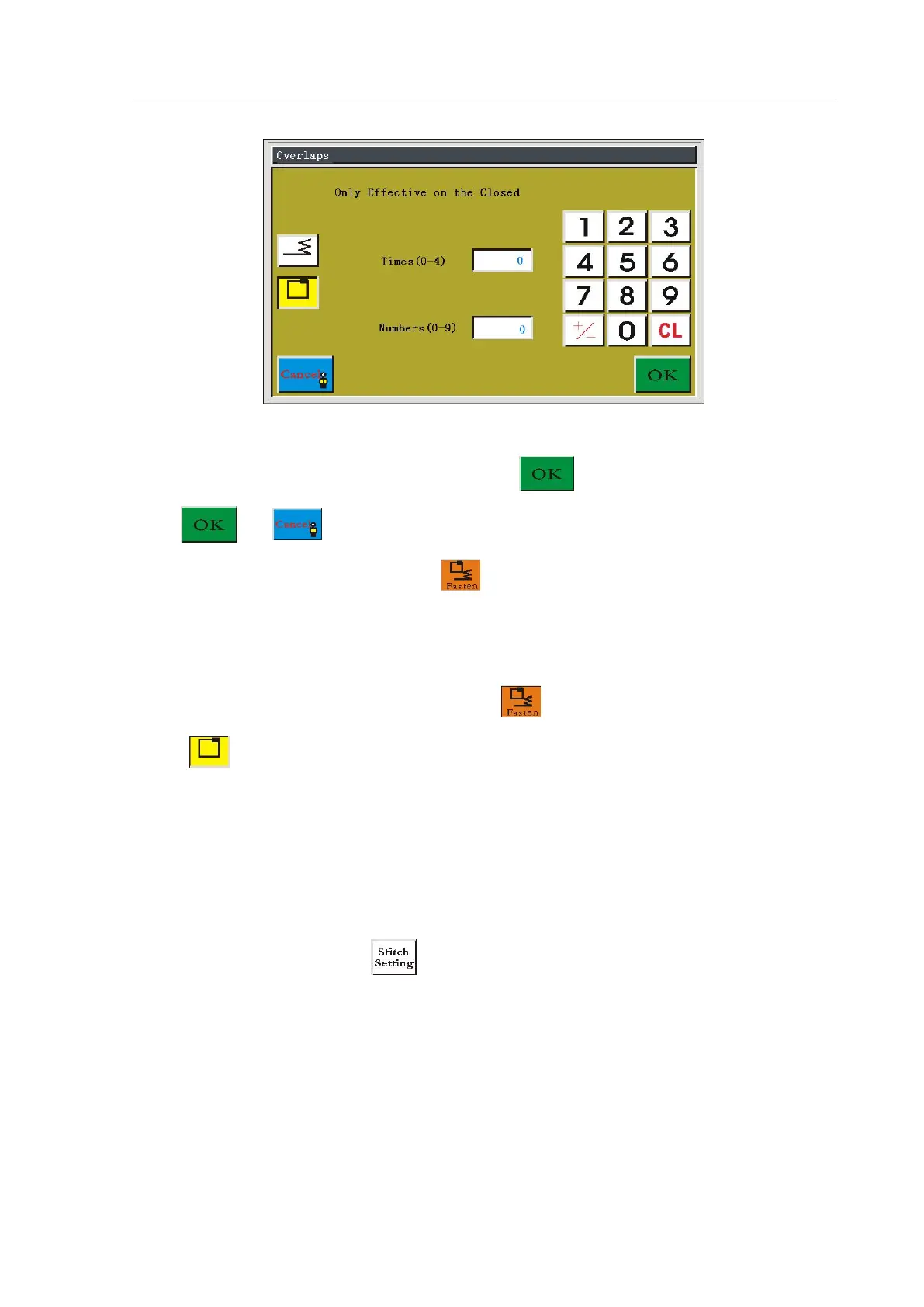
Set number of times and number of stitches to overlap according to the need, 0 means
invalid. After the setting is completed, press the key to save the current settings.
Press or key once again to return to the collect file main interface. Then the
background of reinforcing becomes red , which shows that reinforcing will be used for
each subsequent collection section. The display line width of reinforcing segment area
becomes thick.
If you want to cancel the reinforcing, click to enter reinforcing setting page; click
on the icon with yellow background to make it become white, click "OK" to return to
collection.
4.12 Collection Speed and Stitch
In file collection, if the current and subsequent collection section need to change the
sewing speed or stitch, press key to enter the speed function setting interface, as
shown in figure:



 To Next Page