星火全自动缝纫控制系统使用说明书
Operation Instruction for Xing Huo Automatic Sewing Control System
Set new sewing speed or stitch according to the need. After the setting is completed,
press the key to save the current settings. Press or key once again
to return to the collection interface, to continue collection operation of current section.
4.13 Insert Functional Code
In file collection, if you need to add functional code after the end point of last completed
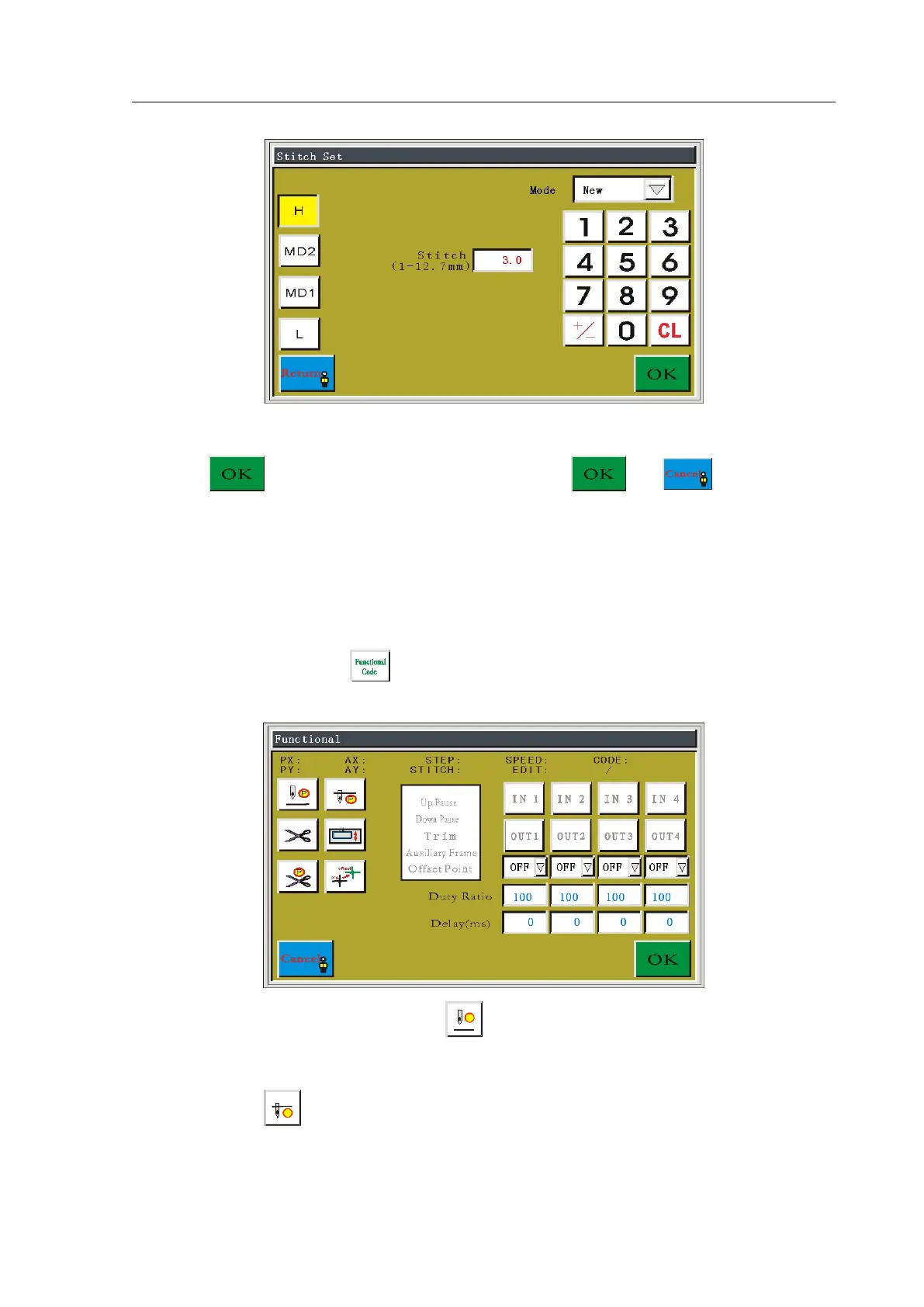
collection section, press the key to enter functional code setting interface, as shown in
figure:
There are six kinds of functional codes:
Up Pause functional code, the spindle stops at
the Up Pause needle position when meeting the functional code.
Down Pause functional code, the spindle stops at the Down Pause
needle position when meeting the functional code.



 To Next Page