星火全自动缝纫控制系统使用说明书
Operation Instruction for Xing Huo Automatic Sewing Control System
Chapter VIII Ex-Factory Parameters
Ex-Factory parameters are used to import backup system parameter file from U disk into
memory space, and you can choose one of the parameters in the memory to be used as a
system parameter actually.
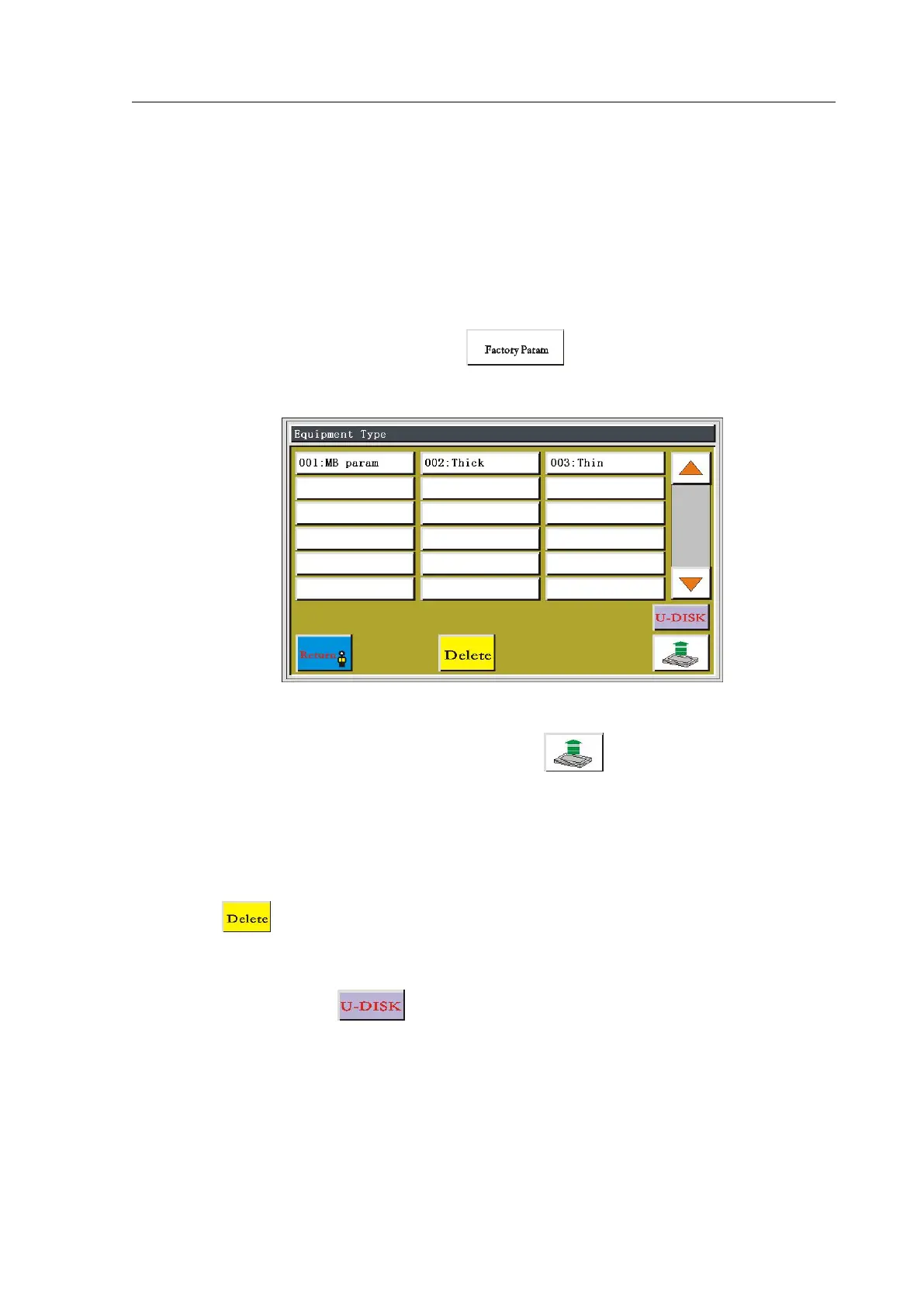
In the main menu interface, press the key to enter the factory parameter
setting interface, as shown.
The interface will display the parameter files which has been stored in system, click on
the file name to make it to become red, and then click ; it will pop up tip "File saved,
exit!" which means that the selected parameters has been effective. Set values and other
hidden parameters within "User Parameters", "Mechanical Parameters" can be modified by
this parameter file.
Click and enter the correct password in the pop-up dialog box, to delete the
selected parameter file
Insert U disk and click to enter the U disk file interface, as shown



 To Next Page