星火全自动缝纫控制系统使用说明书
Operation Instruction for Xing Huo Automatic Sewing Control System
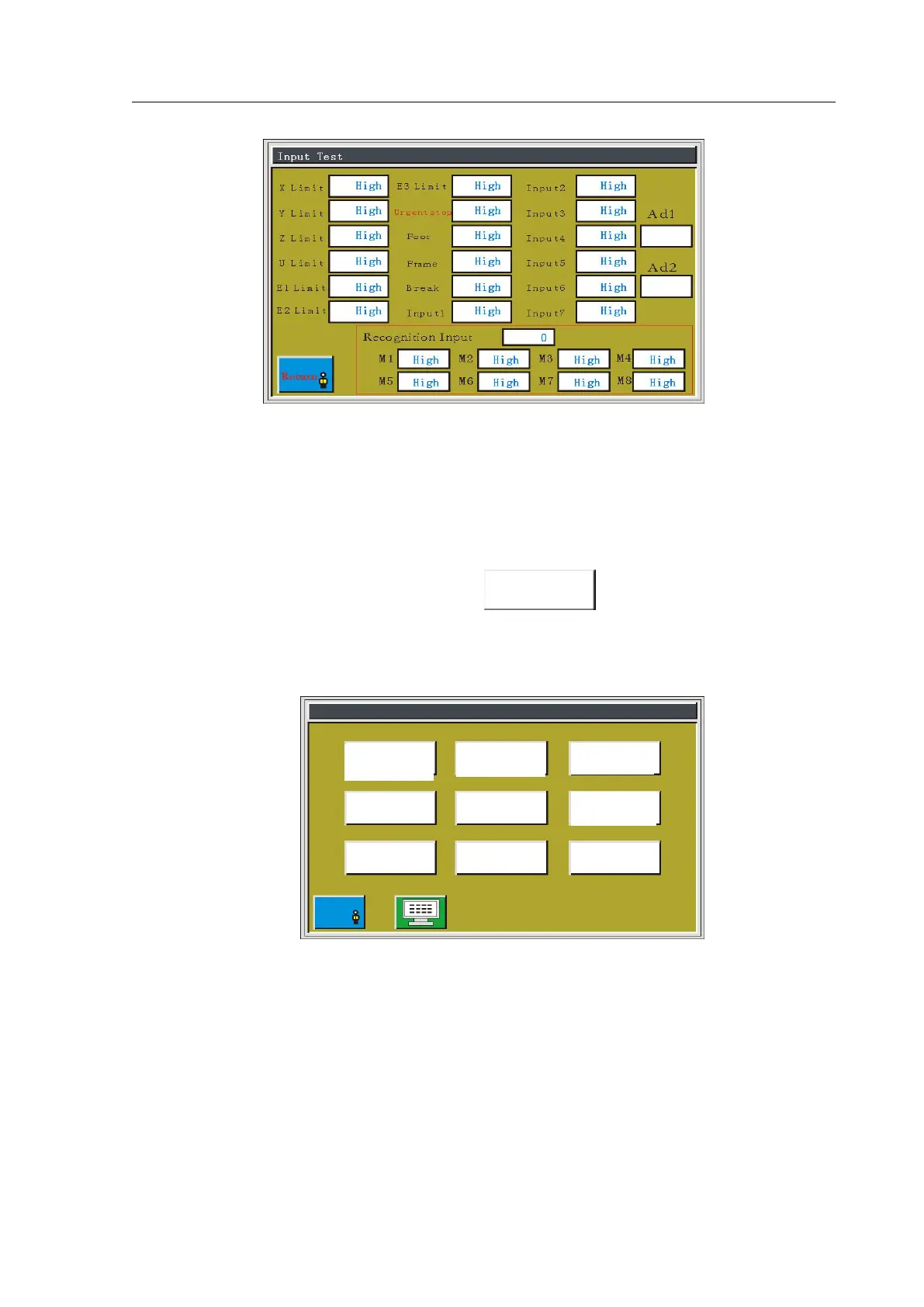
You can trigger related sensor manually to check whether the input state is changed, in
order to detect whether the circuit part is normal.
7.6 Lock Machine Settings
In auxiliary operation interface, press the button and enter the super
password (different from ordinary password) to enter the lock machine setting interface, as
shown in figure:
This interface is used to set whether to carry out timing lock machine, management lock
machine password and other related operations. Limited-time use such as installment payment
function can be realized.
If the use limit is set for the equipment, upon reaching the setting time, the processing
main interface will pop up dialog box to prompt for entering a specific unlock password to
remove the lock. Clicking on the "Remove Limit" can also be used to unlock in advance. If
the use limit is not set, there will be no response when clicking on the "Remove Limit".
Management
Password Setting



 To Next Page