星火全自动缝纫控制系统使用说明书
Operation Instruction for Xing Huo Automatic Sewing Control System
File" - “Add Functional Code" part for secondary origin adding. It is used to return to the
secondary origin and no need to return to absolute origin after processing a file.
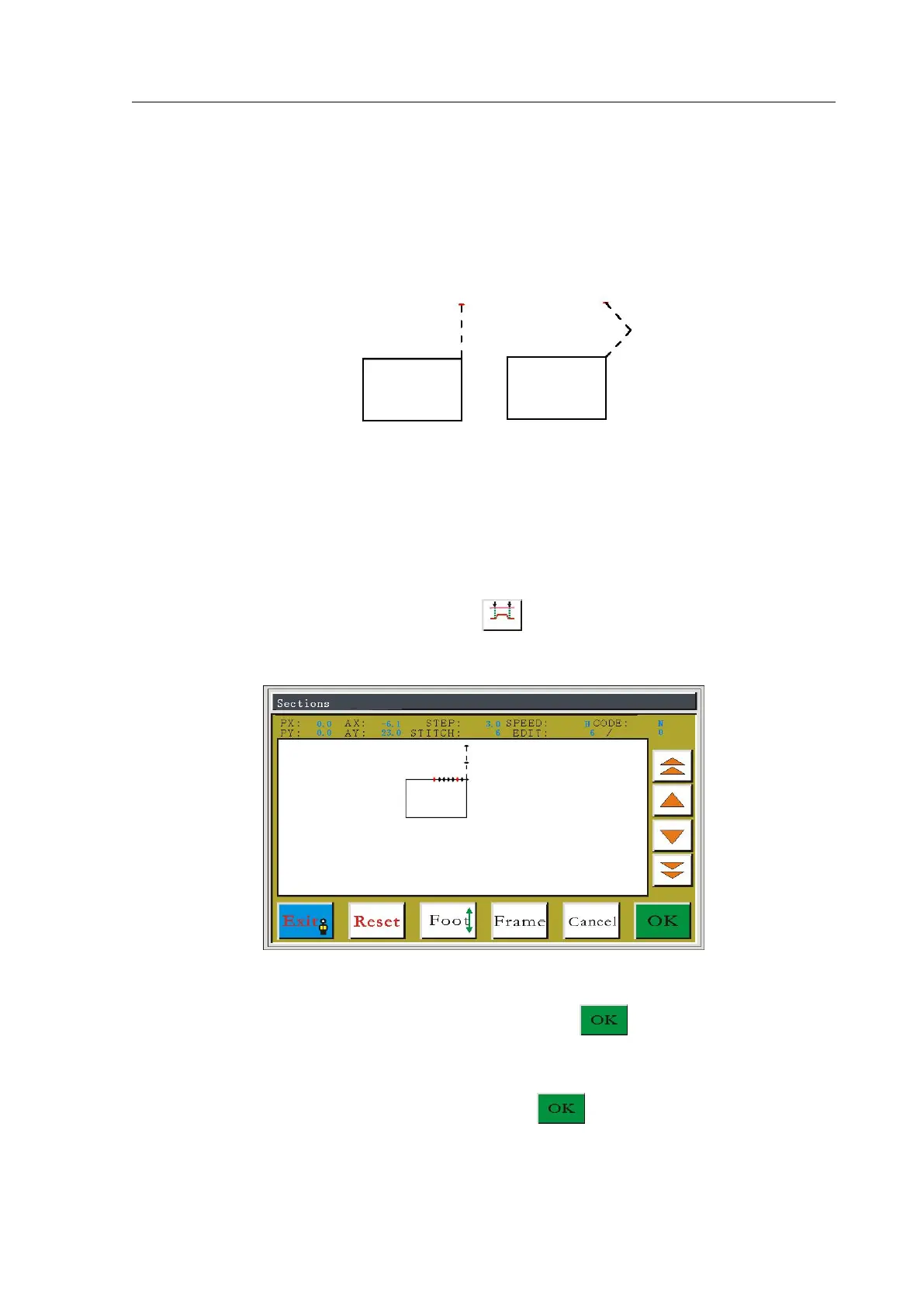
Secondary origin modification affects the empty offset section only, and will not affect
other sewing areas. Cases before and after the modification are as shown below
5.14 Section Modification
Section modification can modify the selected stitch section to be tracing lines such as
empty sending, straight line, round, curve, multiple sewing, etc.
In the edit file main interface, press the button to enter select stitch interface, as
shown in figure:
Press the Single Step or Continue key to move the cursor forward and backward to the
starting point of sewing speed modification, and press the key, mark with red cursor;
press the Single Step or Continue key to move the cursor forward and backward to the final
position of speed modification again, and press the key to enter the modify setting
interface, as shown in figure:



 To Next Page