星火全自动缝纫控制系统使用说明书
Operation Instruction for Xing Huo Automatic Sewing Control System
key to complete appending.
It will return to the select stitch interface automatically, and you can continue to edit or
click button to save the changes and return to the edit file main interface.
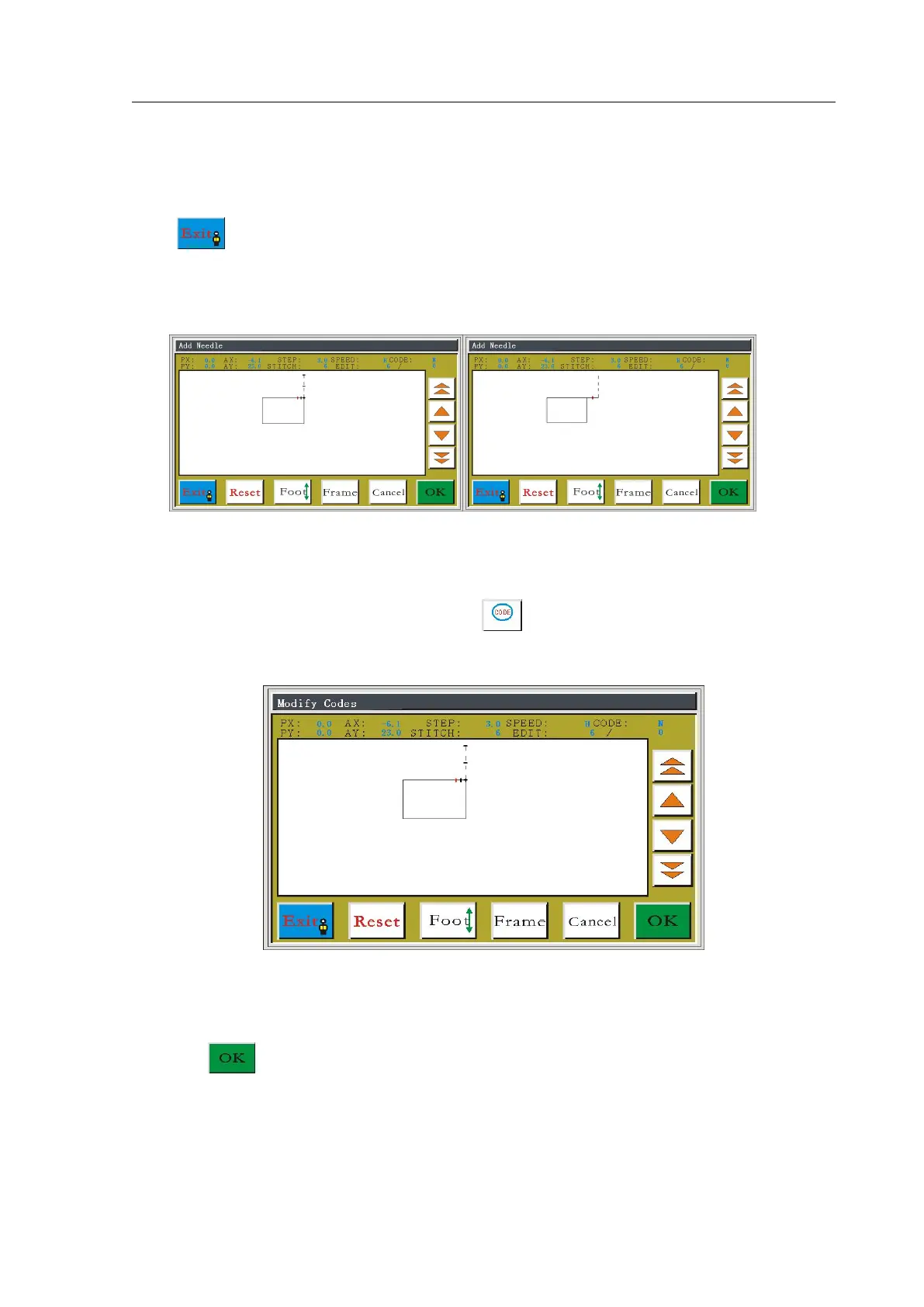
The following is the before and after contrast figures of appending 4 needles at the 6th
needle position.
5.8 Modify Functional Code
In the edit file main interface, press the button to enter select stitch interface, as
shown in figure:
Press the Single Step or Continue key to move the cursor forward and backward to the
needed position, check "CODE: Y/N" to judge whether the current point has functional code.
Press the key to enter the edit operation interface, as shown in figure:



 To Next Page