星火全自动缝纫控制系统使用说明书
Operation Instruction for Xing Huo Automatic Sewing Control System
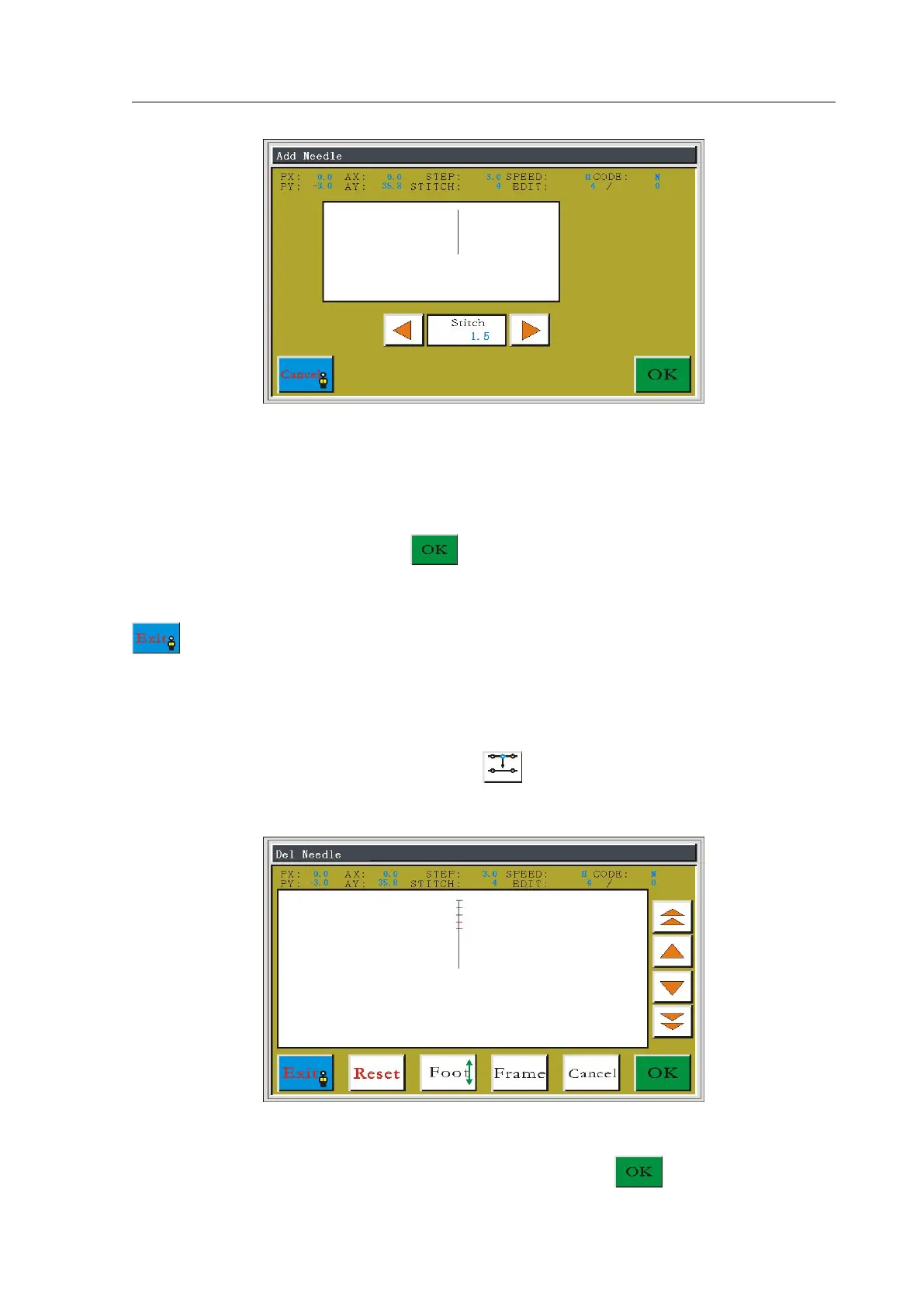
Press the left-right direction keys to adjust distance from the needle point to add to the
currently selected needle point, and the distance cannot be more than the distance from the
currently selected needle point to the originally next needle point, otherwise it will be invalid.
It is set to be 1.5 mm here. Press the key to confirm adding.
Return to the select stitch interface automatically, you can continue to add or press the
button to save changes and return to the edit file main interface.
5.3 Delete Needle Point
In the edit file main interface, press the button to enter select stitch interface, as
shown in figure:
Press the Single Step or Continue key to move the cursor forward and backward to the
position where it needs to delete the needle point. Press the key to enter the edit



 To Next Page