73
72
RESETTING TO THE RECORDING DEFAULT SETTING-CONT'D
11
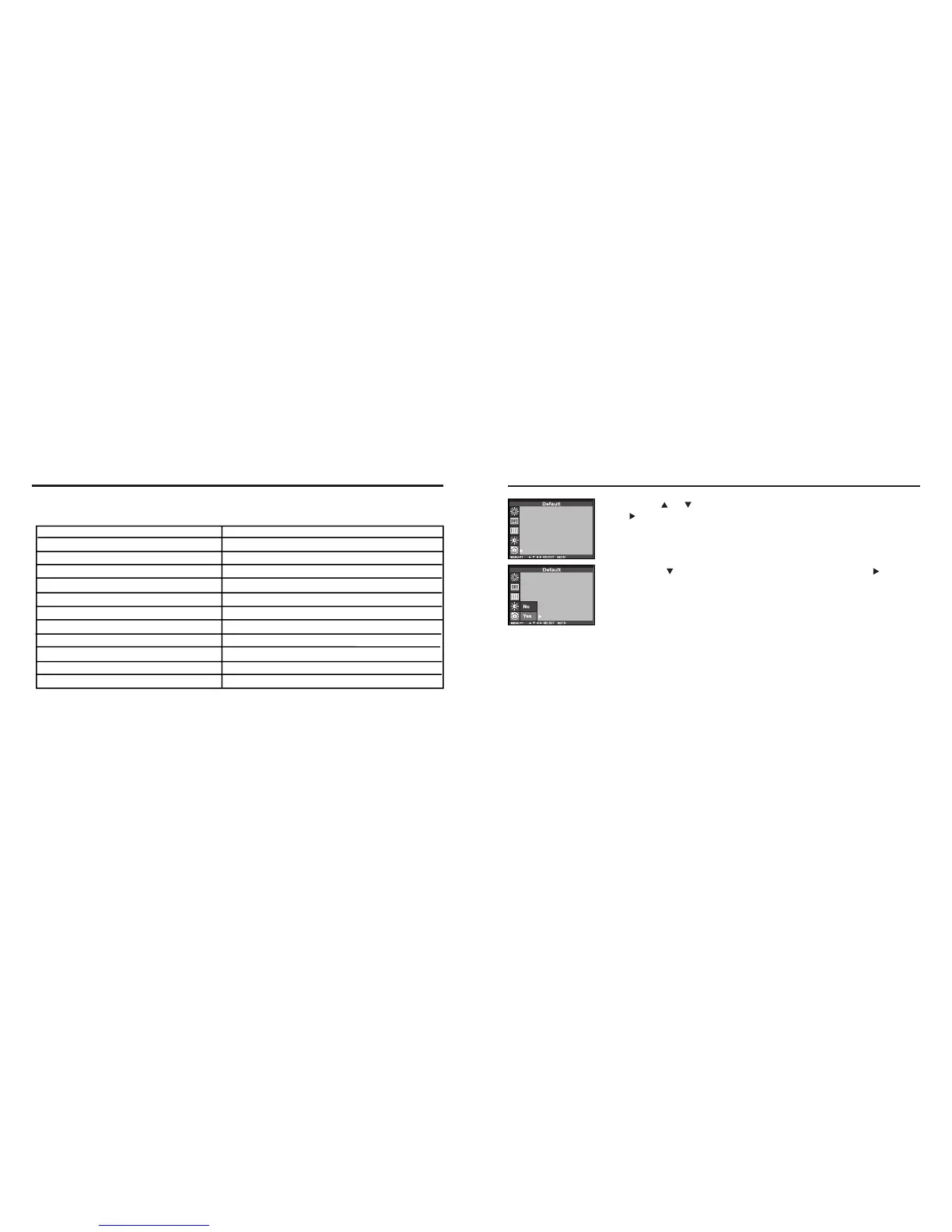
PP rreessss tthhee oorr kkeeyy ssoo tt hhaatt [[DDEE FFAAUULLTT]] iiss hhiigghhll iigghhtt eedd aanndd
pprree ss ss kkeeyy..
22
Press the key that [YES] is highlighted and press key.
• The camera settings are reset to the default.
•The LCD monitor display return to the recording mode menu.
This allows you reset this camera’s RECORDING MODE to the default at a time.
The camera settings The default settings
Flash Autoflash with red-eye reduction
Focus-mode Auto
Focus-Area Central region
Drive Mode Single
Image size Full(2272X1704)
Quality Standard
White Balance Auto
Exposure-EV 0
Exposure-Area Central region
Sharpness Normal
LCD 5
RESETING TO THE RECORDING MODE DEFAULT SETTINGS



 To Next Page