117116
SETTING THE DATE / TIME
When taking a picture, the date and time are recorded as the part of the image information. If the
built-in clock of this camera is not set correctly, the wrong date and time ate recorded. Set the date
and time correctly by performing the procedure below.
11
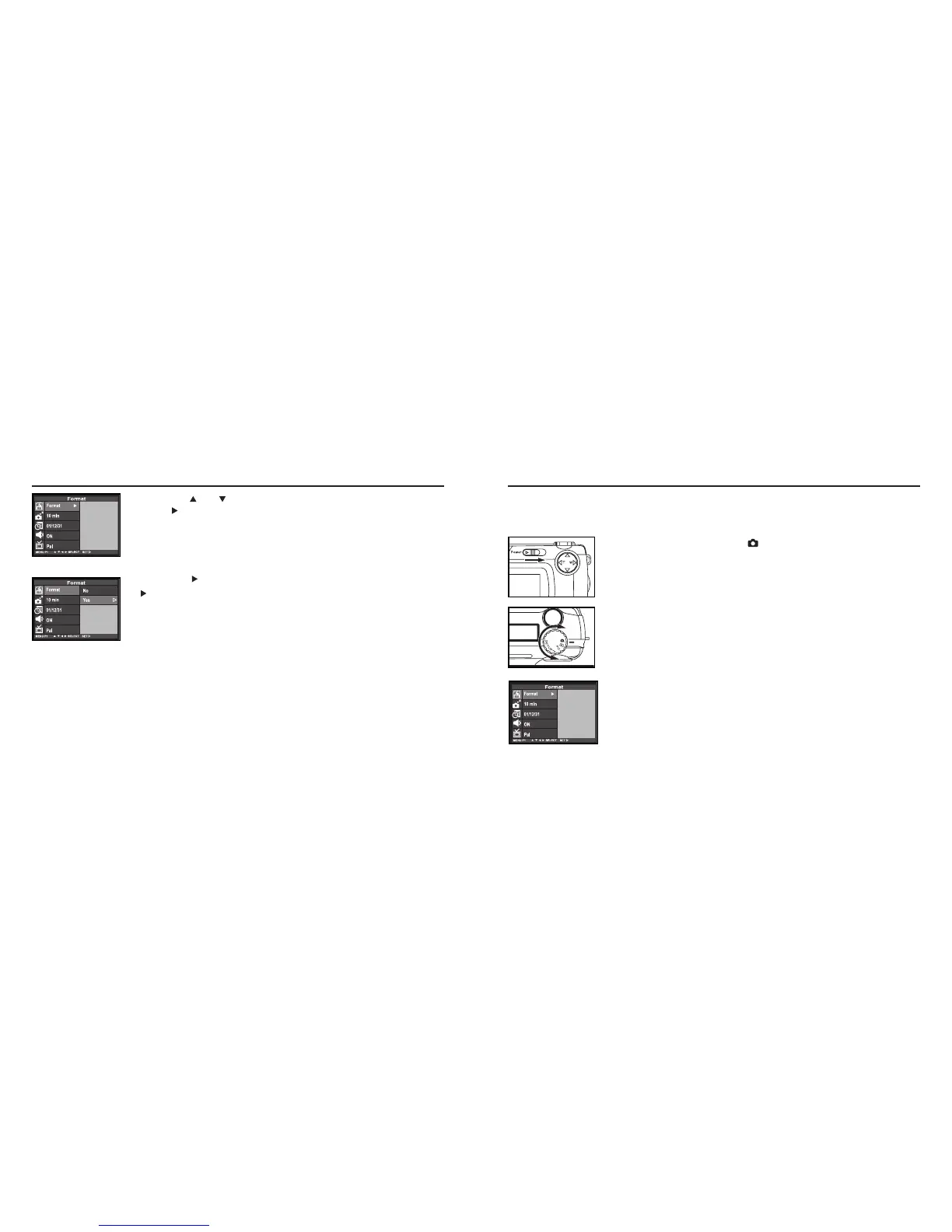
Rotate the function dial to and slide the power switch
to turn on the camera.
• The power switch returns to the initial position.
22
Rotate the function dial to "SETUP".
• The setup mode menu is displayed on the LCD monitor as shown in the
figure.
Continued on Next page
FORMATTING THE CF CARD - CONT'D
33
Press the or key so that [FORMAT] is highlighted
press key.
• The display to confirm whether you format the CF card or not appears.
44
Press the key so that [YES] is highlighted and press the
Key to finish the setting.
• The format of the CF card starts.
• After formatting the CF card, the LCD monitor returns to the setup mode
menu display.



 To Next Page