139138
INSTALLING Adobe PhotoDeluxe
To use the supplied image editing application Adobe Photo Deluxe Home Edition 4.0 (Windows® ver-
sion) or Adobe Photo Deluxe 2.0 (Macintosh version), the following systems are required.
For the IBM-PC/AT and the compatible unit
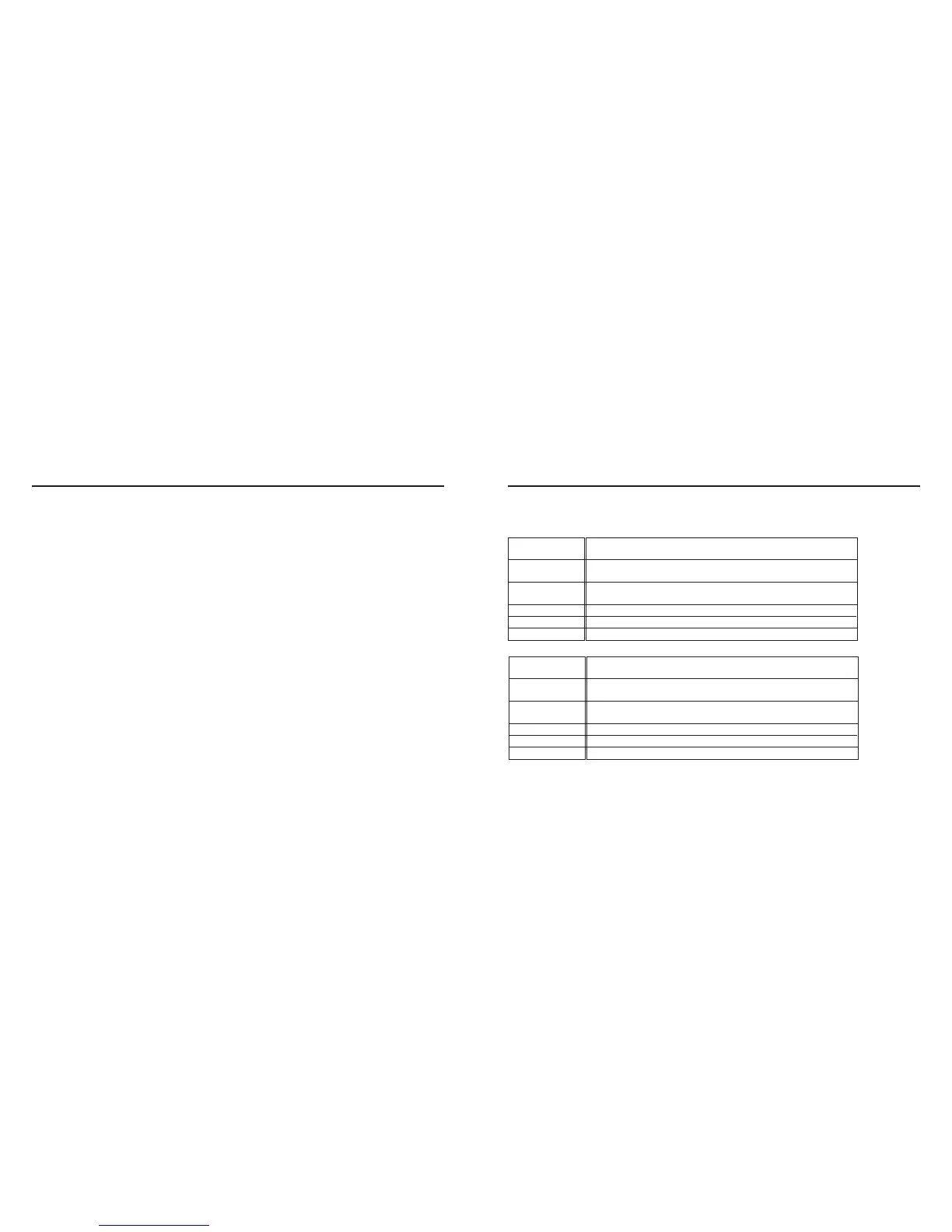
CPU
OS
Memory
Hard disk space
Monitor
CD-ROM drive
Intel Pentium II processor of 233 MHz or more, or the
computer equipped with the fully compatible processor.
Windows®95, Windows®98 Windows2000.
Windows® NT 4.0 (Service Pack 5)
16 MB or more of built-in memory (For Windows® NT,
32 MB or more of built-in memory).
110 MB or more of available hard disk space.
Resolution 800 x 600/th color monitor for 16-bit color video display
Necessary (when installing and using the software).
CPU
OS
Memory
Hard disk space
Monitor
CD-ROM drive
68040 or later processor or better, or Macintosh or Power
Macintosh
Mac OS 8.6, OS9
32MB RAM or higher
110 MB or more of available hard disk space.
The color monitor capable of displaying 256 colors
Necessary (when installing and using the software).
For Apple Macintosh
• When connecting the camera to the computer and transferring the image data between them, be
sure to check that the battery capacity is full. If the battery power is low, the power of the camera
may be turned off while transferring data. If this happens, the error may occur, the camera and the
computer may not function correctly, or the image data recorded in the CF card may be erased or
damaged.
When the camera is connected to the computer, we recommend you to use new batteries with a full
power capacity or the DC adapter (sold separately).
CAUTIONS WHEN CONNECTING TO THE PERSONAL COMPUTER



 To Next Page