119118
66
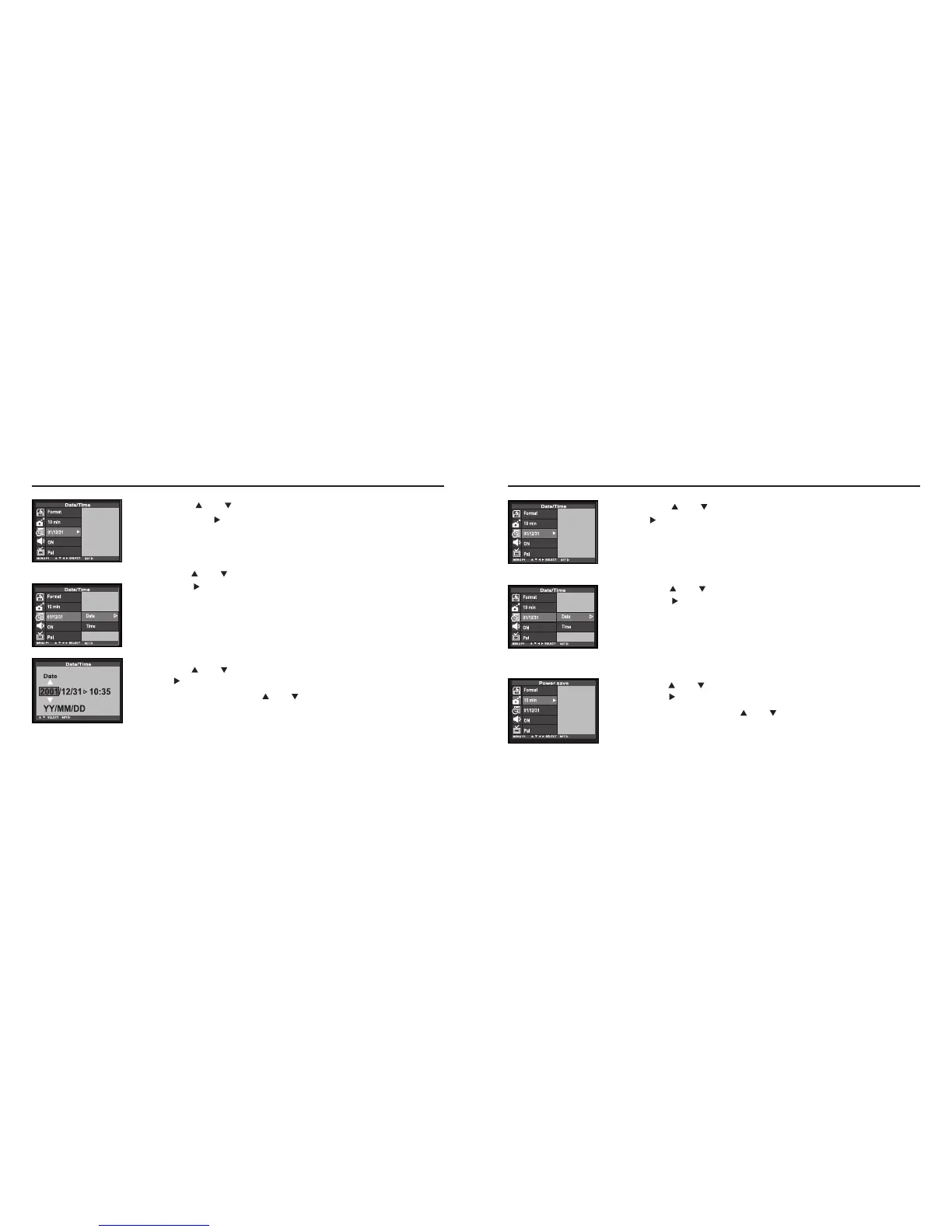
Press the or key so that [DATE/TIME] is highlighted
press key.
• The display to set the date and time appears as shown in the figure.
77
Press the or key so that [TIME] is highlighted and
press the key.
88
Press the or key to specify or correct the date and
press the to finish the setting.
• When you press and hold the or key, the value goes fastforward
or fastbackward.
SETTING THE DATE / TIME- CONT'D
Continued on Next page
33
Press the or key so that [DATE/TIME] is highlighted
and press the key.
• The display to set the date and time appears as shown in the figure.
44
Press the or key so that [DATE] is highlighted and
press the key.
55
Press the or key to specify or correct the date and
press key to finish the setting.
• When you press and hold the or key, the value goes fastforwrd or
fastbackward.
SETTING THE DATE / TIME- CONT'D



 To Next Page