NT–2000 REF Manual
Control Panel Functions
2-5
2. Control Panel Functions (
continued – 5/10
)
⑪ Selection/Station Key
–
2/2
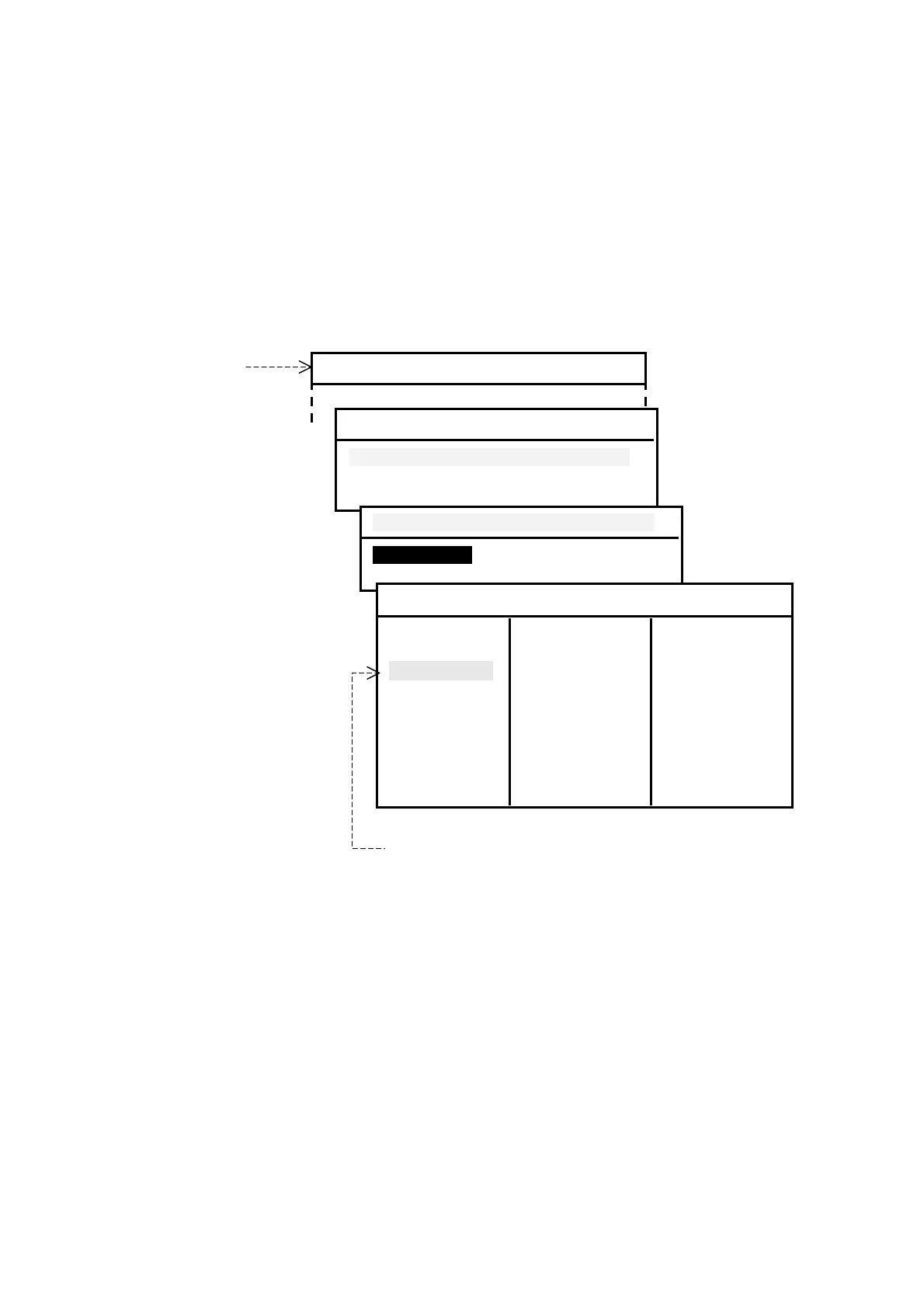
・ When option “5:MAKE SEL/REJ SETTING” on the SYSTEM MENU is currently
accessed for selection/rejection settings, this key selects the station or message
type you specify for reception. An example of station selecting procedure is
illustrated below.
Figure 2-6 Selecting Stations – Example
Currently selected
stations are shown
in green. Rejected
stations are in red.
Using
/
and
/
, select
the station ID you
wish to receive,
and then press
.
⑫ Right Key
・ When a NAVTEX message is currently being displayed, a single press of this key
scrolls the message text by one message backward chronologically, displaying a
older message.
When the oldest message (e.g. 1/ 200) is currently displayed, further keypress
returns you to the newest message ( e.g. 200/200).
Holding down the key accelerates the scroll.
・ When a currently displayed menu has horizontally listed options, pressing this
key selects (highlights) those options in a rightward direction. Be sure to press
after highlighting the desired option.
(
continued on next page
)
Station C is currently rejected. To select it, press
.
SYSTEM MENU
4:MAKE SEL/REJ SETTING
1:SYNCHRONIZE BOTH RECEIVERS
2:FIRST RECEIVER (518KHZ)
3:SECOND RECEIVER
1:SYNCHRONIZE BOTH RECEIVERS
1:STATIONSI
2:MESSAGES
1:STATIONS
A:SELECTED J:SELECTED S:SELECTED
B:SELECTED K:SELECTED T:SELECTED
C:REJECTED L:SELECTED U:SELECTED
D:REJECTED M:SELECTED V:SELECTED
E:SELECTED N:REJECTED W:REJECTED
F:REJECTED O:SELECTED X:SELECTED
G:SELECTED P:SELECTED Y:SELECTED
H:SELECTED Q:SELECTED Z:REJECTED
I:SELECTED R:SELECTED



 To Next Page