NT–2000 REF Manual
Control Panel Functions
2-6
2. Control Panel Functions (
continued – 6/10
)
⑬ New Message Key
When a new NAVTEX message has been received, a NEW MESSAGE tag is
attached to the message ID as in the example below to indicate that the message is
new.
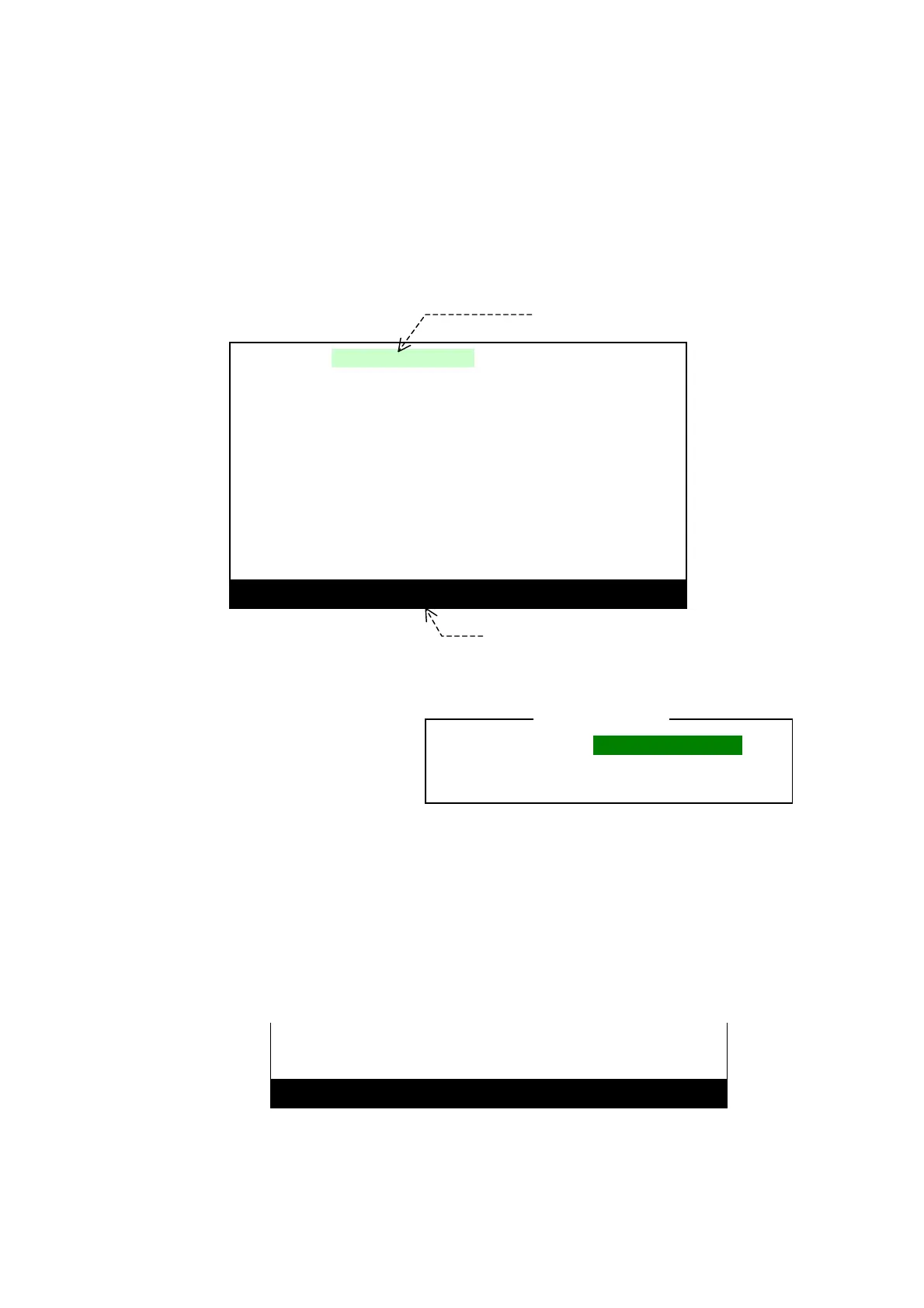
Figure 2-7 Indication of Reception of New Message
Pressing
removes the tag
from the message ID, meaning
that you have acknowledged
its reception.
The new message tag will be
automatically removed 24
hours after reception of that
message, even if you forget to
acknowledge it.
The above example shows that a number of new messages have been received, as
indicated by the bottom line prompt. Pressing
will recall the next new
message on to the screen It may also be displayed by pressing
/
(for
line–by–line viewing) or
/
(for message–by–message viewing).
If no additional new message is left in memory, further keypress will cause the
following message to show blinking for a few seconds at the bottom, indicating an
operational error.
Figure 2-8 Indication of All New Messages Being Acknowledged
(
continued on next page
)
Removal of the iNEW MESSAGEi tag
constitutes your acknowledgement of
the currently displayed new message.
< CAUTION >
NEW MESSAGE Tag
IB76 INEW MESSAGEI
160301 UTC JUN 05
WWJP83 RJTD 160000
VITAL WARNING FOR YOKOHAMA NAVTEX AREA
DEVELOPING LOW 1004HPA AT 37N 147E MOVING
NE AT 15 KNOTS.
・・・・・・・・・・・・・・・・・・・・・・・・・・・・・・・・・・・・・・・・・・・・・・・・・・・
・・・・・・・・・・・・・・・・・・・・・・・・・・・・・・・・・・・・・・・・・・・・・・・・・・・
・・・・・・・・・・・・・・・・・・・・・・・・・・・・・・・・・・・・・・・・・・・・・・・・・・・
NNNN
STORED (CER= 00%)
MORE NEW MSG LEFT !
More new messages are left unread.
Scroll to next one by further pressin
or
/
and
/
.
NO NEW MSG LEFT !
NNNN
STORED (CER= 00%)



 To Next Page