IFC-3030 Programming Manual — P/N 52025:C 08/05/2005 51
Point Program Program
3.4.4 General Zone
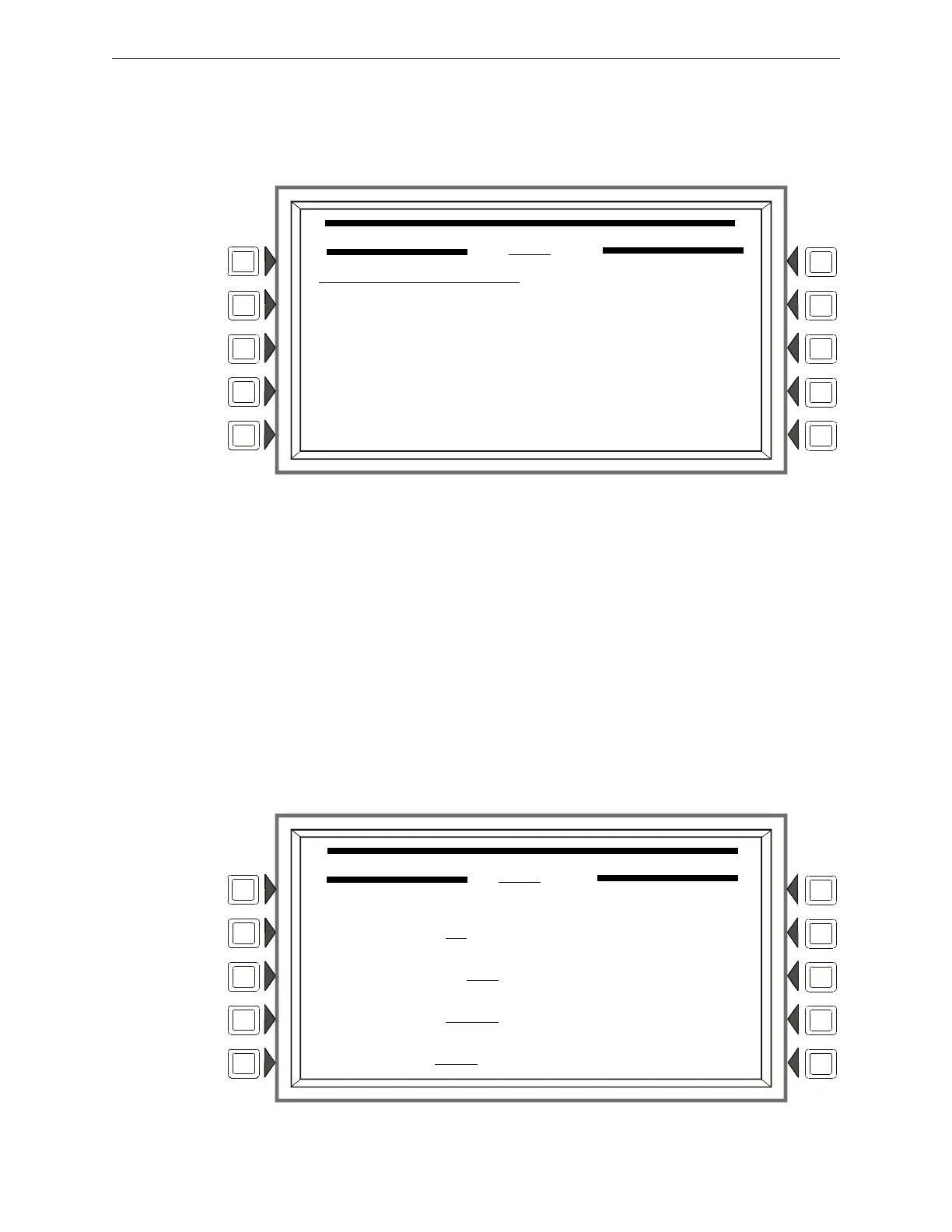
This screen displays when a general zone is chosen at the Point Program menu (see Figure 3.23 on
page 37 ).
Figure 3.38 Zone Point Programming Screen
Soft Keys
ZONE LABEL: Press to type in a 20-character maximum zone description that will appear in the
zone’s display messages.
ACCEPT: Press to save the message and return to the previous screen.
3.4.5 Releasing Zone
Releasing Zone Programming
This screen displays when a releasing zone is chosen at the Point Program menu (see Figure 3.23
on page 37 ).
Figure 3.39 Releasing Zone Programming Menu Screen
ZONE POINT PROGRAMMING
Zyyy
ZONE LABEL:
ACCEPT
BACK
RELEASING ZONE PROGRAMMING MENU
ZR08
DELAY TIME: 00
ABORT SWITCH: ULI
CROSS ZONE: NO ACCEPT
SOAK TIME: 0000 BACK



 To Next Page
 Loading...



