75Modul-AIR Exhaust Air Heat Pump Installation Guide
Adjusting the ceiling valves
Setting the Ventilation Rates
Adjust the valves as follows:
1. Note the calculated the flow rate for each valve as per the table supplied by Joule.
2. Make sure all valves are in the fully open position.
3. Using a suitable anemometer, measure the sum of the ceiling valves.
If the sum does not match the required airflow rate (the required airflow is the sum of the Boost airflow
rates supplied by Joule), the fan speed can be adjusted using the plus and minus buttons. Adjust the
flow rate on the ‘Calibrate airflow’ screen until the desired total sum is reached.
4. Next each ceiling valve can be adjusted. Start with the valve that has the most resistance and therefore
needs the least adjustment- this is most oen the furthest valve from the unit.
5. Next work back towards the unit and adjust each ceiling valve until the desired airflow rate is achieved.
6. When all valves are set correctly, press ‘Start calibration’. The fan system curve will now be set.
The required airflow rates are supplied by Joule on a case-by-case basis. The rates are specifically calculated
for each install. The rates are calculated using the Building Regulations.
Please contact Joule at commissioning stage to receive this rate design.
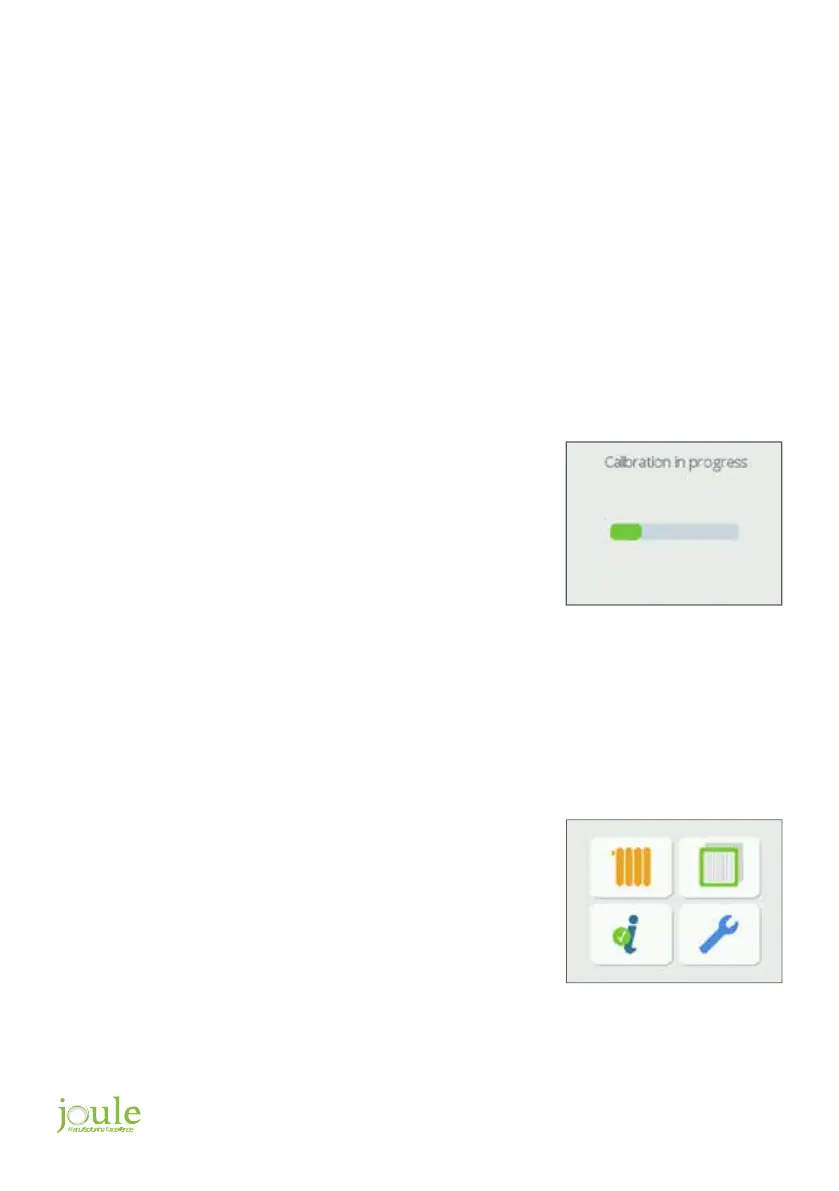
The Modul-AIR will now run the calibration process. The
process takes 2 minutes.
It is important to note the ceiling valve positions are now fixed
and should not be adjusted.
Now the fan is calibrated, the Low and High settings can be
set.
The procedure to input the rates is as follows:
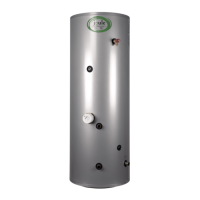
To access the Ventilation functions of the Modul-AIR, navigate
to the spanner icon on the home screen.


 To Next Page