84 www.jouleuk.co.uk | www.joule.ie
Commissioning Hot Water Tank
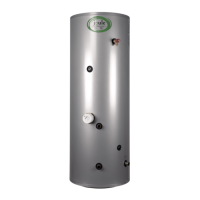
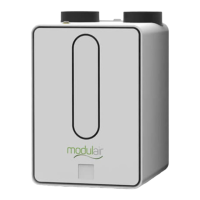
The AII-E and Aqua variants of the Modul-AIR are designed to be connected to a Joule hot water storage
tank. This in conjunction with 2 hot water sensors provided with the unit, allows the Modul-AIR to also
provide the dwelling with domestic hot water for taps and showers.
The procedure to setup the tank is as follows:
To access the installer functions of the Modul-AIR unit, navigate
to the spanner icon on the home screen.
Enter the login code to access the installer functions. The
installer code is issued during the Modul-AIR Joule installer
training program.
Next, scroll to the right to the Settings tile and press the icon.
Navigate to the selection menu.
Select the Tank.
Once the Tank is enabled, the Tank Settings option will then
be available in the menu.


 To Next Page