4. Operation 21
4.4 Alert Setting
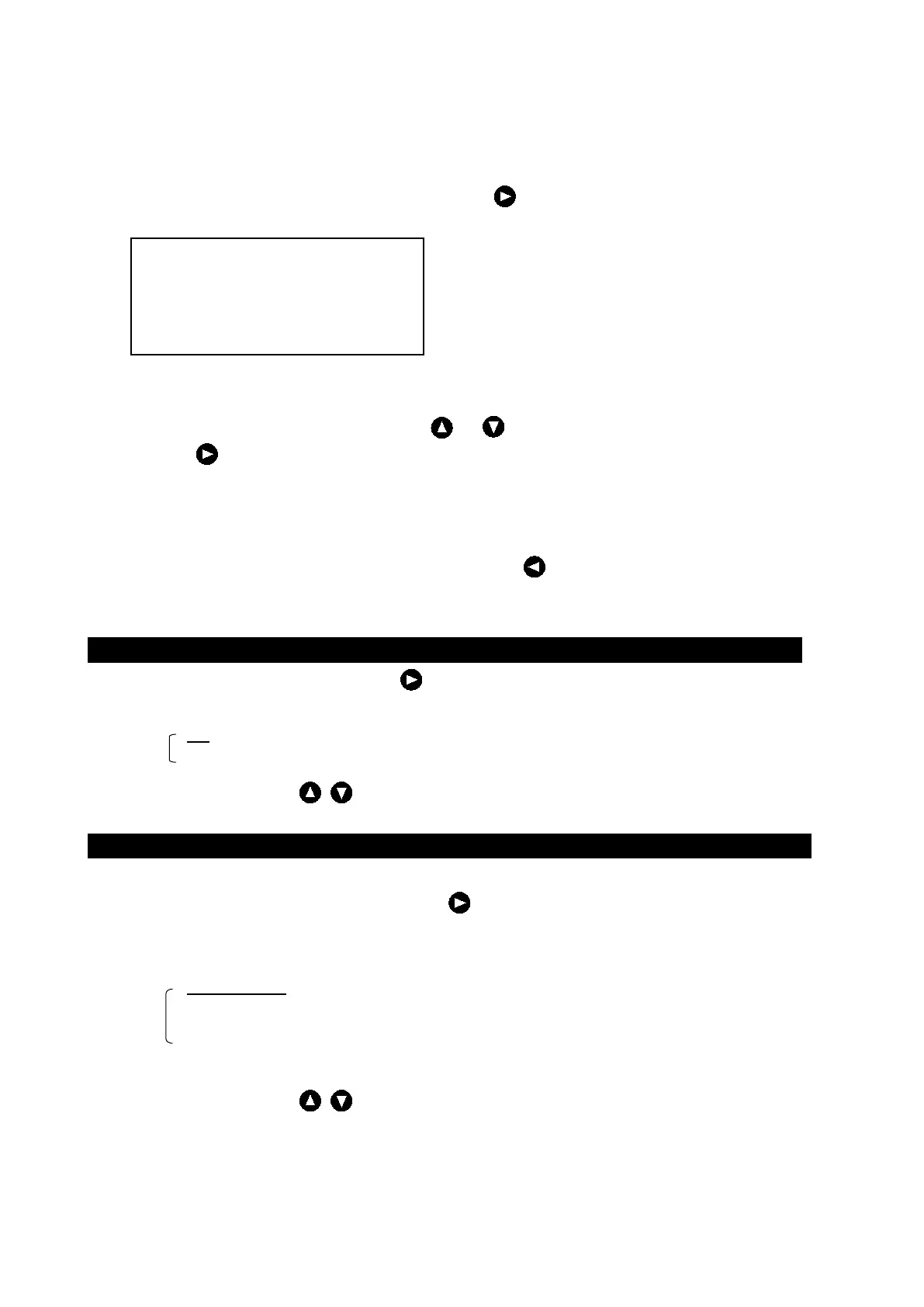
The following menu is displayed with [MENU]・ALERT .
RELAY
・A present selection item is displayed by a yellow character.
・Selecting items move a yellow display with or key.
・When or the [ENT] key is pressed after a necessary item is selected, the item setting content is
displayed.
・When the [ENT] key is pressed after the content is selected (setting), the selection (setting) is registered
and it returns to above screen.
・When returning to above screen without registering, press or the [CLR] key.
Setting Buzzer Key
・Make KEY ACK a yellow display, press or the [ENT] key, and select it from the following, set content.
Set content : ON/OFF
ON :
When the key on the operation panel is pressed, it sounds a buzzer.
OFF : When the key on the operation panel is pressed, it doesn't sound a buzzer.
・ Select the method by and press the [ENT] key.
Setting Relay
◎The kind of the relay contact output is selected.
・ Make RELAY MODE a yellow display, press or the [ENT] key, and select it from the following, set
content.
Set content :CONTINUOUS/INTERMITTENT
CONTINUOUS :
When it is a depth alert and a system alert, the relay contact is continuously
output.
INTERMITTENT : When it is a depth alert and a system alert, the relay contact is intermittent
output.
・ Select the method by and press the [ENT] key.
A left, set content is an initial value.


 To Next Page