To modify the configuration using J-Web:
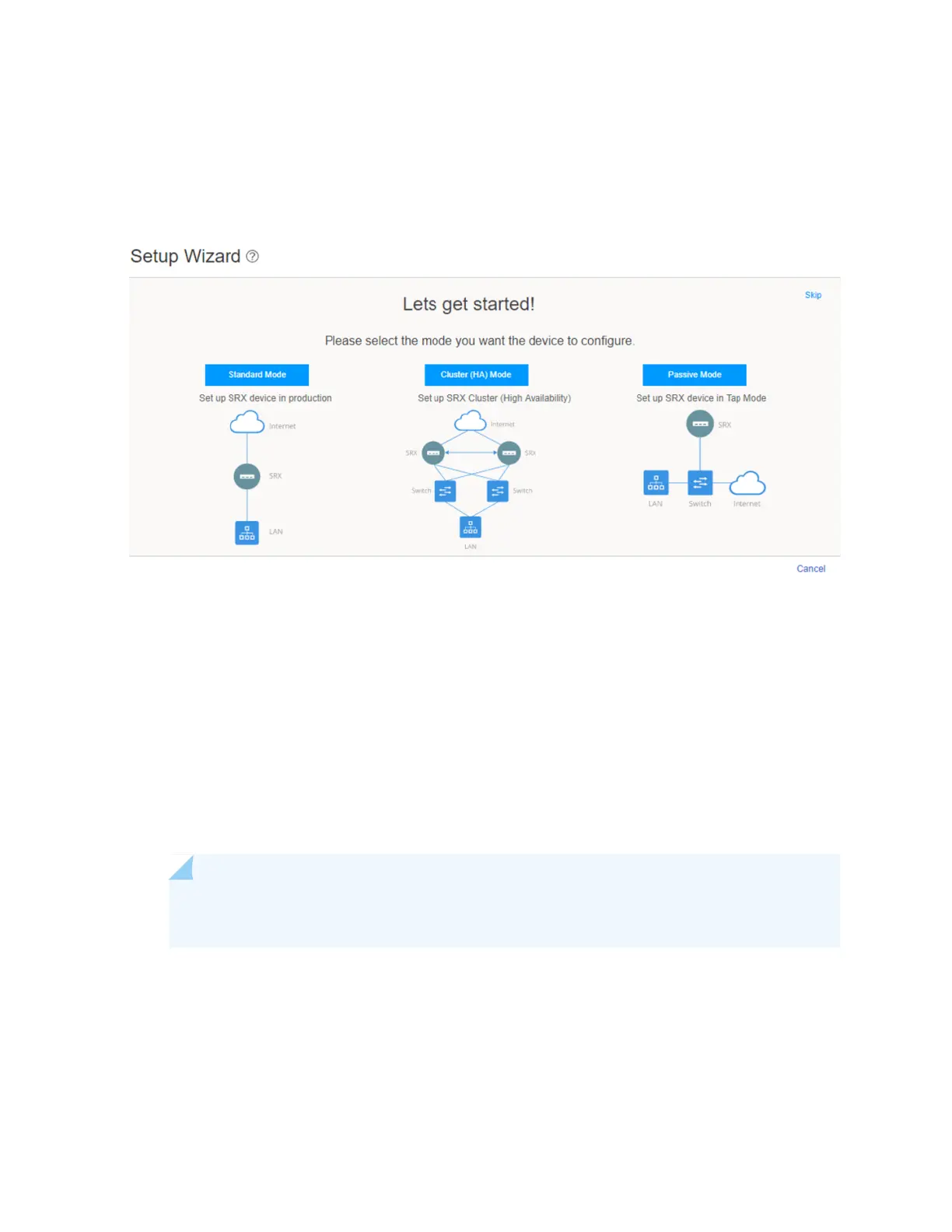
1. In the J-Web application, select Configure > Setup Wizard. The Setup wizard opens on your screen.
Figure 18: Setup Wizard Page
2. Select Standard.
3. Configure the device and users:
a. Enter the hostname.
b. (Optional) Allow root access.
c. Enter the root authentication password.
d. (Optional) Add user accounts.
e. Click Next.
NOTE: Once you specify the hostname and root password, you can skip all the other steps
and apply the configuration.
4. Set the time and configure the DNS server:
a. Set the time manually or configure an NTP server.
b. Select the time zone from the drop-down box.
53



 To Next Page