Connecting the SRX380 to External Devices
IN THIS SECTION
Connecting an SRX380 to a Network for Out-of-Band Management | 47
Connecting an SRX380 to a Management Console by Using an RJ-45 Connector | 48
Connecting an SRX380 to a Management Console by Using the Mini-USB Type-B Console Port | 49
You can manage the SRX380 by using the management port for out-of-band management or through the
console ports.
Connecting an SRX380 to a Network for Out-of-Band Management
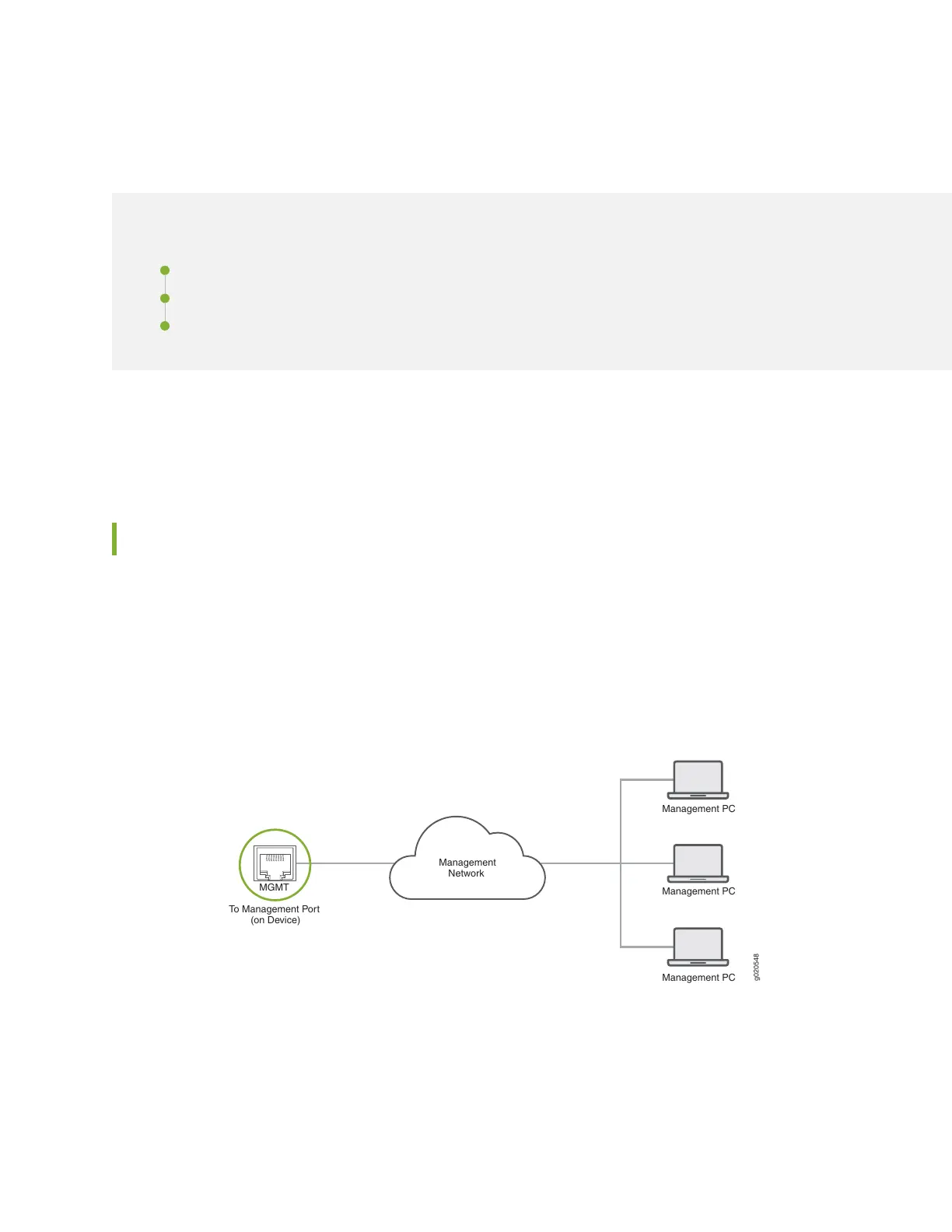
You can monitor and manage the SRX380 by using a dedicated management channel. The SRX380 has a
management port to which you can connect an Ethernet cable with an RJ-45 connector. Use the
management port to connect the device to a network for out-of-band management. Figure 15 on page 47
shows how to connect a device for out-of-band management.
Figure 15: Connecting a Device to a Network for Out-of-Band Management
g020548
Management PC
Management PC
Management PC
Management
Network
To Management Port
(on Device)
MGMT
To connect the SRX380 to a network for out-of-band management (see Figure 16 on page 48):
1. Connect one end of the Ethernet cable to the management port (labeled MGMT) on the device.
47



 To Next Page