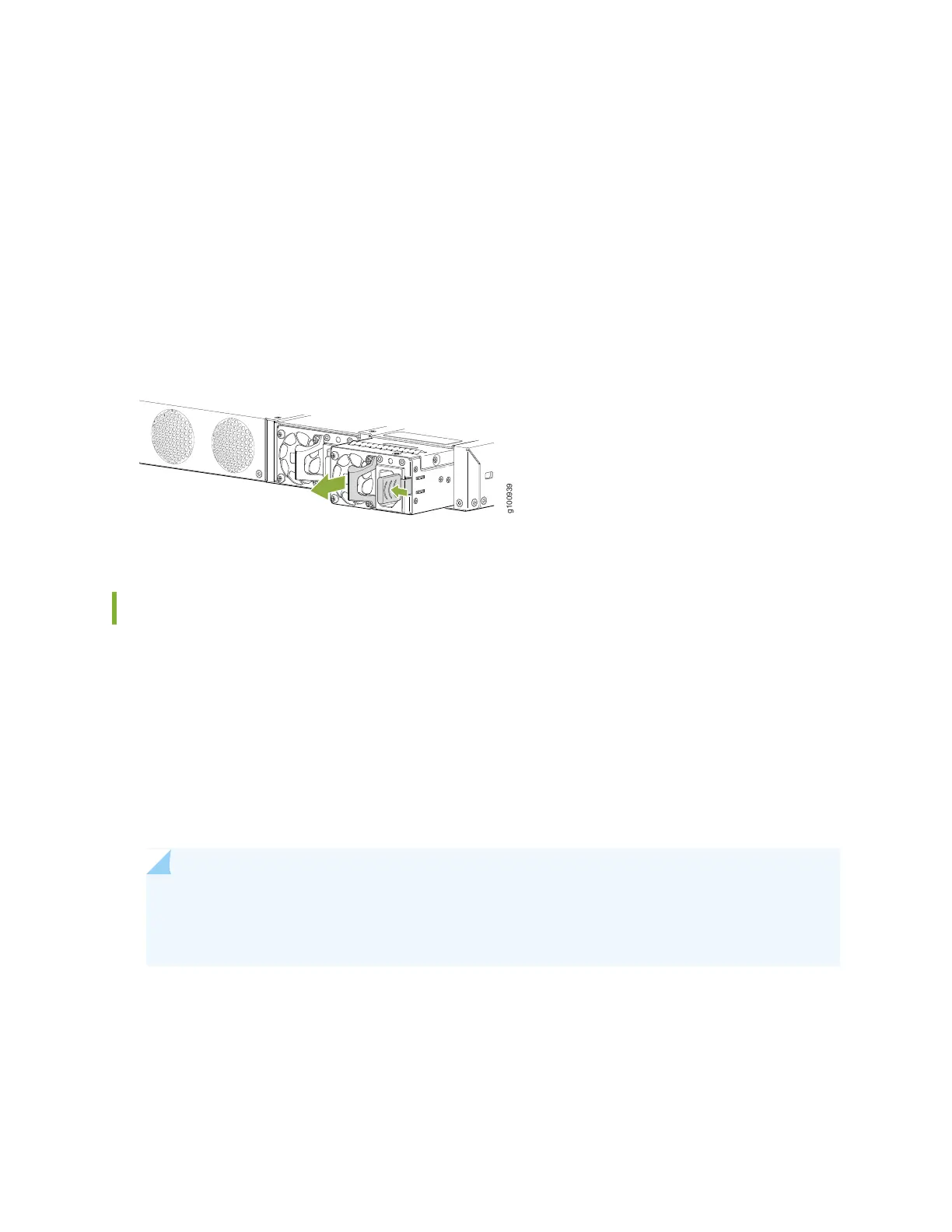
7. Grasp the power supply handle and pull firmly to slide the power supply halfway out of the chassis.
8. Place one hand under the power supply to support it and slide it completely out of the chassis. Take
care not to touch power supply components, pins, leads, or solder connections.
9. Place the power supply in the antistatic bag or on the antistatic mat placed on a flat, stable surface.
10. If you are not replacing the power supply, install a cover panel over the slot.
Figure 19: Removing an AC Power Supply from an SRX380 Device
Install an AC Power Supply on SRX380 Devices
Before you install an AC power supply in the device:
•
Ensure that you have the following parts and tools available to install the power supply:
•
ESD grounding strap
•
Phillips (+) screwdriver, number 2
•
Ensure you understand how to prevent electrostatic discharge (ESD) damage. See “Prevention of
Electrostatic Discharge Damage” on page 84.
NOTE: Each power supply must be connected to a dedicated power source outlet. The device
is shipped with one power supply preinstalled. You can order additional power supplies separately.
You can install up to two power supplies in the device.
63



 To Next Page