•
Your existing service request number, if you have one
•
Details of the failure or problem
•
Type of activity being performed on the services gateway when the problem occurred
•
Configuration data displayed by one or more show commands
•
Your name, organization name, telephone number, fax number, and shipping address
The support representative validates your request and issues a Return Materials Authorization (RMA)
number for return of the device or component.
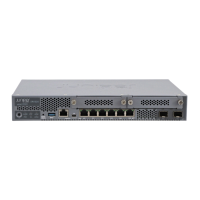
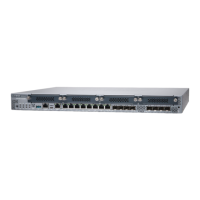
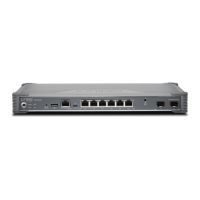
Returning an SRX380 Services Gateway or Component to Juniper Networks
To return an SRX380 Services Gateway or component to Juniper Networks for repair or replacement:
1. Determine the part number and serial number of the services gateway or component.
2. Obtain a Return Materials Authorization (RMA) number from JTAC.
NOTE: Do not return the services gateway or any component to Juniper Networks unless
you have first obtained an RMA number. Juniper Networks reserves the right to refuse
shipments that do not have an RMA number. Refused shipments are returned to the customer
via collect freight.
3. Pack the services gateway or component for shipping.
For more information about return and repair policies, see the customer support webpage at
https://www.juniper.net/support/guidelines.html.
For product problems or technical support issues, open a support case using the Case Manager link at
https://www.juniper.net/support/ or call 1-888-314-JTAC (within the United States) or 1-408-745-9500
(outside the United States).
Locating the Chassis Serial Number
The chassis serial number is located on the side of the chassis.
70


 To Next Page