Useful Features
EN I
101
Sound settings (VHS)
Receiving NICAM programmes.
0 To listen to a stereo programme, press AUDIO until AHIFI L WXRB appears on the TV screen.
0 To listen to a bilingual programme, press AUDIO until AHIFI L WB or AHIFI X RB appears on the TV screen.
0 To listen to the standard (Regular Monaural) audio while receiving a NICAM broadcast, press AUDIO until
ANORMB appears on the TV screen.
0 Set the following for on-screen display. Setup Menu ASUPERIMPOSEB = AAUTOB [ P113] a
Soundtrack selection on VHS
This unit can record three sound tracks (HI-FI L, HI-FI R, NORM), one of which can be selected during playback.
If AUDIO is pressed, the sound track changes as follows.
0 Usually select L WXR. In this mode, Hi-Fi stereo tapes are played back in stereo, and the normal audio track is
played back automatically for tapes with only normal audio.
0 Set the following for on-screen display. Setup Menu ASUPERIMPOSEB = AAUTOB [ P113] a
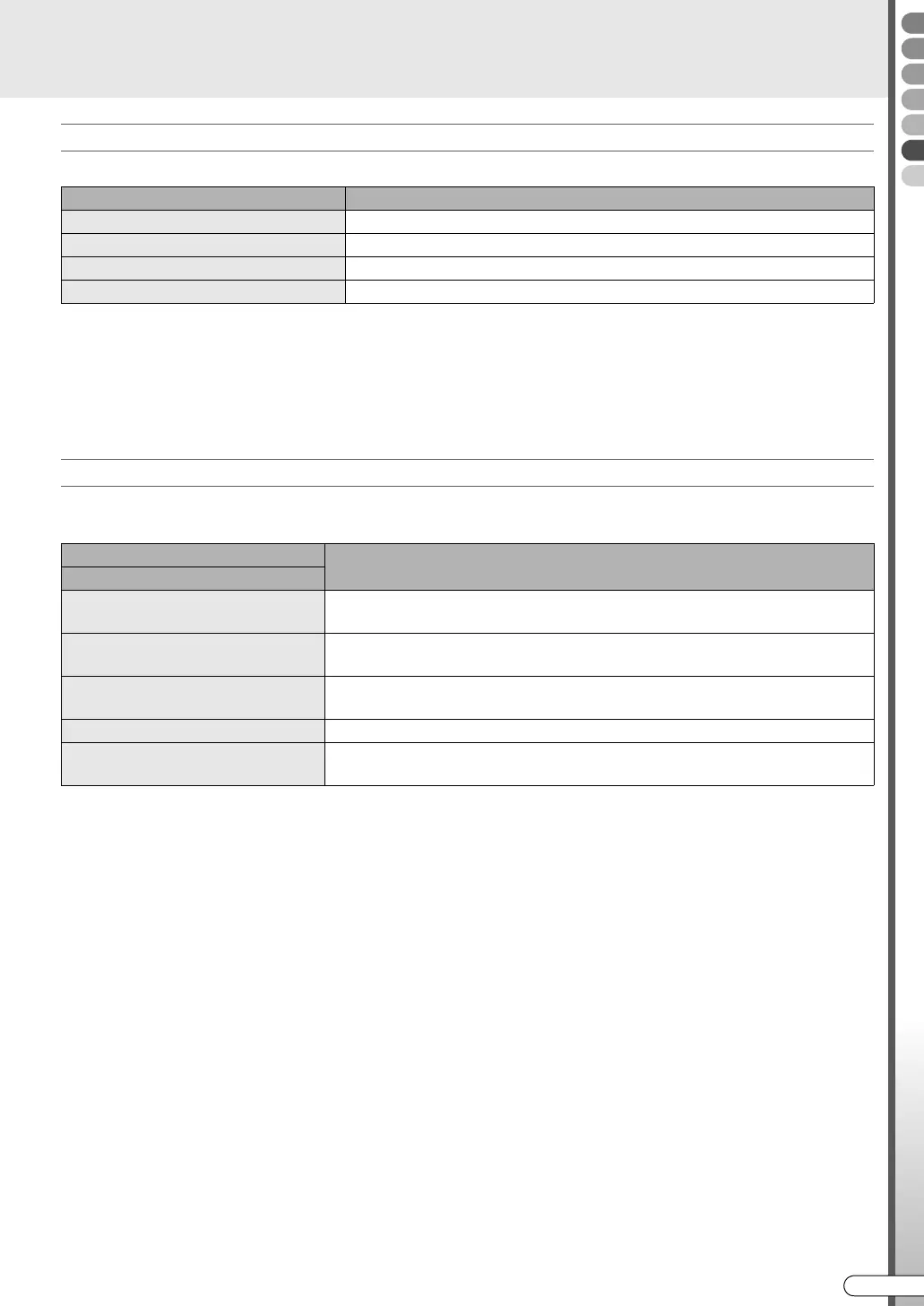
Programme type On-screen display
Regular Monaural (none)
NICAM STEREO ST NICAM
NICAM Bilingual BIL. NICAM
NICAM Monaural NICAM
Track
Purpose
On-screen display
HIFI
L WXR
For tapes recorded in Hi-Fi stereo.
HIFI
L W
For main audio in tapes with bilingual recording.
HIFI
X R
For sub audio in tapes with bilingual recording.
NORM When listening to tapes recorded in monaural sound.
HIFI
NORM
When listening to tapes with post-recording editing.
DR-MX10SE.book Page 101 Wednesday, December 14, 2005 3:37 PM



 To Next Page
 Loading...








