Dubbing
EN I
75
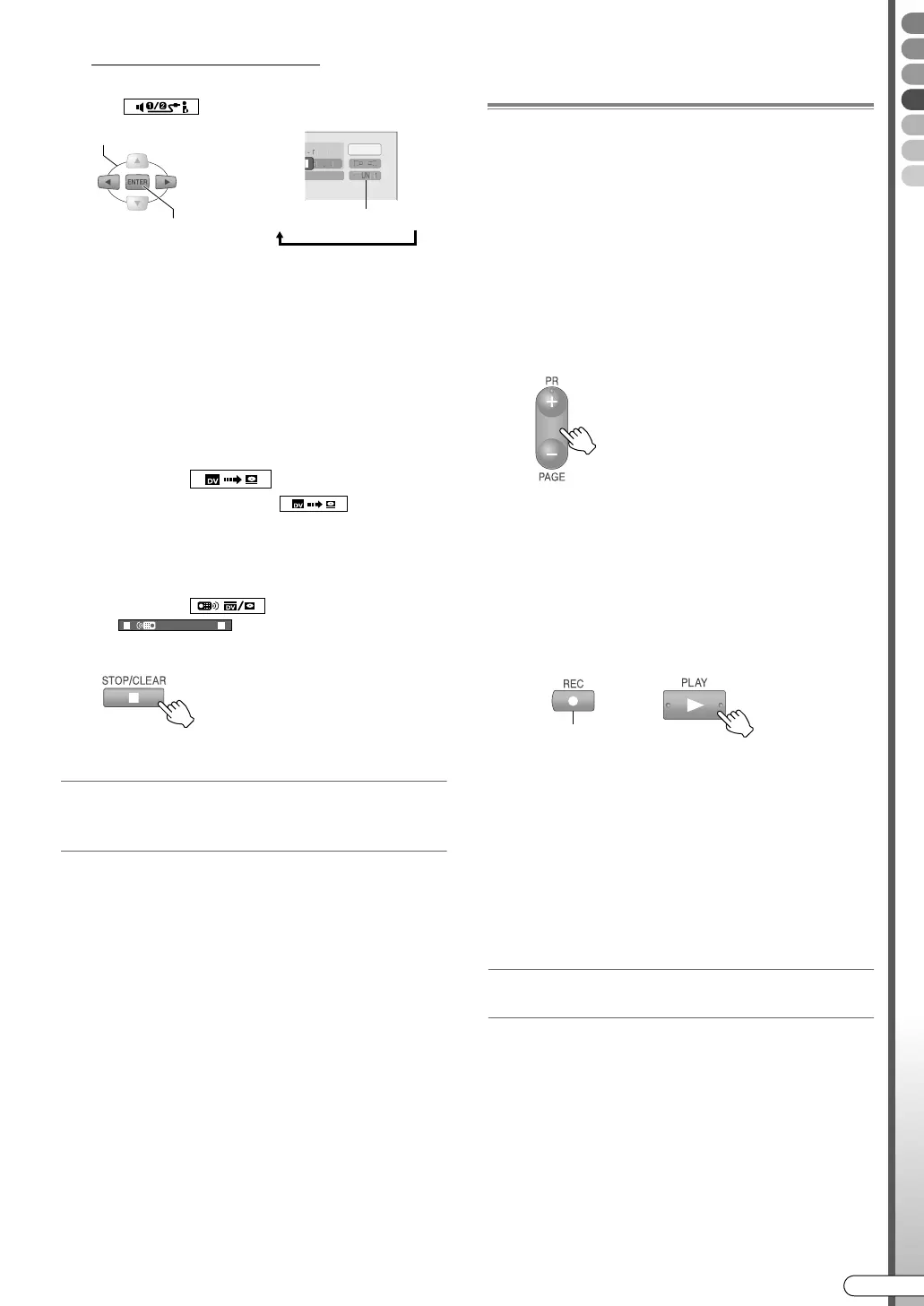
If switching the DV sound
C Select ASound monitor switchB
( ), and press ENTER to switch.
0 SOUND1: Record with normal (original) stereo
sound.
0 SOUND2: Record post-recorded sound in
stereo.
0 MIX: Record both normal stereo sound and
post-recording sound.
(Post-recording sound is not available for 16 bit
recording)
E Start dubbing.
A Select and confirm on AAuto capture
buttonB ().
0 Select and confirm on to pause and/
or resume dubbing.
F End dubbing.
A Select and confirm on ARemote control
switchB ( ), then set to
.
B Stop dubbing.
Repeat step D - F if you want to continue dubbing.
Dubbing to a DV device
(only programmes recorded in DV mode on
the HDD)
Recommended when, after dubbing videos shot using
a DV camcorder to the HDD and editing the play list,
you wish to store them on a mini DV tape.
A Set the channel to AdvB.
B Select and play back the programme recorded
in DV mode that you wish to dub from the
Library Database Navigation.
C Check if the playback screen appears on the TV
connected from the DV device (recording end).
D Pause playback on this unit (playback end) at
the dubbing start point.
E
Pause recording on the DV device (recording end).
F Start playback on this unit and recording on the
DV device simultaneously.
G When dubbing is finished, stop recording on the
DV device, then stop playback on this unit.
........................................................
NOTE:
0 This operation is not possible when DVD is selected.
Dubbing from Video Cassette
Recorder (VCR)
0 See the following page for the connection. ADubbing
from DV Camcorder/Video Cassette RecorderB
[ P22]
0 This unit’s on-screen display can be disabled. Setup
Menu ASUPERIMPOSEB = AOFFB [ P113] a
A (This unit) Load a recordable disc.
B (VCR) Insert a tape to play.
C (This unit) Switch to the input
connecting the VCR.
D (This unit) Select the recording deck.
E (This unit) Select the recording
mode.
F (VCR) Start playback.
G (This unit) Start recording.
H When dubbing is finished, stop
recording on this unit, then stop
playback on the VCR.
0 Dubbing copyright guarded programmes is not
possible.
0 Recordings made by you, under copyright law,
cannot be used without the consent of the right
holder other than for personal enjoyment.
When dubbing to Video Cassette Recorder
(VCR)
A
Play back on this unit.
B Record with the VCR.
0 For details, refer to the instruction manual of the
VCR.
SELECT
SOUND1BSOUND2B MIX
CONFIRM
PRESS TWICE
0 Select AL-2B or AF-1B.
0 Press 0 on the remote control to
set to AL-2B forcibly.
WHILE HOLDING
DR-MX10SE.book Page 75 Wednesday, December 14, 2005 3:37 PM



 To Next Page
 Loading...








