Basic Operations
EN I
39
B Select the recording mode.
0 Usually select SP (standard) mode.
0 The recording mode changes each time REC
MODE/REMAIN is pressed.
0 Pressing the Selection Keys (FG) also changes
it.
0 See ARecording ModeB [ P92].
0 Recordable time for each recording mode.
The shorter the recordable time, the higher the
image quality.
C Confirm.
D Start recording.
0 When operating from the unit, press REC.
E End recording.
0 In the case of DVD disc, APLEASE WAITB is
displayed. Do not turn off the unit while it is
being displayed.
Recording mode DVD HDD
DV - 11 hours
XP 1 hour 34 hours
SP 2 hours 69 hours
LP 4 hours 138 hours
EP 6 hours 209 hours
FR480 8 hours 300 hours
(The numbers shown are estimates.)
CONFIRM
WHILE HOLDING
PR.12
1:35
REC MARK
SUPERIMPOSE
PRESS TWICE
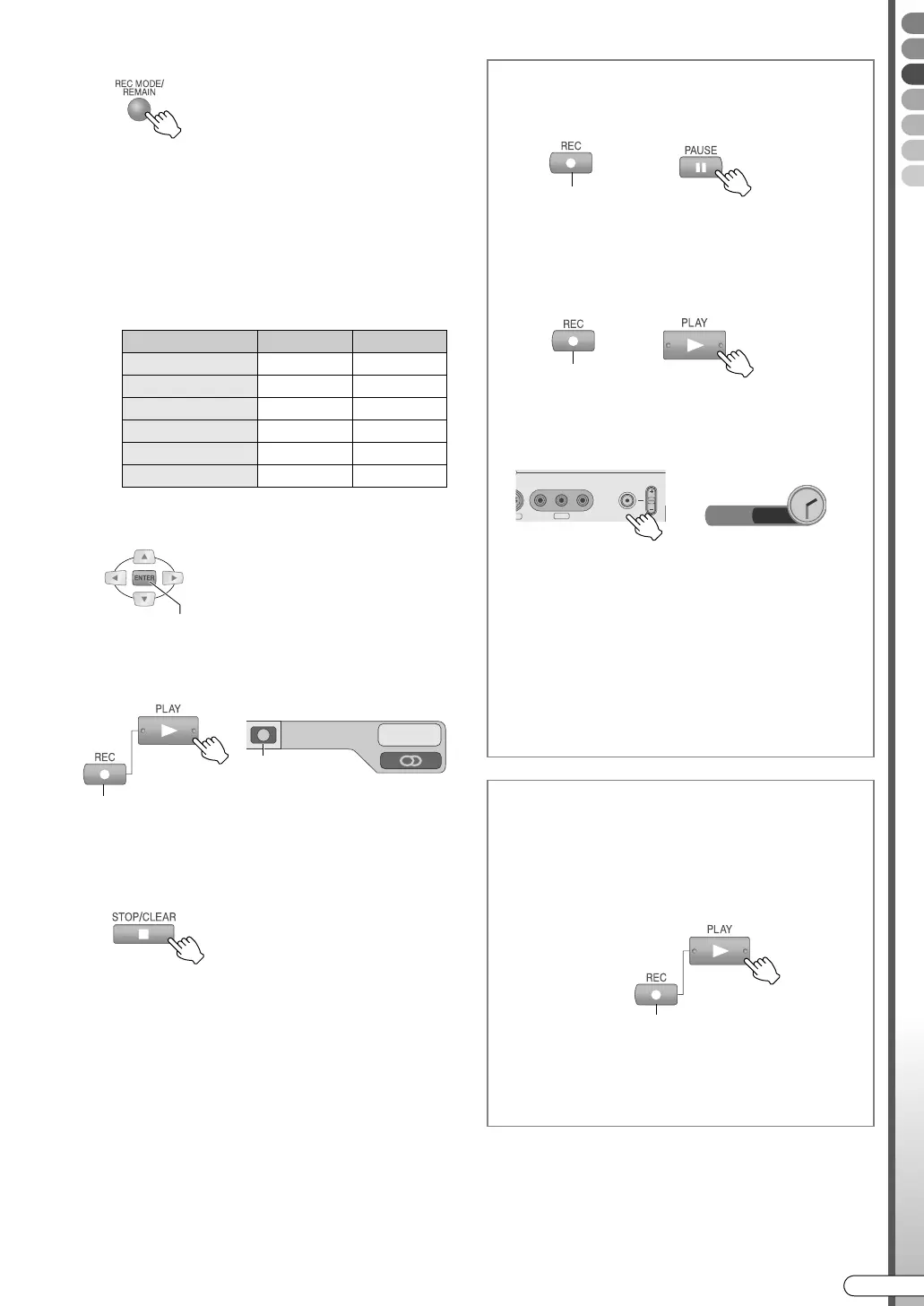
Possible operations during recording
To pause
0 The pause function for HDD is possible only
during external input (L-1/L-2/F-1/dv)
recording.
To resume recording
To specify recording stop time (Instant
Timer Recording)
0 The recording time from the current time can
be set.
0 The disc mark on the front display panel
blinks.
0 The recording end time switches each time
REC (R) on the unit is pressed.
• A maximum of up to 6 hours can be set in
30-minute intervals.
• To cancel, press the button a few times until
the set time is cleared.
DIRECT REC
If the following setting is enabled, the channel
showing on the TV can be recorded instantly.
Setup Menu ADIRECT RECB = AONB
[ P112] X
0 This function is possible if connected using a
T-V Link compatible TV and SCART cable.
0 A--B is displayed on the front display panel
during recording.
WHILE HOLDING
WHILE HOLDING
Unit’s record button
ITR 2 : 30
F-1
D
O
VIDEO
(MONO)
L
REC
PR
−
AUDIO
−
R
Display on bottom right
screen
WHILE HOLDING
While watching on TV
DR-MX10SE.book Page 39 Wednesday, December 14, 2005 3:37 PM



 To Next Page
 Loading...








