Basic Operations
EN I
65
Playing Back MP3 & JPEG
Files
ABCDEFGHILM
9 Able to play back MP3 audio files recorded
in CD-R discs, etc. and play back JPEG still
images as a slide show.
........................................................
PREPARATION:
0 If a disc contains both MP3 and JPEG files, specify the
file for playback using the following setting. Setup
Menu AMP3/JPEGB [ P111] O
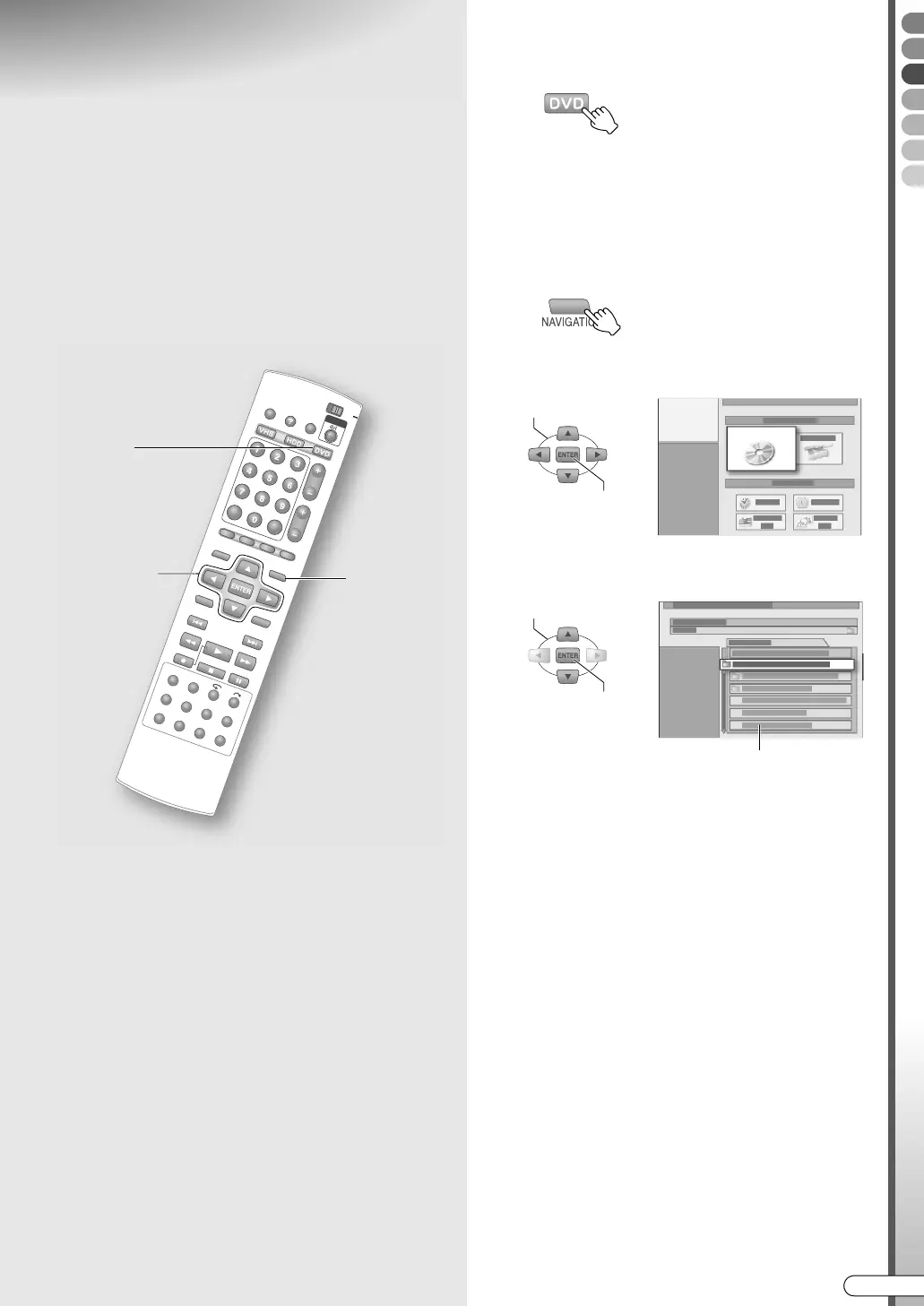
A Select DVD, and load a disc.
0 Check the playable file formats. AAbout DiscsB
[ P12]
B Start playback.
A Display the Library Database Navigation
screen.
B Select AORIGINALB.
C Select a file to play back.
0 Plays back from the selected file until the last
file.
0 Only those files in the same folder will be
played back continuously.
0 MP3 files will be played back as tracks. The
track/total track number being played back is
displayed on the top left screen.
0 For JPEG files, the display time for slide show
can be set. ADisplay time interval for JPEG or
slide showB [ P108]
0 JPEG files with a resolution of 640 x 480 are
recommended. It takes some time to display for
those with higher resolution.
0 The aspect ratio of the image may appear
differently on the TV and computer.
A
- B, C
B - A
SELECT
ORIGINAL
CONFIRM
SELECT
CONFIRM
File list
DR-MX10SE.book Page 65 Wednesday, December 14, 2005 3:37 PM



 To Next Page