Preparations
EN I
23
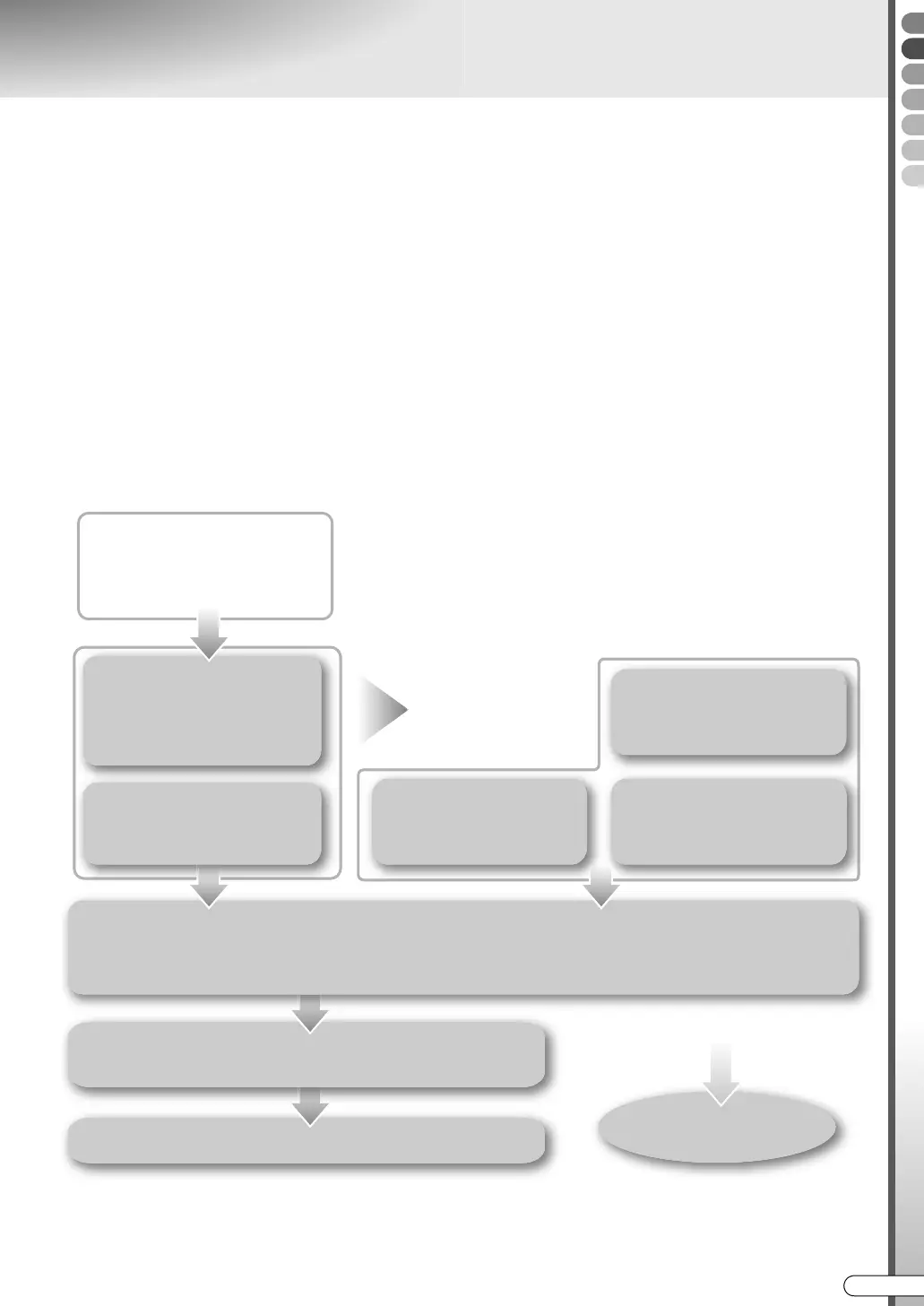
Setup Procedures
9 In order to use this unit correctly, set each item in the following steps.
When connecting an antenna and TV,
A Turn on the TV.
B Switch the TV to the input (EXT-1, EXT-2, etc.) connected with this unit.
C Insert the unit’s power plug into the socket.
0 APLEASEB and AWAITB blink alternately on the front display panel as the unit starts up. (Takes around 40
seconds.)
D When “PLEASE” and “WAIT” go off, turn on the unit.
0 Auto setup begins automatically, and the country select screen is displayed.
E Select your country.
For TV that supports T-V Link
APreset DownloadB [ P26]
Turn off this unit.
AThe GUIDE Plus+ System SetupB [ P30]
Exit
AVIDEO Plus+ Guide
Channel SetB [ P35]
If you do not use the GUIDE Plus+ system
UNITED KINGDOM, IRELAND
AAuto SetupB [ P24]
ASetting On-screen LanguageB [ P27]
ASetting TV Screen SizeB [ P28]
AClock SettingB [ P34]
ASetting Receiving
ChannelsB [ P36]
If unable to receive
properly
DR-MX10SE.book Page 23 Wednesday, December 14, 2005 3:37 PM



 To Next Page
 Loading...








