Editing
EN I
81
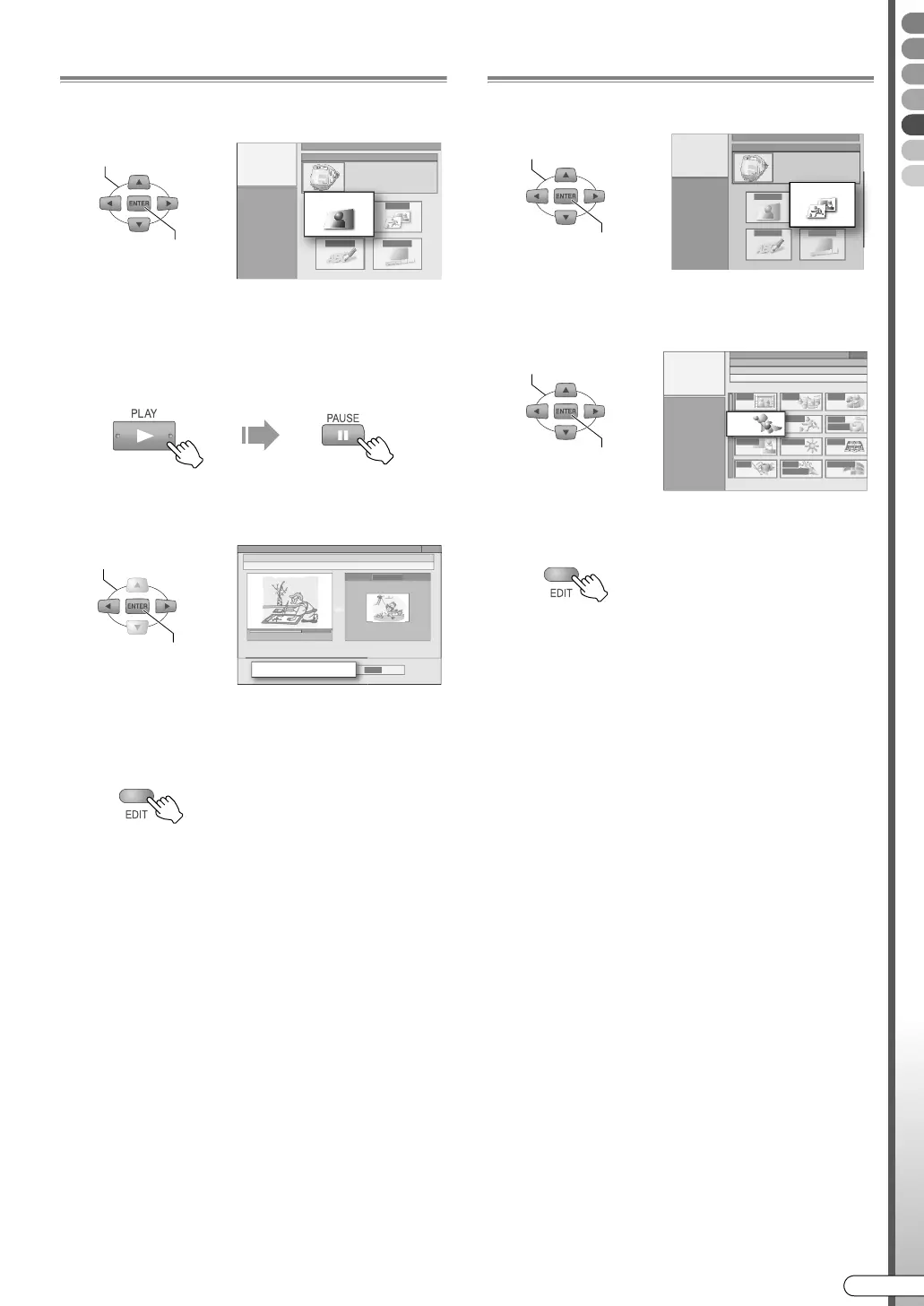
Modify Thumbnail
E Select “INDEX”.
F Decide on the thumbnail image.
A Start playback, then pause at the desired
scene.
0 Use SLOWG/SLOWF to search for the scene.
B Select AREPLACEB.
0 The new image will be registered.
G Exit thumbnail modification.
Modify Category
E Select “CATEGORY”.
F Select the desired category.
G Exit category modification.
SELECT
CONFIRM
INDEX
SELECT
CONFIRM
REPLACE
SELECT
CONFIRM
CATEGORY
SELECT
CONFIRM
ANIMATION
DR-MX10SE.book Page 81 Wednesday, December 14, 2005 3:37 PM



 To Next Page
 Loading...








