Basic Operations
EN I
43
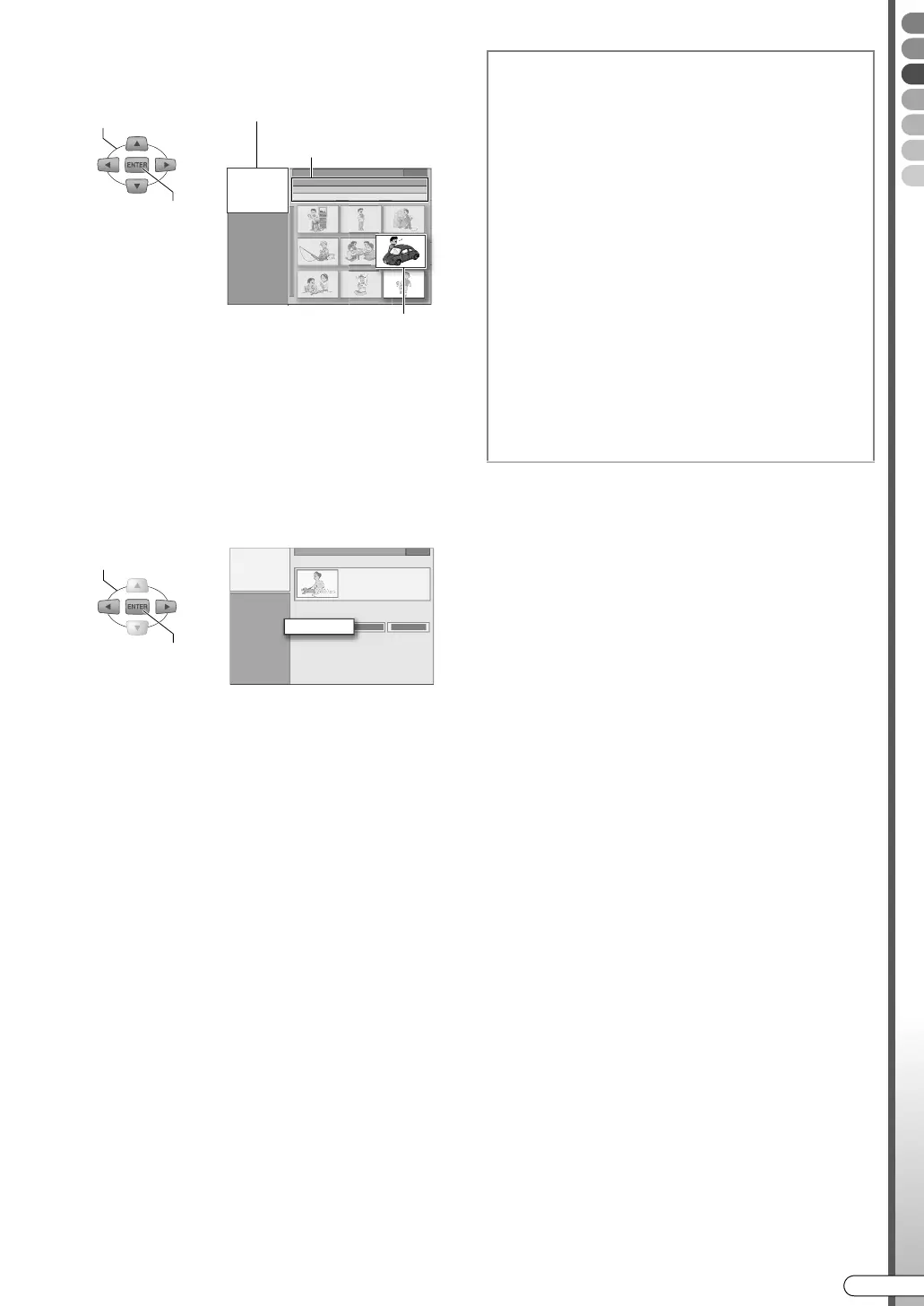
D Select the programme that you wish
to watch from the thumbnails.
0 Thumbnails are arranged in order of recording
date and time.
0 A ANEWB mark is displayed on the thumbnails of
programmes that have not been watched.
0 Pages can be advanced using TOP MENU or
MENU. To return to the beginning page or
advance to the last page, press and hold the
button.
E Select “BEGINNING”.
0 Playback begins.
0 If ARESUMEB is selected, playback begins from
the point where it previously stopped.
0 To repeat playback, select AREPEATB.
0 If playing a DVD disc, the playback method
changes with the following setting. Setup Menu
ACONTINUOUS PLAYB [ P111] L
• AONB: Plays back till the last recorded
programme.
• AOFFB: Plays back only the selected
programme.
0 To return to the thumbnail screen, press
RETURN.
SELECT
CONFIRM
Animated thumbnail
Information on the selected
programme
Thumbnail
SELECT
CONFIRM
BEGINNING
To watch programmes in the desired
order (Programme Playback)
A
Press MEMO/MARK in step D.
0 The number of the playback order will be
displayed on the thumbnail.
0 To cancel the memory, press MEMO/MARK
again.
0 Up to 8 programmes can be selected.
0 To clear the order, press CANCEL.
B Press ENTER to play back.
0 To quit in the process of setting, press STOP/
CLEAR. (The order will also be cleared.)
...................................................
NOTE:
0 Programme playback is not possible if there is a
combination of programmes in DV mode and
other recording modes.
DR-MX10SE.book Page 43 Wednesday, December 14, 2005 3:37 PM



 To Next Page
 Loading...








