ERGOcom 3
4 Start-up | 4.1 Start-up
▪ xx = image number 01 to 99
▪ y = image number 1 to 4
A maximum of 8 images may be saved. When a ninth image is saved, image 1 is
automatically overwritten.
A KaVo company logo is stored on the USB drive at the time of delivery.
Connect PC
Prerequisite
● Windows XP (Service Pack 1) or Windows 2000 must be installed on the PC.
● The PC must have a free USB 2 interface.
▶ Install Windows patch.
Note
When installing theKaVo Device Interface System (using the enclosed CD), the
USB patch is installed automatically.
If the KaVo Device Interface System is not installed, the USB patch can be in-
stalled later from the CD D:\WINXP or downloaded and installed from the Microsoft
homepage www.microsoft.com .
▶
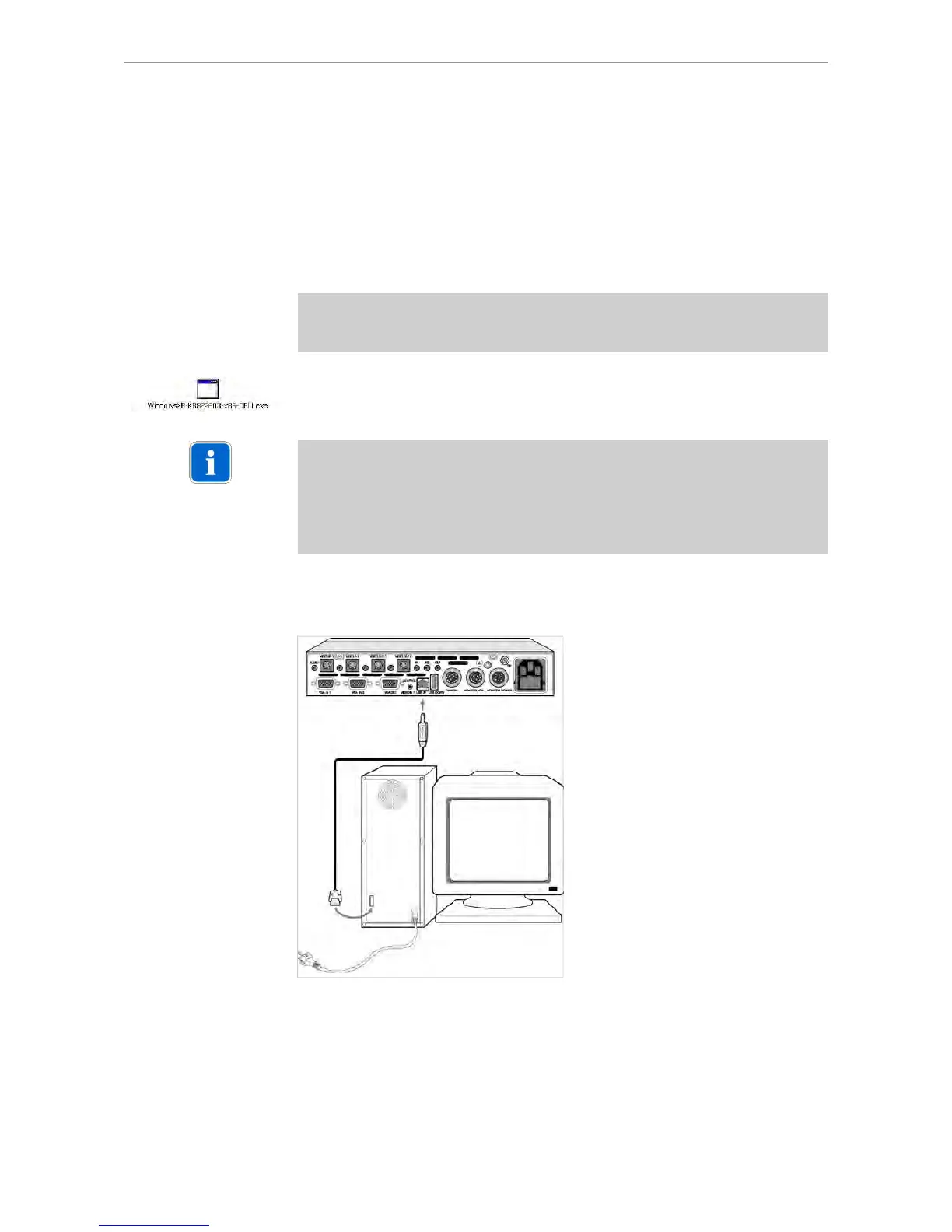
Insert the USB cable to the ERGOcom 3 and the PC.
The connection is made between the USB drive and the PC.
Install own logo/image
▶ Convert the logo/image into a 720 x 576 dpi image format using image processing
software.
22/56















 To Next Page