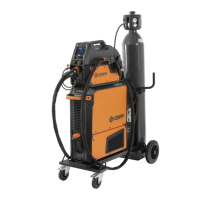
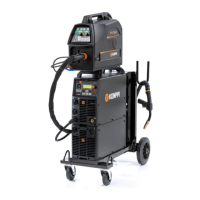
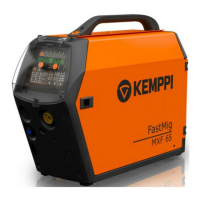
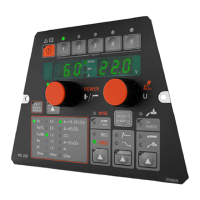
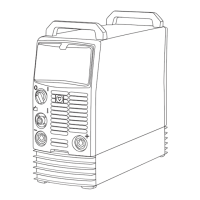
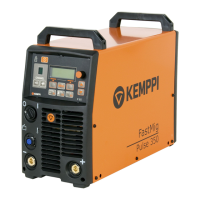
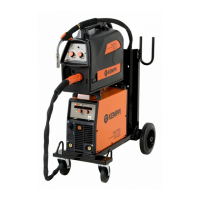
X5 FastMig
Operating manual - EN
Help
>>> Panel display shows QR codefor quick
accessto Kemppi Userdoc on a mobile
device.
Error log *
>>> Shows error code, date & timeand short
description of the error.
Info *
>>> Displays the serial numbers of the wire
feederand the power sourceconnected.
Software version *
>>> Displays the software version numbers.
Factory reset *
Reset/Cancel
Default = Cancel
This performs a full reset to factory settings.
* These are available in the advanced settings menu.
© Kemppi
67 1920960 / 2039

 To Next Page
 Loading...