Features of your vehicle
764
LCD display
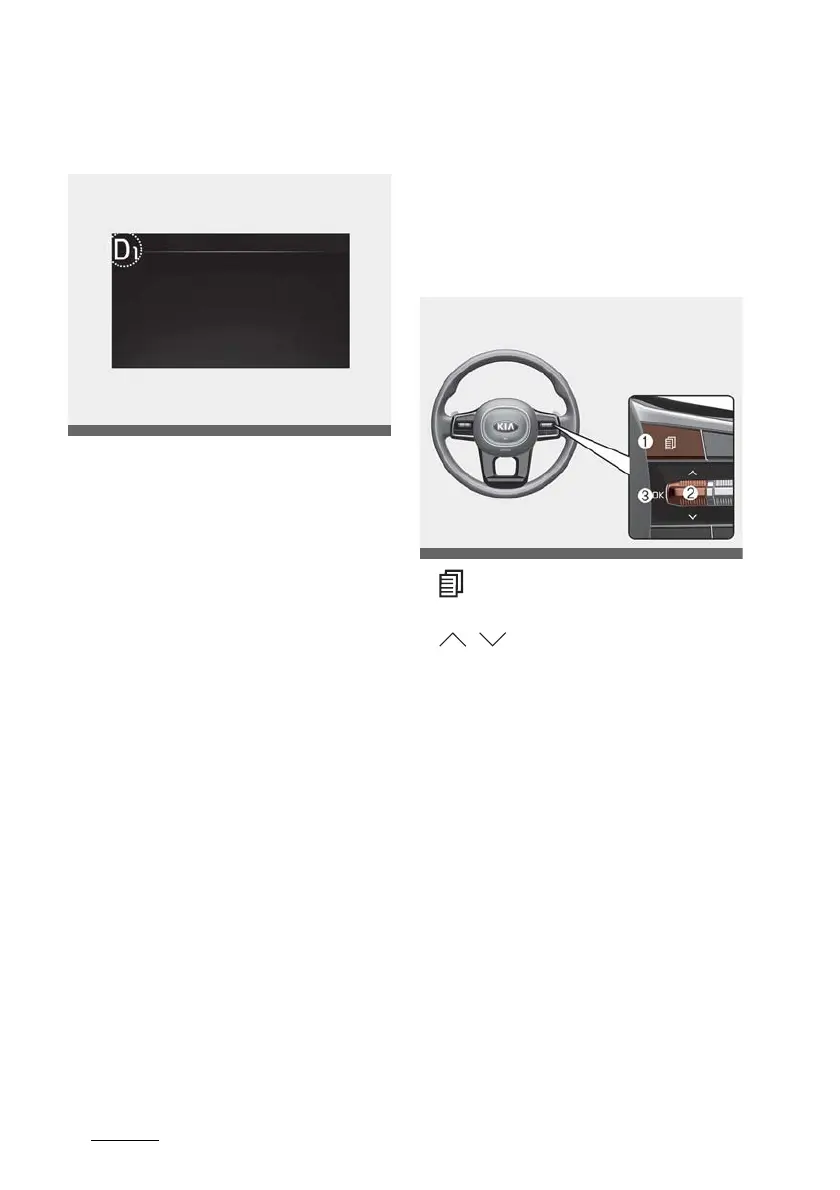
Dual clutch transmission shift indi
-
cator (if equipped)
This indicator displays which shift
lever is selected.
䳜 Park: P
䳜 Reverse: R
䳜 Neutral: N
䳜 Drive: D1, D2, D3, D4, D5, D6, D7,
D8
Manual shift mode
䳜 Shifting up: ▲2, ▲3, ▲4, ▲5, ▲6,
▲7*, ▲8*
䳜 Shifting down: ▼1, ▼2, ▼3, ▼4,
▼5, ▼6*, ▼7*
* if equipped
Shift indicator pop-up
The pop-up that indicates the cur
-
rent gear position is displayed in the
cluster for about 2 seconds when
shifting into other positions (P/R/N/
D).
The shift indicator pop-up function
can be activated or deactivated
from the User Settings mode in the
cluster LCD display.
LCD display
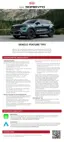
The LCD display modes can be
changed by using the control but
-
tons.
LCD Display Control
1. : MODE button for changing
modes
2. / : MOVE switch for chang
-
ing items
3. OK: SELECT/RESET button for
setting or resetting the selected
item













 To Next Page