PLZ-4W Applied Operation 6-17
• TRIG (trigger output)
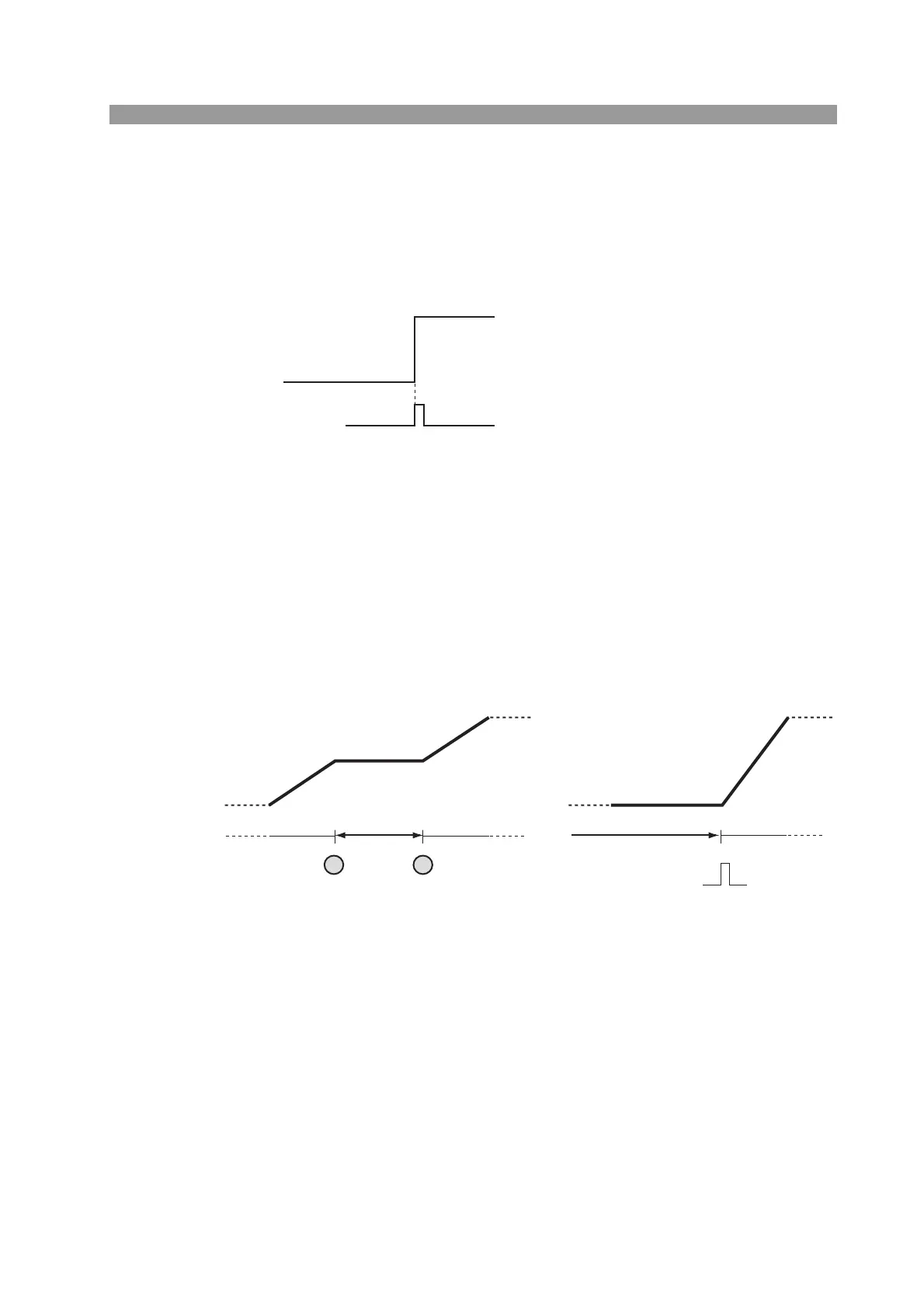
TRIG sets the presence or absence of trigger output. When turned on, a trigger sig-
nal is output from the TRIG OUT connector on the front panel at the same time as
the step is executed.
Fig. 6-13 TRIG sequence example
• PAUSE
PAUSE sets a pause in the program. When turned on, the sequence operation is
paused after executing the step. To resume the operation, you press the PAUSE
(SHIFT+C) key on the operation panel or apply a trigger signal to TRIG INPUT
(pin 11) of the J1 connector.
For a description of the trigger signal input, see section 6.8.8, “Trigger Signal Con-
trol.”
Fig. 6-14 PAUSE sequence example
(Example) Set trigger output at step
number n (TRIG ON)
Trigger signal input
(TRIG IN)
PAUSE key
Program in execution Paused Paused
Program execution
resumed
Program execution
resumed
PAUSE ON
at step n
PAUSE
PAUSE key
PAUSE
(Example) Pause and resume using the PAUSE
(SHIFT+C) key
(Example) Pause by executing PAUSE
in a program and resume using
trigger input (TRIG IN)
(SHIFT+C) (SHIFT+C)



 To Next Page