6-12 Applied Operation PLZ-4W
6.4 Setting the Slew Rate
The slew rate defines the slope for changing the current when the current is changed
rapidly such as by using the switching function in CC and CR modes. On the PLZ-
4W, you set the amount of change in the current per unit time according to the cur-
rent range.
The slew rate is activated when the setting value is changed such as by switching
during turning the load to on.
In CR mode, the values that can be specified (maximum slew rate at each range) are
1/10th the values of CC mode. For the detailed values, see section 9.1, “Electrical
Specifications.”
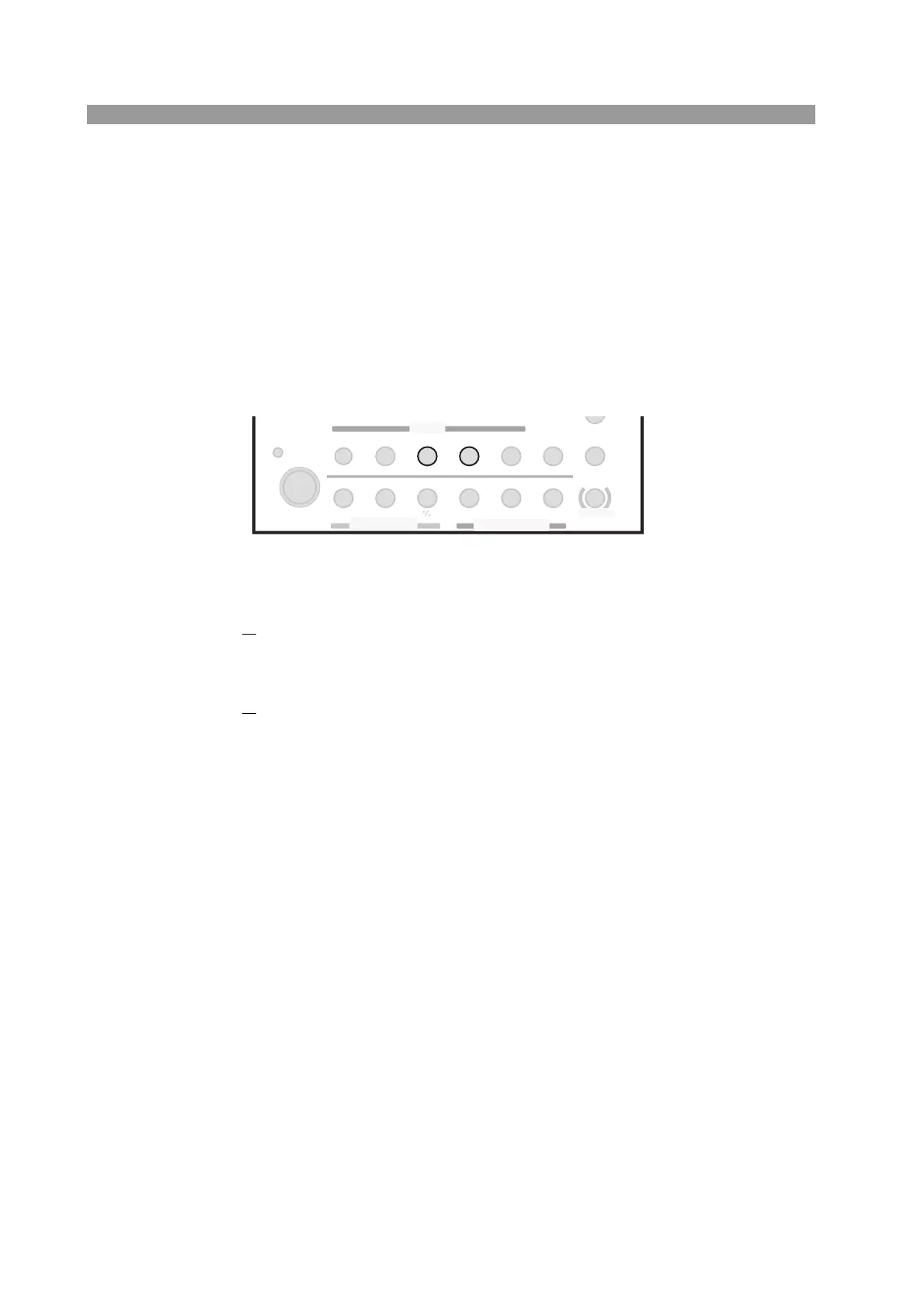
Fig. 6-7 Keys for the slew rate
■ Procedure
1. Selects the slew rate.
Press the SLEW RATE key.
The SLEW RATE key illuminates.
2.
Sets the slew rate value.
While viewing the display, turn the rotary knob to set the slew rate value.
You can press the rotary knob to switch between coarse adjustment and fine
adjustment.
SWITCHING
ENTER
SHORT
EDIT
SLEW RATE
RUN / STOP
UVP
PAUSE
STORE
RECALL
ABC
LOAD
Th/TL
FREQ / DUTY
MENU
PRESET
SEQ
I
LEVEL
VRANGE
RANGE
SW ON
+
CV
MODE
LOAD
SET / VSET
LOCK
SHIFT
ABC
OPP / OCP



 To Next Page