4-6 Names and Functions of Parts PLZ-4W
4.3 Operation Panel
If you press a key while holding down the SHIFT key, the function indicated below
the key is enabled.
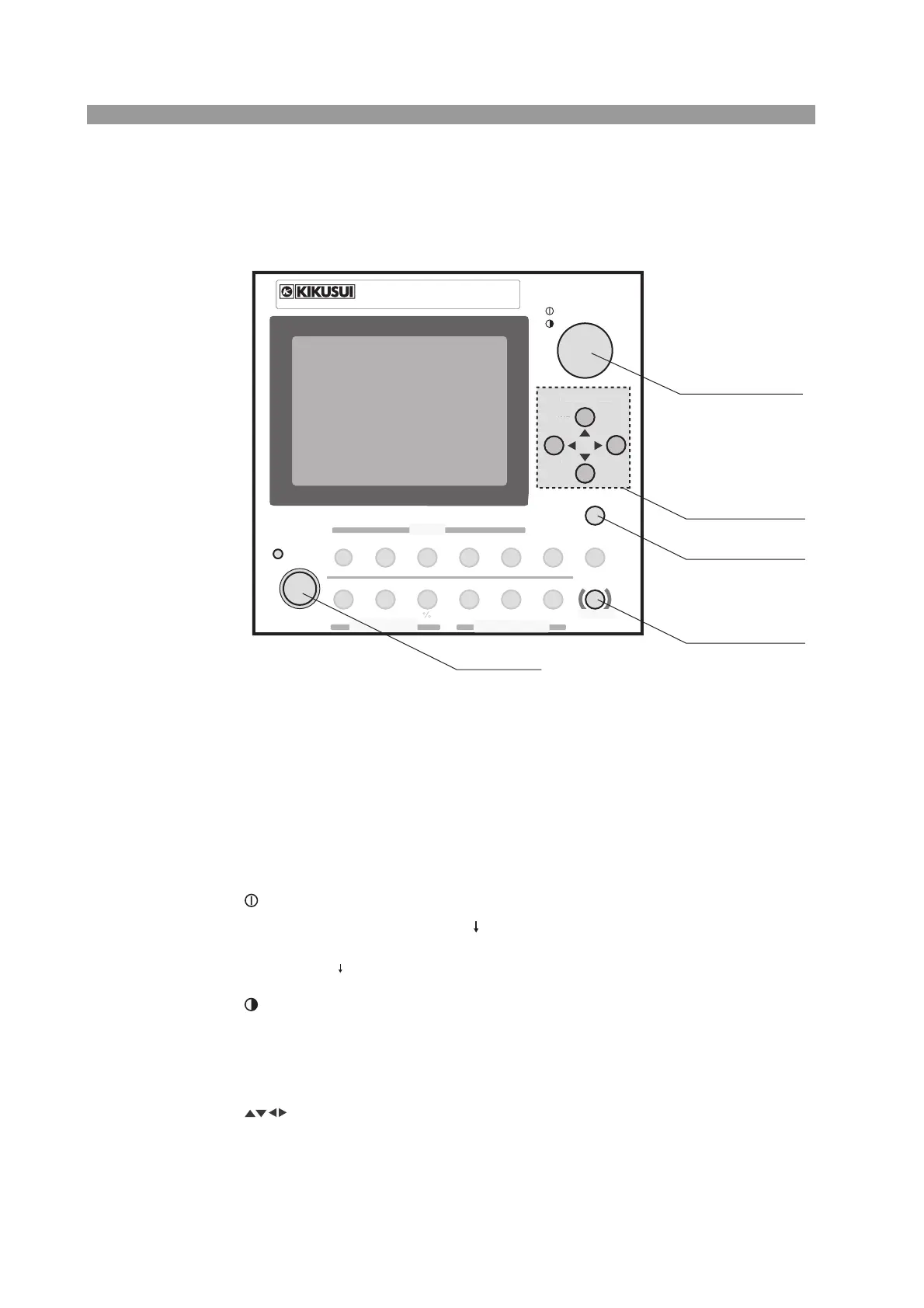
Fig. 4-3 Operation Panel
[1] LOAD key
The current that flows through the PLZ-4W is turned on and off each time you press
the key. When the load is turned on, the LED illuminates (green).
[2] Rotary knob
The rotary knob is used to set various types of values on the PLZ-4W. By pressing
the rotary knob you can switch between coarse adjustment and fine adjustment.
COARSE/FINE
When set to coarse adjustment, “ ” appears on the screen. You can traverse the full
scale of values by turning the rotary knob ten and a few turns When set to fine
adjustment, “ ” appears. The value changes at 1/10 of the rate of coarse adjustment.
Contrast
You can change the display contract by turning the rotary knob while holding down
the SHIFT key.
[3] CURSOR key
Moves the cursor up and down or right and left when selecting an item on the menu
screen.
SWITCHING
165W
ELECTRONIC LOAD
1. 5
-
150V 0
-
33A
PLZ164W
ENTER
SHORT
EDIT
SLEW RATE
RUN STOP
UVP
PAUSE
STORE
RECALL
ABC
LOAD
Th/TL
FREQ DUTY
MENU
PRESET
SEQ
I
LEVEL
VRANGE
RANGE
SW ON
+
CV
MODE
LOAD
SET VSET
LOCK
LOCAL
CURSOR
COARSE
/
FINE
SHIFT
ABC
OPP OCP
PREV
DEL
INS
NEXT
[1] LOAD
[5] SHIFT
[4] LOCAL/LOCK
[3] CURSOR
[2] Rotary knob
R
R
PREV
DE
IN
NEX



 To Next Page