PLZ-4W Installation and Preparation 2-9
Adjusting the display contrast
1. While pressing the SHIFT key, use the rotary knob to adjust the con-
trast.
The result is saved.
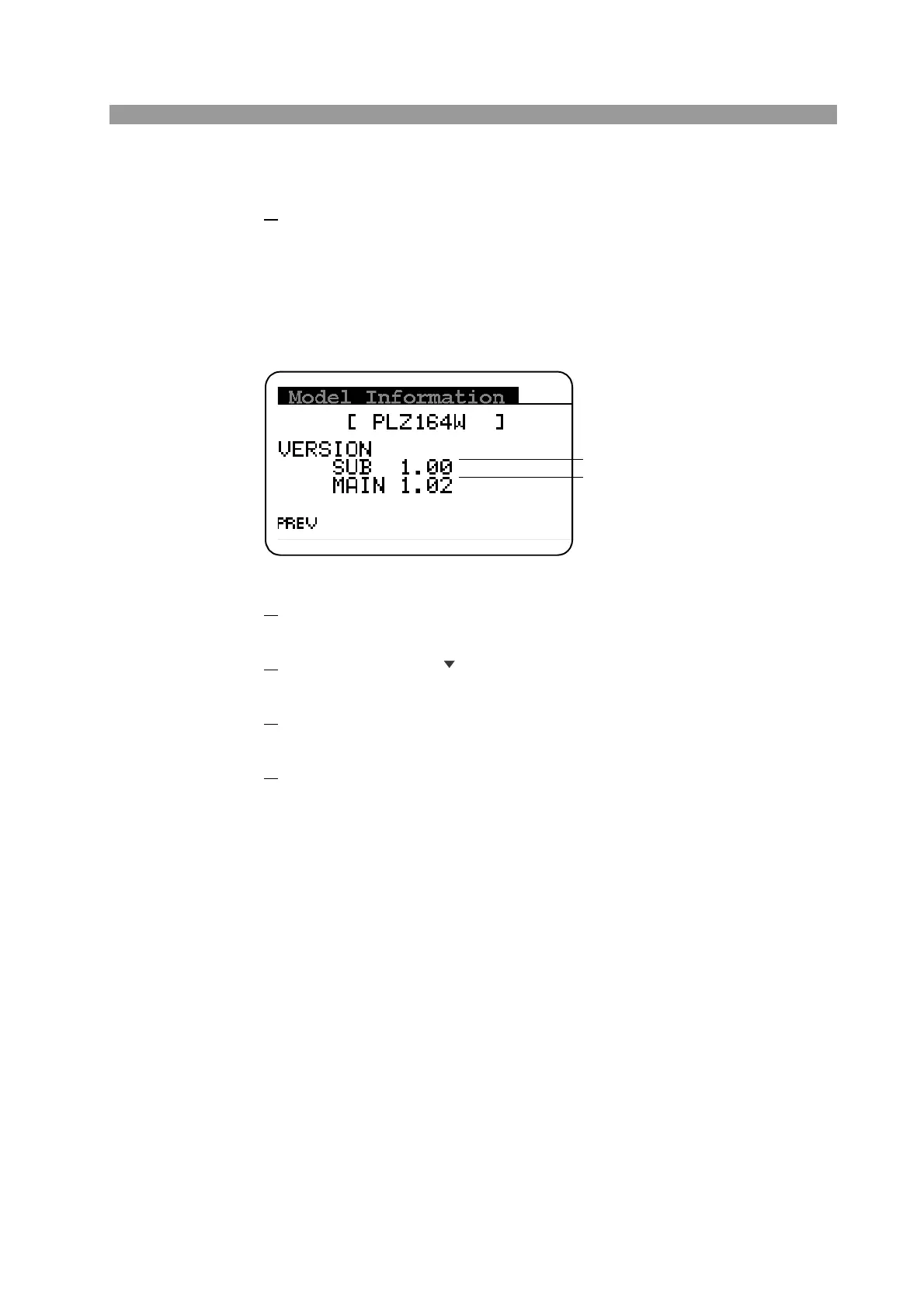
2.7 Checking the ROM Version
Fig. 2-5 Model Information screen (PLZ164W)
1.
Press the MENU (SHIFT+SET/VSET) key.
The menu screen is displayed.
2.
Use the CURSOR key to select 4. Model Info.
The selected section is highlighted.
3.
Press the ENTER key.
The Model Information screen of Fig. 2-5 is displayed.
4.
Press the MENU (SHIFT+SET/VSET) key to close the menu.
Firmware Version
ROM Version



 To Next Page