5-28 Basic Operation PLZ-4W
5.14 Initialization
The backup function of the PLZ-4W retains the current settings, menu settings, and
memory contents (ABC preset memories and setup memory) even when the
POWER switch is turned off. You can initialize the PLZ-4W settings to factory
default by carrying out the following operation.
• For a description of the ABC preset memories, see section 6.1, “ABC preset
memories.” For a description of the setup memory, see section 6.2, “Setup Mem-
ory.”
• For a description of the default menu settings, see Table 5-3.
• Use caution because the contents of ABC preset memories and the setup
memory are also cleared when the PLZ-4W is initialized.
■ Initializing the PLZ-4W
1. While holding down the ENTER key, turn on the POWER switch.
SET CLR appears when the display turns on.
Release the ENTER key when the next information appears.
The PLZ-4W settings are initialized.
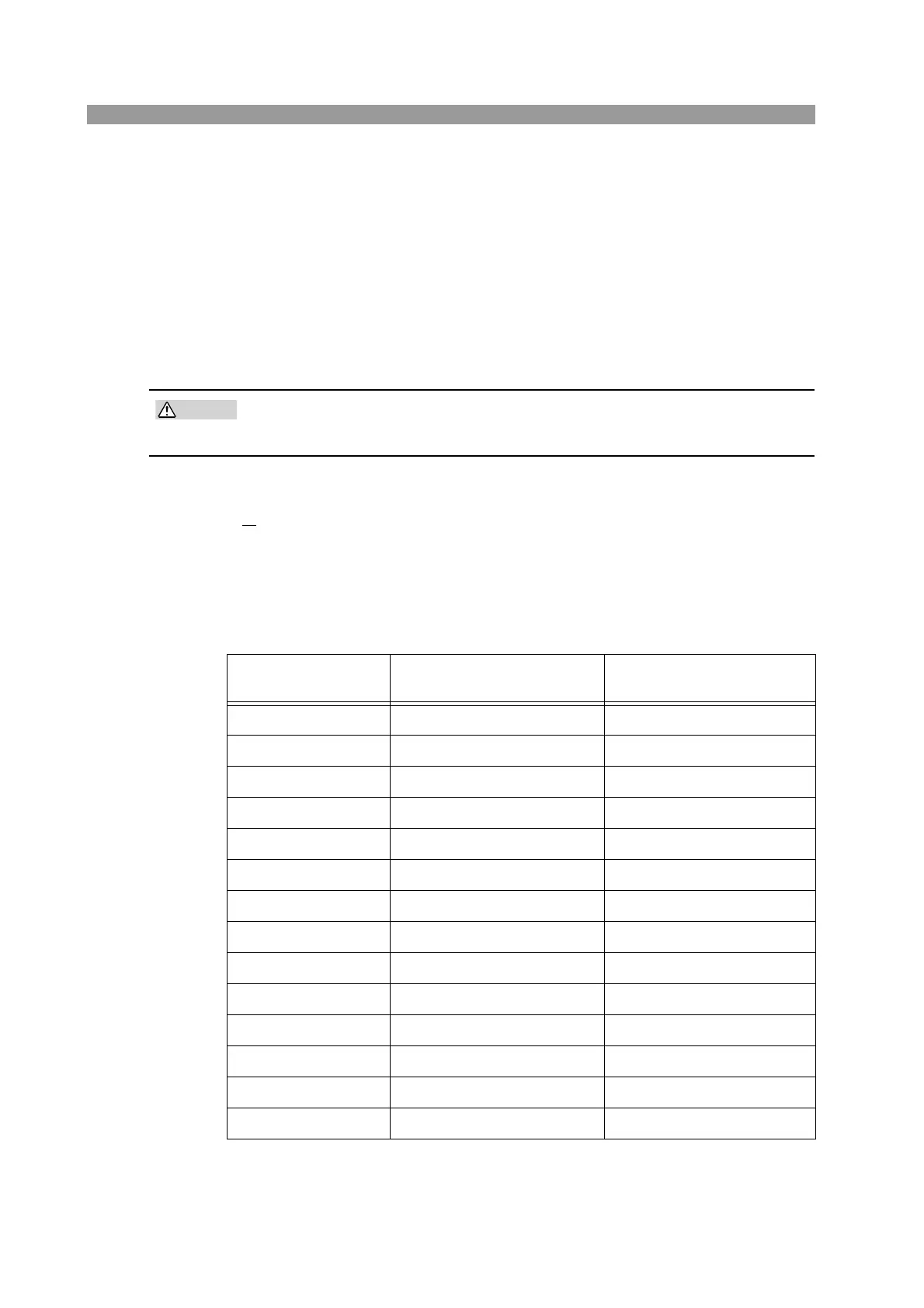
Table 5-3 Factory default settings
Item Panel settings
Setup memory settings
(all 100 sets)
OCP value Maximum value Minimum value
OPP value Maximum value Minimum value
UVP value OFF OFF
Current 0 A Full scale of H range
Conductance 0 S Full scale of H range
Voltage Minimum value Full scale of H range
Wattage 0 W Full scale of H range
Current range H H
Voltage range 150 V 150 V
Load on/off Load off Load off
Operation mode CC CC
Slew rate Minimum value of H range Maximum value of H range
ABC preset memories Settings above in each mode Settings above in each mode
Menu setup See Table 5-2. See Table 5-2.



 To Next Page