5-22 Basic Operation PLZ-4W
5.11 Lock Function
The PLZ-4W can be locked to prevent erroneous operation such as inadvertently
changing the settings or overwriting the memory or sequence. The functions that
can be used and those that cannot be used when the lock function is enabled are
indicated below.
Table5-1 Lock function
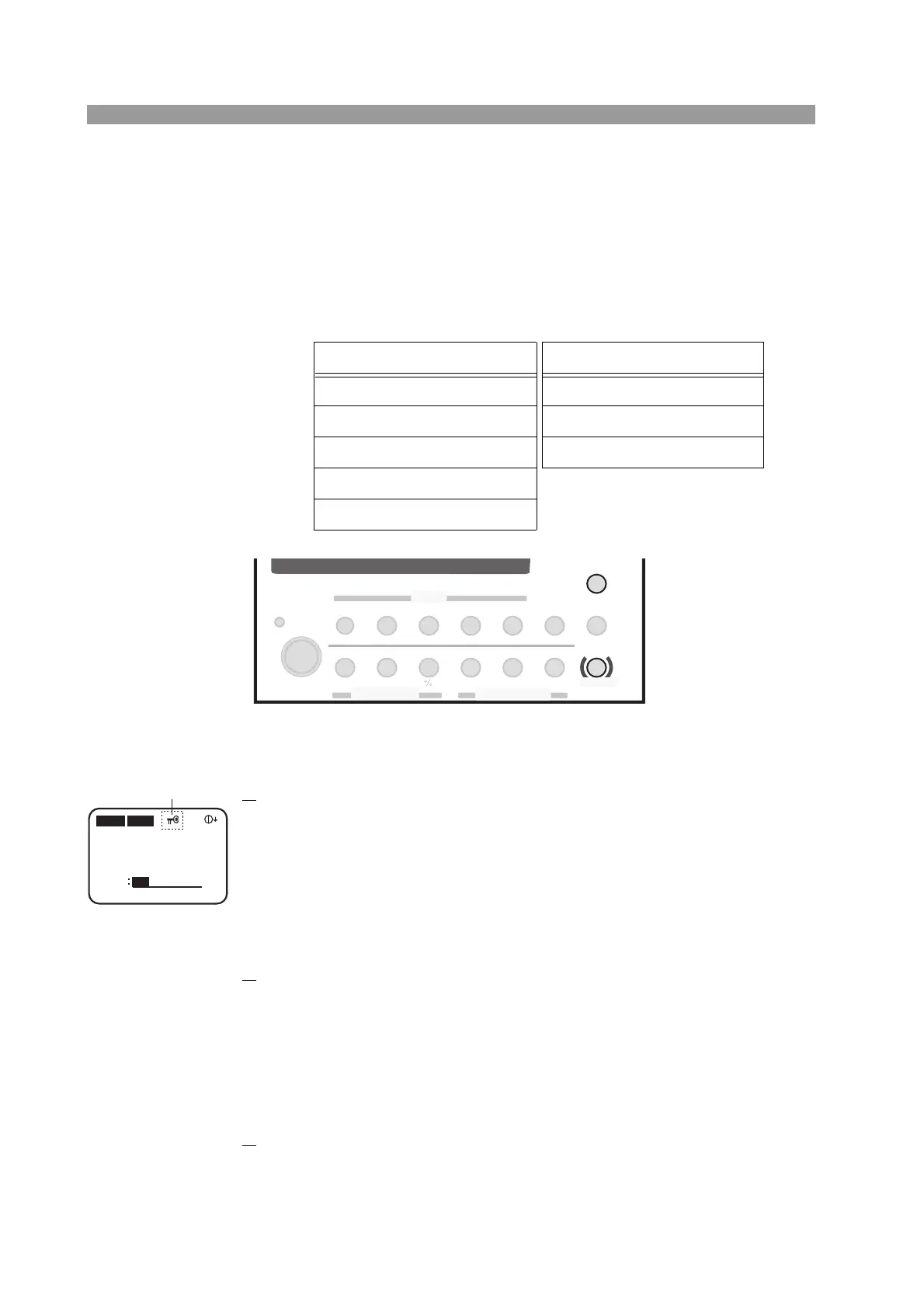
Fig. 5-11 Keys used in the lock function
■ Setting the lock
1. Set the lock.
Press the LOCK (SHIFT+LOCAL) key.
A key icon is indicated on the display, and the PLZ-4W is locked.
When locked, you can only carry out the following key operations: turn on or
off the load, execute sequences, recall ABC preset memories, recall setup
memories, and release the lock.
■ Releasing the lock
1. Release the lock.
Hold down LOCK (SHIFT+LOCAL) for a few seconds until a beep is heard.
The key icon clears, and the lock is released.
■ Locking the PLZ-4W at power on
By default, the PLZ-4W is not locked at power on. You can change the setting from
the menu so that the PLZ-4W is locked at power on.
1.
Check that the load is turned off.
Check that the LOAD LED is turned off. If the LED is illuminated, press the
LOAD key to cut off the current.
Functions that can be used Functions that cannot be used
Load on/off Setting change
Sequence execution Sequence construction
Lock set/clear Memory store (save)
ABC preset memory recall
Setup memory recall
SWITCHING
ENTER
SHORT
EDIT
SLEW RATE
RUN / STOP
UVP
PAUSE
STORE
RECALL
ABC
LOAD
Th/TL
FREQ / DUTY
MENU
PRESET
SEQ
I
LEVEL
VRANGE
RANGE
SW ON
+
CV
MODE
LOAD
SET / VSET
LOCK
LOCAL
SHIFT
ABC
OPP / OCP
0.00mA 0.000V
0.000W
CC
SLEWRATE
0.500
A
0.01
mA/μs
SET
H 33A 150V
Key icon



 To Next Page