6-26 Applied Operation PLZ-4W
■ Reediting and confirming the sequence
The program that you create is saved by the backup function even when the power is
turned off. To confirm or reedit programs you have created, select sequence edit
again.
1.
Select sequence edit.
Press the EDIT (SHIFT+A) key.
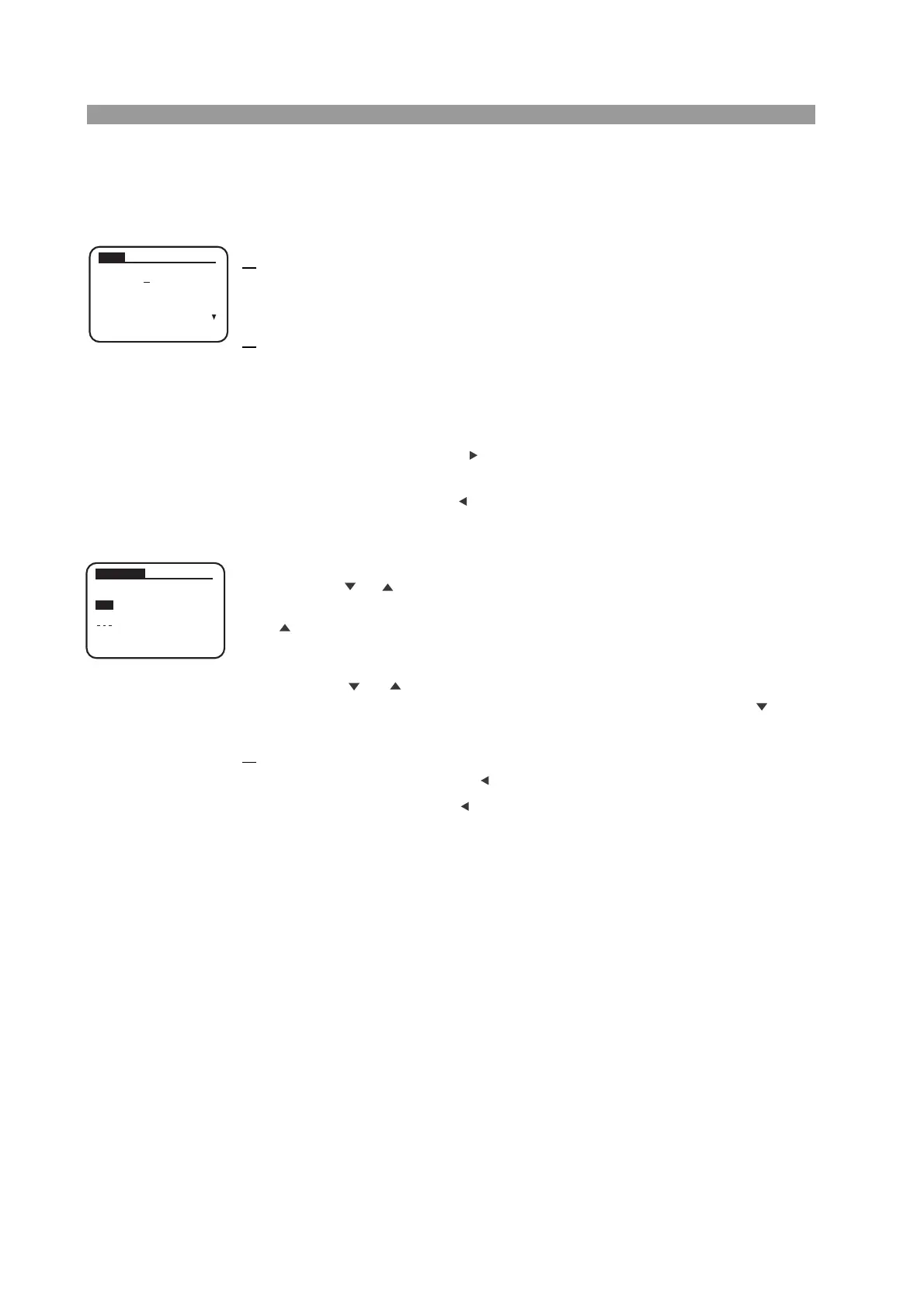
The program edit (SEQ) screen appears.
2.
Select the number of the program you wish to confirm or edit.
Turn the rotary knob to display the number of the program you wish to confirm
or edit.
When you select a program number, the corresponding program operation is
displayed.
Press the NEXT (SHIFT+ ) key or ENTER key to move to the next edit
screen.
Press the PREV (SHIFT+ ) to return to the previous screen.
Switch the screen as you like and confirm or edit the settings.
• Inserting steps
Press the or CURSOR key so that the step line below the line you wish to
insert is highlighted. When the step line is highlighted, press the INS (SHIFT+
) key. A new step line is inserted above the line where the cursor was.
• Deleting steps
Press the or CURSOR key so that the line you wish to delete is high-
lighted. When the step line is highlighted, press the DEL (SHIFT+ ) key.
The step line at the cursor position is deleted.
3.
Finish editing.
Pressing the PREV (SHIFT+ ) returns to the previous page.
Press the PREV (SHIFT+ ) key when the program edit (SEQ) screen is dis-
played to return to the screen before entering the sequence edit screen.
SEQ
PREV NEXT
No.
:
2
Memo
: Pro
g
ram
2
Mode
: NCC
Loop
: 0001
Ran
g
e
: 33A, 150V
SEQ EDIT
PREV NEXT
001 10.000
A
CC SET
[
A
]
002 5.000
A
003 8.000
A
END
TOTAL
003



 To Next Page