2-16 Installation and Preparation PLZ-4W
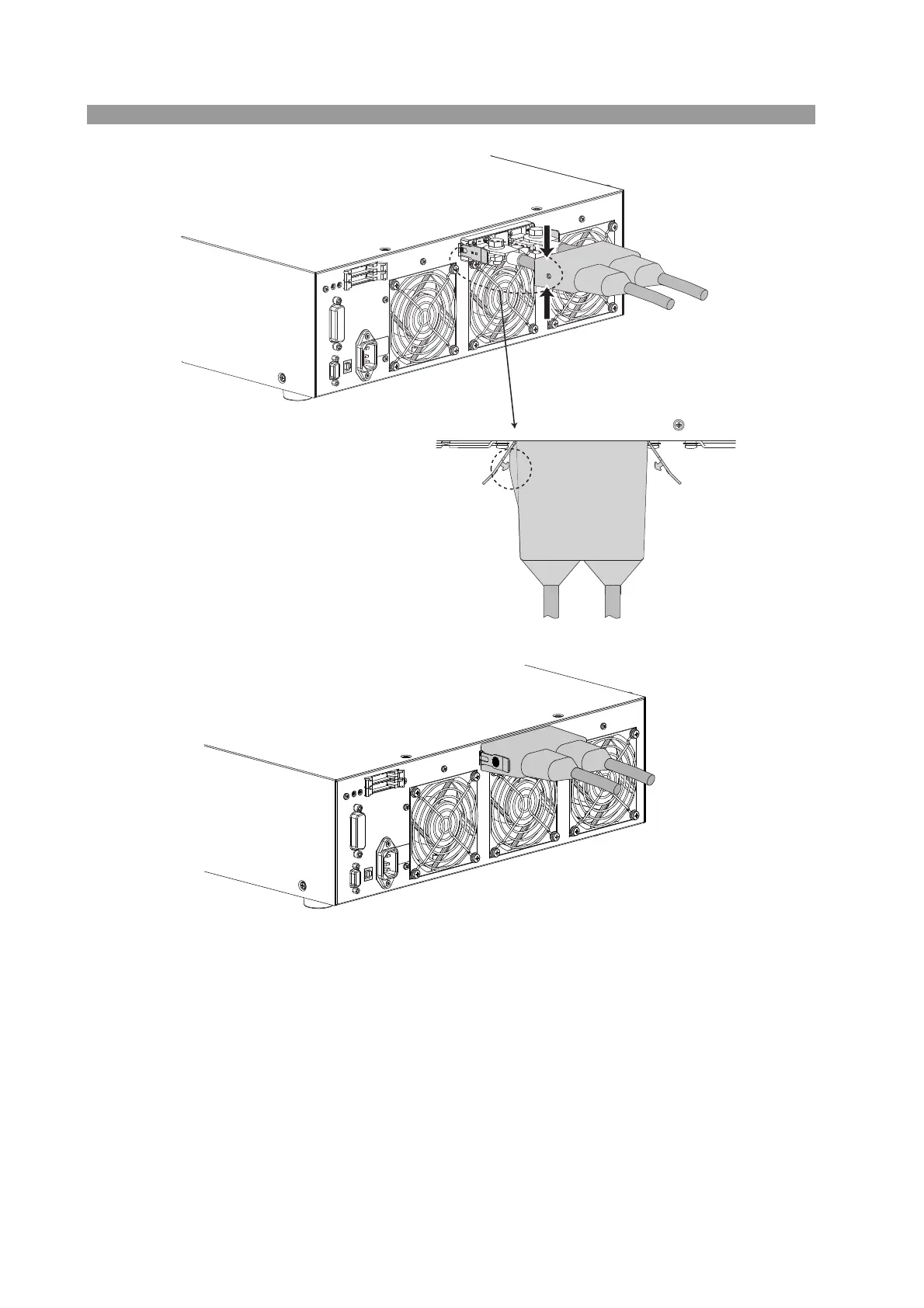
Fig. 2-15 Attachment of the load input terminal cover
Removing the load input terminal cover.
Open the lock plate left and right, and remove the pin from the hole of the cover.
Move the cover until the edge touches the
panel, and pinch the section indicated by
the arrow to raise the side surface.
With the side surface of the cover
raised, insert the lock plate pin into the
hole.
Top view
Check that the left and right lock plate
pins are securely inserted in the cover
holes.



 To Next Page