4-10 Names and Functions of Parts PLZ-4W
[13] LEVEL/% key
LEVEL
Sets the switching level in switching operation. This key illuminates when you can
change the switching level.
%
Pressing this key while holding down the SHIFT key (SHIFT+LEVEL) enables you
to set the switching level in terms of a percentage (0.0 % to 100.0 %) of the current
setting. This key illuminates when you can change the switching level. You cannot
select the switching level in CV or CP mode.
[PRESET/SEQ]
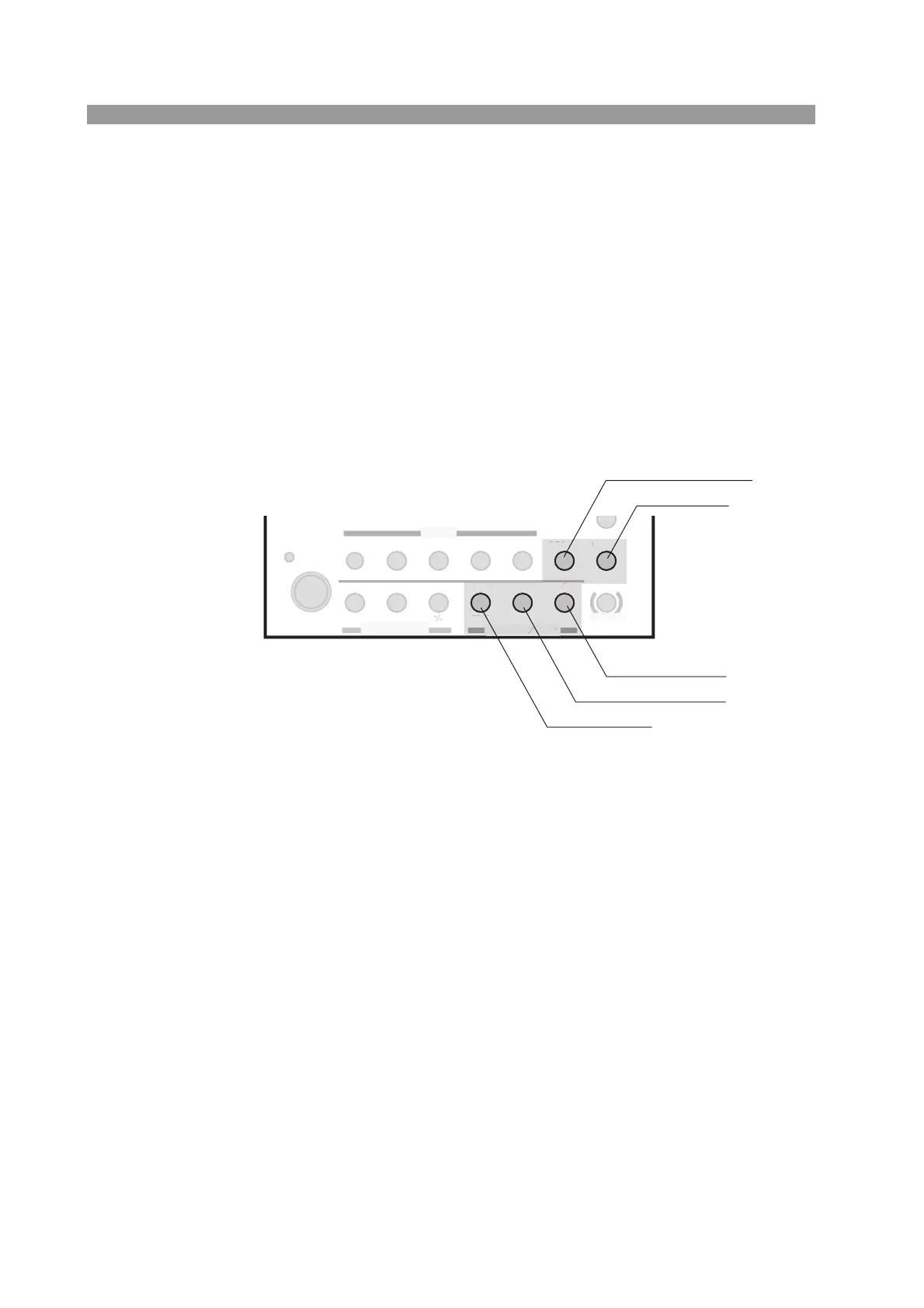
Fig. 4-6 Operation panel (PRESET/SEQ)
[14] RECALL/STORE key
RECALL
Recalls the panel settings saved to the setup memory. You cannot select this key
when the load is turned on.
• For details, see section 6.2, “Setup Memory.”
STORE
Pressing this key while holding down the SHIFT key (SHIFT+RECALL) saves the
current panel settings to the setup memory.
SWITCHING
ENTER
SHORT
EDIT
SLEW RATE
RUN / S TOP
UVP
PAUSE
STORE
RECALL
ABC
LOAD
Th/TL
FREQ / DUTY
MENU
PRESET
SEQ
I
LEVEL
VRANGE
RANGE
SW ON
+
CV
MODE
LOAD
SET / VSET
LOCK
SHIFT
ABC
OPP / OCP
[16] A/EDIT
[17] B/RUN STOP
[18] C/PAUSE
[15] ENTER
[14] RECALL/STORE
N
T
RE
AB



 To Next Page