4-21
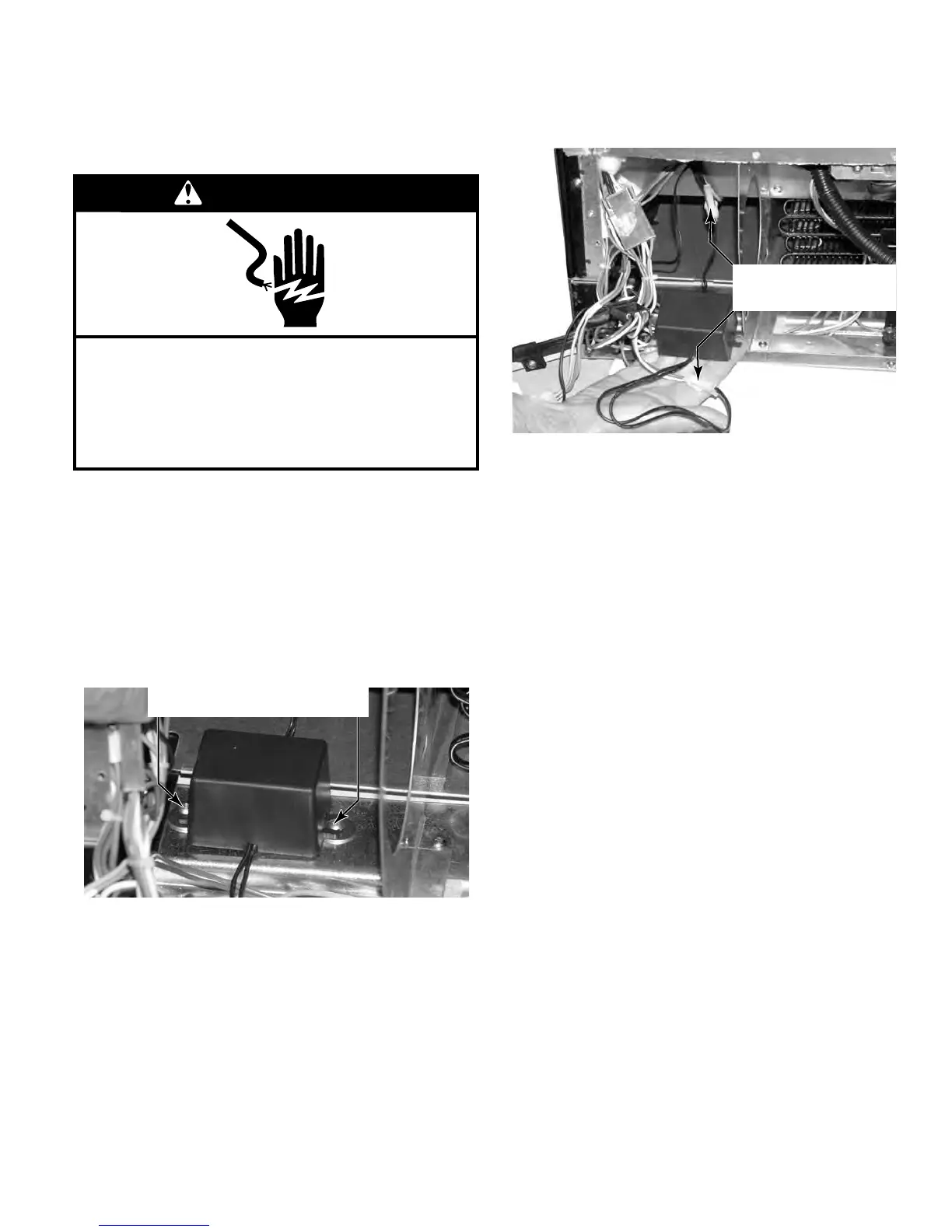
Disconnect the two wire connectors from the
temperature display transformer to remove
it.
5.
Remove the unit compartment cover (see
page 4-15)
Remove the drain pan (see page 4-19)
Remove the condenser fan (see page 4-20)
Remove the two screws that secure the tem-
perature display transformer to the unit.
1.
2.
3.
4.
REMOVE TEMPERATURE
DISPLAY TRANSFORMER
WARNING
Electrical Shock Hazard
Disconnect power before servicing.
Failure to do so can result in death or
electrical shock.
Replace all parts and panels before operating.
Remove Two Screws
Disconnect Two
Wire Connectors


 To Next Page