E3-24 Statex III Electrical Checkout Procedure 2/02 E03012
3.0 ANALOG INPUT SIGNALS TEST - FL275 CARD PANEL
The PTU will be used to test analog inputs to the FL275 panel analog I/O Card, to verify proper truck
wiring, control panel wiring and component operation.
• Connect PTU at control cabinet as described previously.
• Turn PTU On and type “
gemenu3e
” (or “
gemenu
”) at the DOS “C:>” prompt. Press [ENTER].
3.1 Setup Analog Input Monitor Screen on PTU
1. With control power On, select “PTU TALK TO TRUCK” on GE OHV STATEX III MENU. Press
[ENTER] key.
2. At “Enter your name:” type your name. Press [ENTER] key.
3. At “Enter your password:” type your password. Press [ENTER] key.
4. The GE STATEX III PTU MAIN MENU should appear on the screen.
5. Move cursor to select “NORMAL OPERATION”. Press [ENTER] key.
a. A screen will appear that states: “Selection of NORMAL OPERATION gives truck control to
the driver. Continue?”
b. With the cursor next to “Yes”, press [ENTER].
6. The NORMAL OPERATION MENU should appear on the screen.
7. Move cursor to select “MONITOR ANALOG INPUT CHANNELS”. Press [ENTER] key.
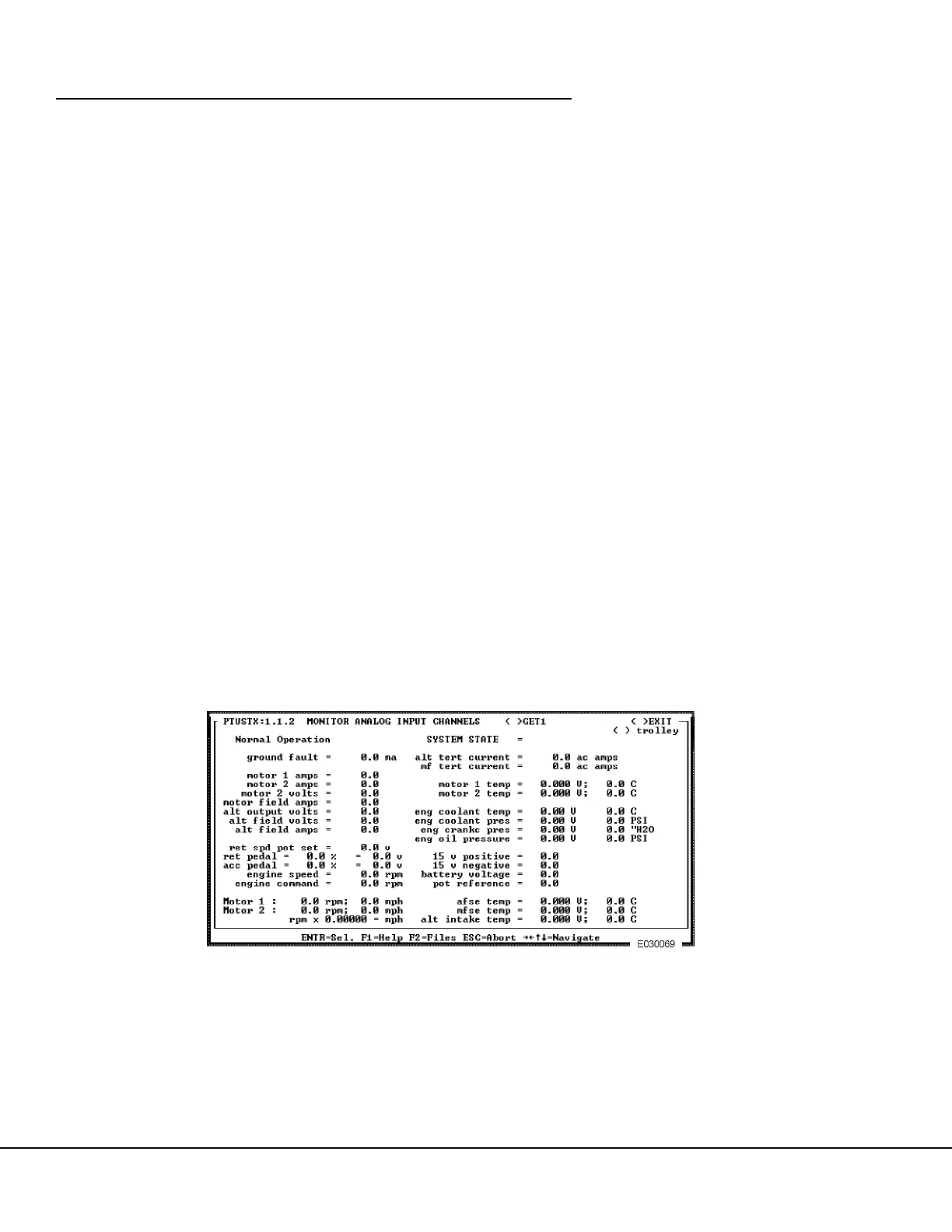
8. The MONITOR ANALOG INPUT CHANNELS screen, Figure 3-10. should appear.
FIGURE 3-10. MONITOR ANALOG INPUT CHANNELS SCREEN



 To Next Page