.
OPERATION
DETAILED CONTROLS AND GAUGES
OPERATION
DETAILED CONTROLS AND GAUGES
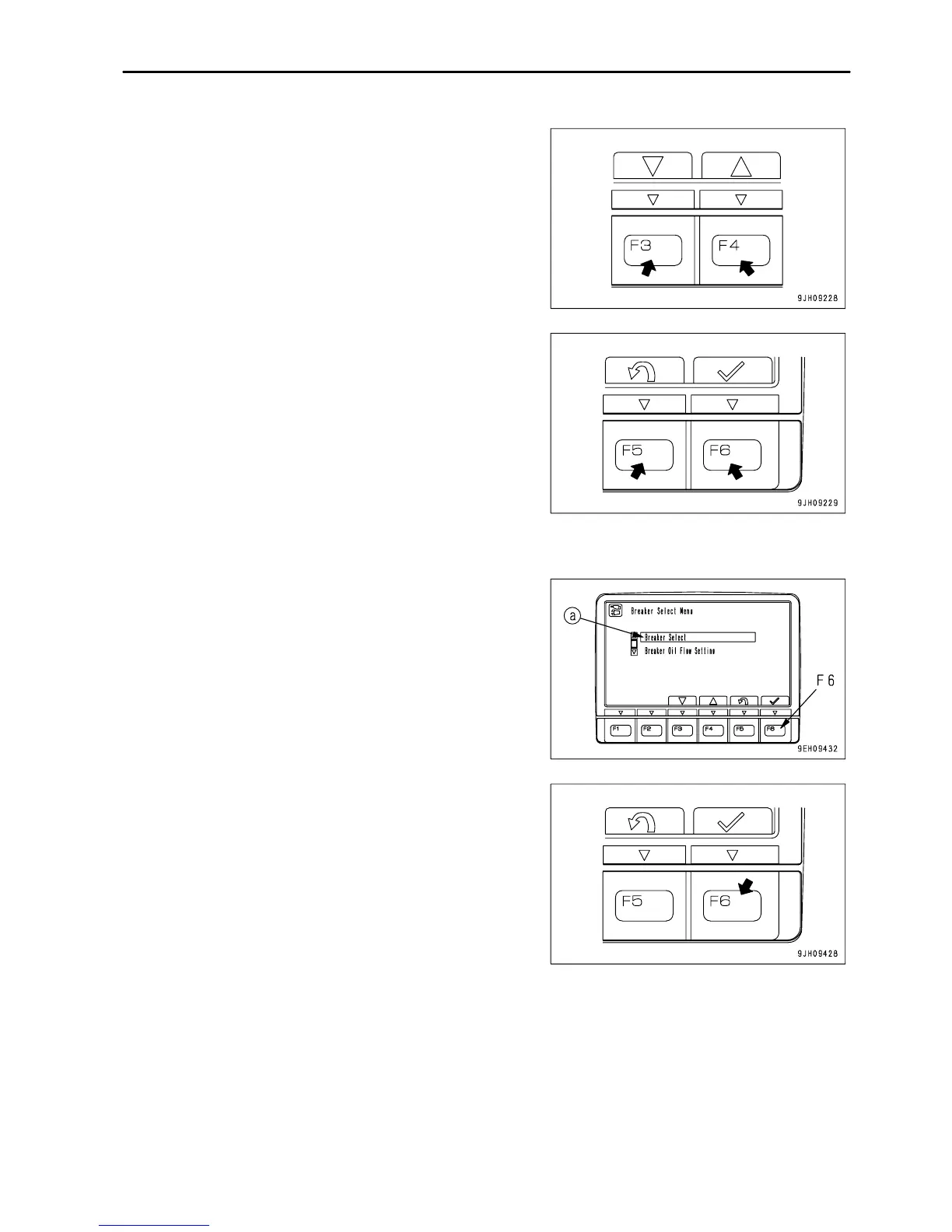
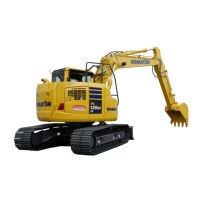
On the Breaker Select Menu screen, it is possible to carry out the
following operations with switches F3 - F6.
F3: Moves to next item (1 line down).
F4: Moves to previous item (1 line up).
F5: Returns to previous screen.
F6: Switches to setting screen for selected item.
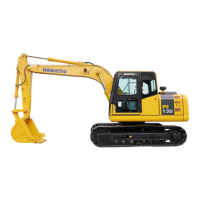
Changing breaker setting selection
1.
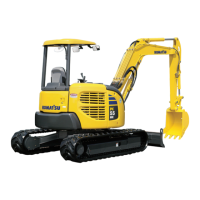
Select breaker setting selection (a) on the breaker setting
menu screen, then press switch F6.
3 - 45










 To Next Page