.
OPERATION
DETAILED CONTROLS AND GAUGES
OPERATION
DETAILED CONTROLS AND GAUGES
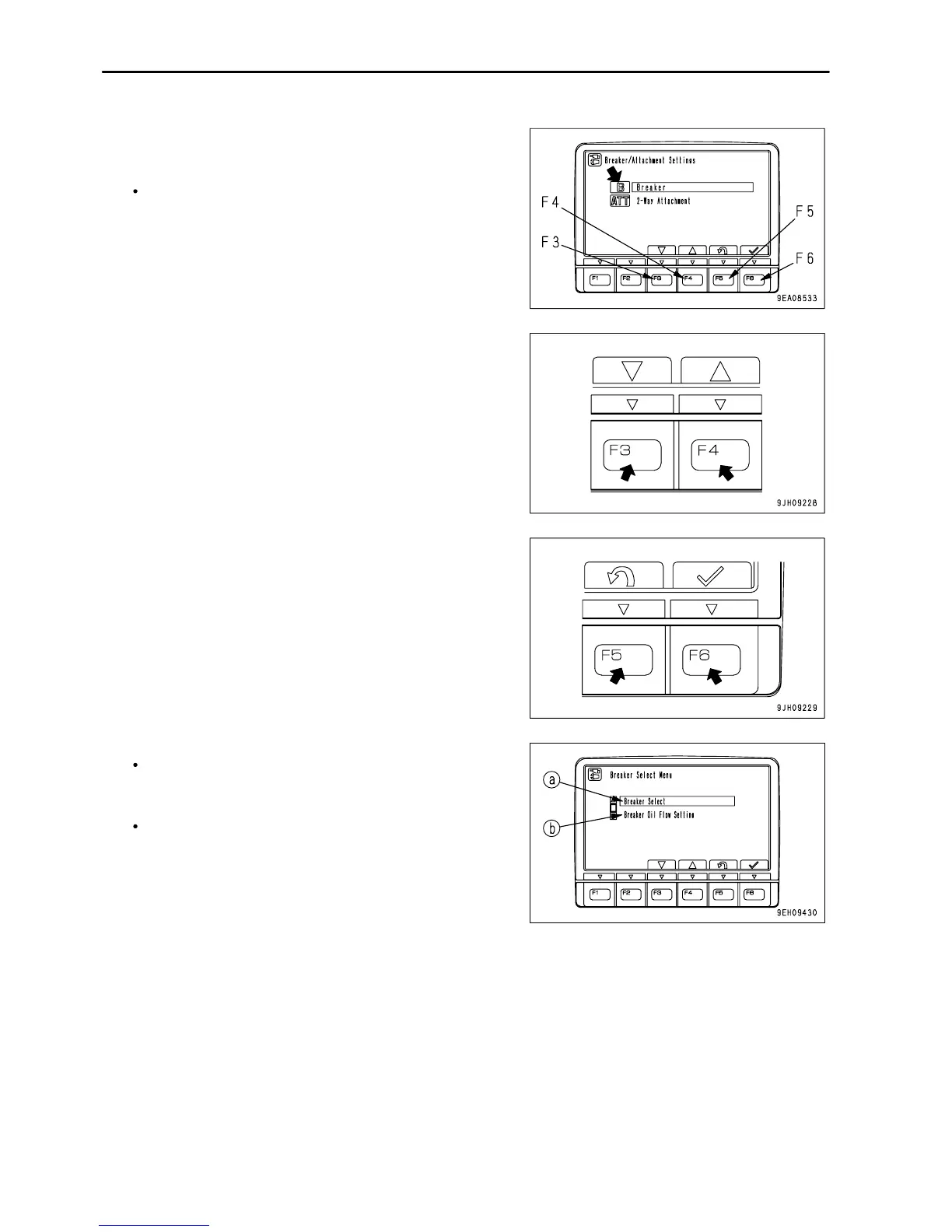
3. On the working mode selection screen shown on the right,
select B Breaker and press switch F6.
On the working mode selection screen shown on the right,
it is possible to carry out the following operations with
switches F3 to F6.
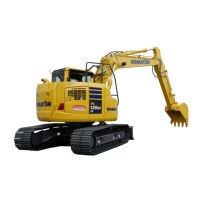
F3: Moves to next item (1 line down).
F4: Moves to previous item (1 line up).
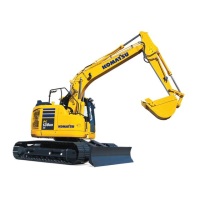
F5: Returns to user menu screen.
F6: Switches to setting screen for selected item.
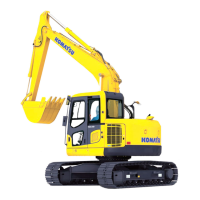
4. The screen switches to the Breaker Select Menu.
Breaker setting selection menu
In breaker Select (a), the oil flow to be set in B mode can be
set to one of two set values.
Breaker flow setting menu
In the breaker flow setting (b), the oil flow to be set in B mode
can be changed.
3 - 44




 To Next Page