.
OPERATION
DETAILED CONTROLS AND GAUGES
Maintenance Interval Monitor
This monitor (2) lights up when the maintenance time gets close
and remains lighted after the maintenance time has already
passed.
Lighted yellow: The maintenance time is due within 30 hours.
Lighted red: The maintenance time has already passed.
This monitor lights up when the starting switch is turned to the ON
position. It goes off after 30 seconds and the display changes to
the normal screen.
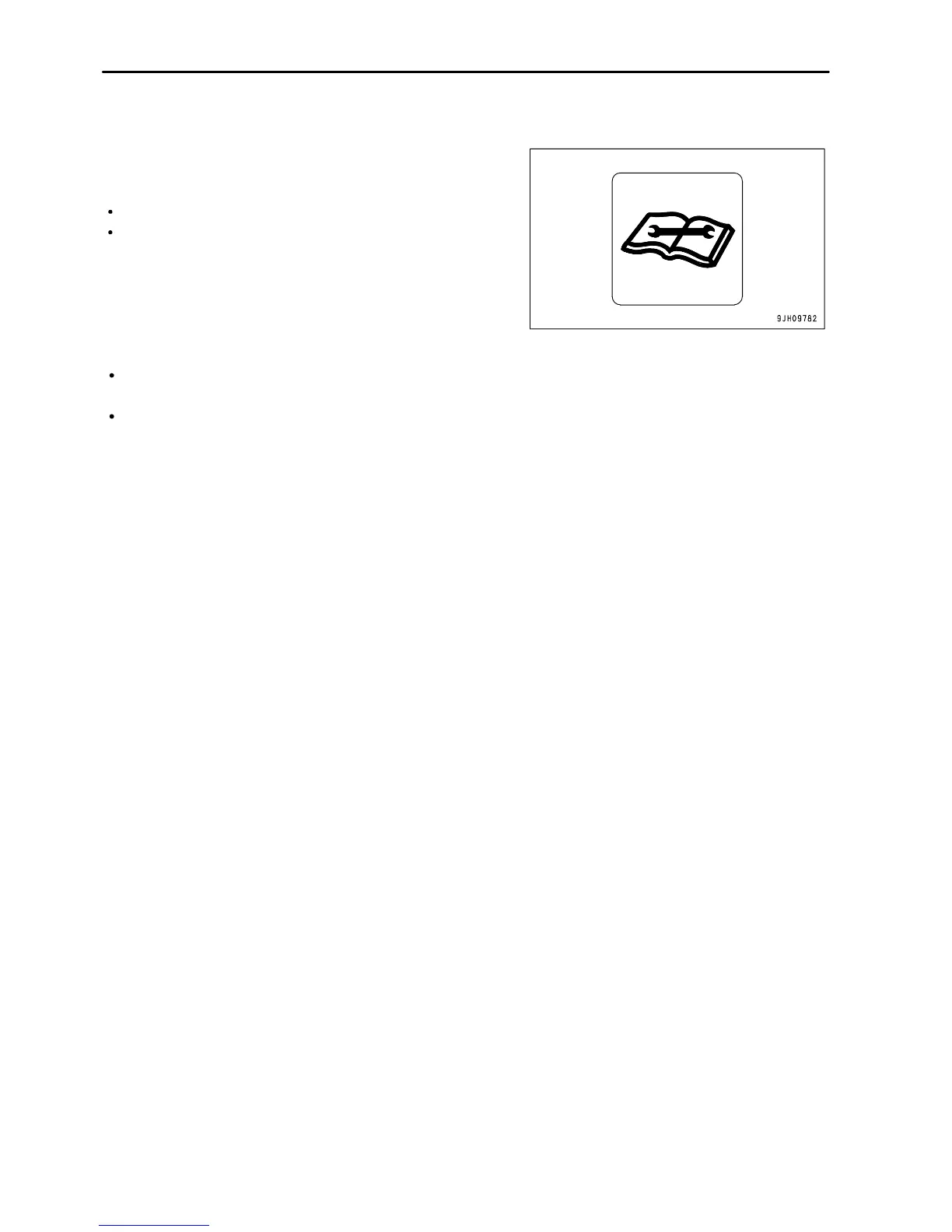
REMARK
For details of the method of confirming the maintenance
interval, see "Maintenance Selector Switch (PAGE 3-38)".
If it is desired to change settings for the maintenance interval,
have your Komatsu distributor change the settings.
3 - 16



 To Next Page