24
Operating Instructions 10/2020 2010045v10
7 Service area
7.1 Service menu
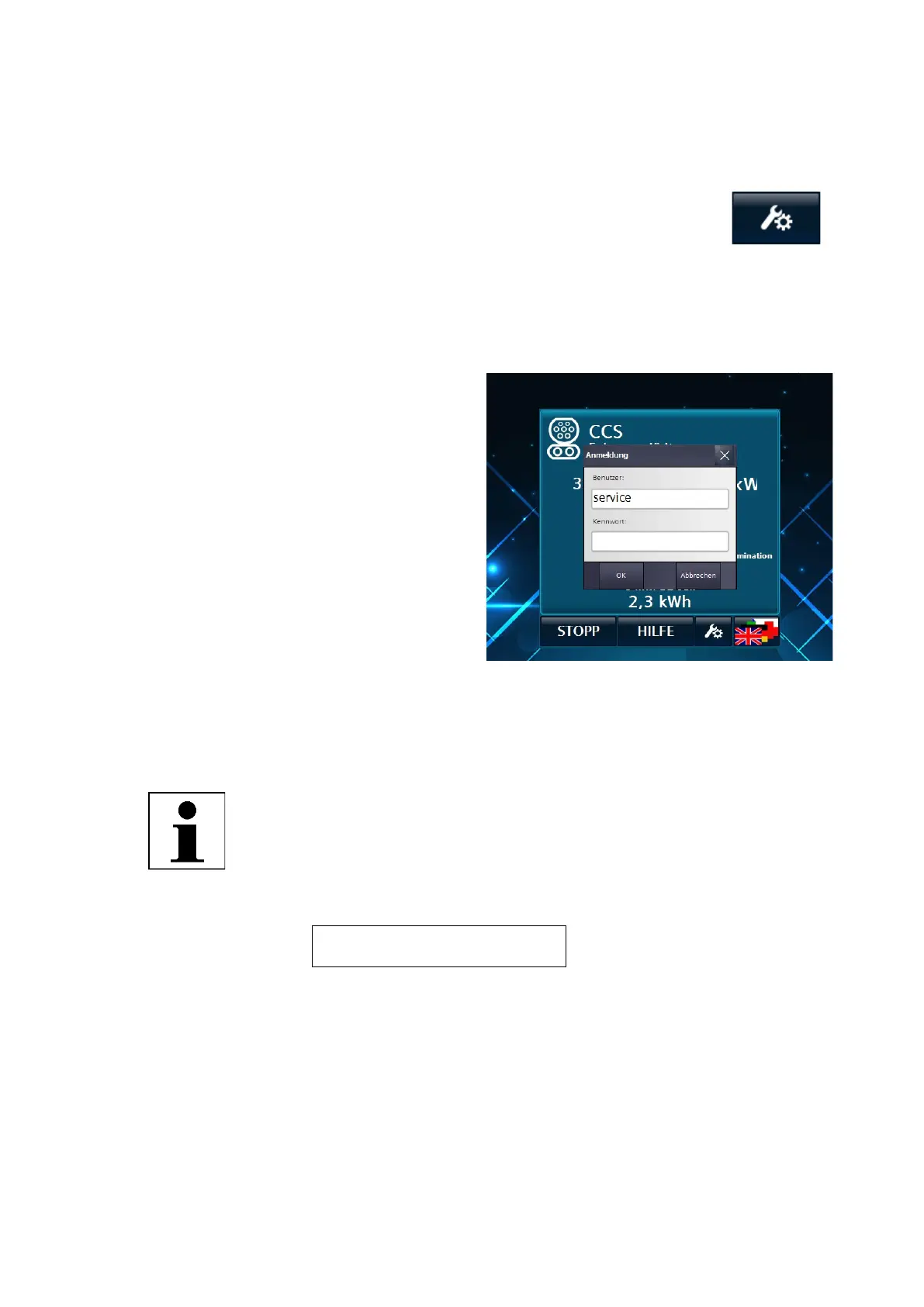
The access button to enter the service area can be found on the menu bar of the main
view, the dedicated error pages (e.g. EMERGENCY STOP Active) or the start screen.
Selecting the access button opens a login dialogue
window in which you must enter your login
information in order to access the service area.
The user name is not case-sensitive.
The time display (in the user screen below) is only
shown after a restart after the first successful
synchronisation.
You are currently offered two display languages in
the service area. They are set automatically when
you enter the service area. If the display language
in the user area is set to German, German is
selected as the service language. If another
language is selected, English is selected as the
service language.
By pressing the button to change the display
language, you can select the desired display
language.
When exiting the service menus, the display
language set before entering the service menu is
automatically set.
NOTE
Access Service Menu
The default user name and the default password are provided to the
operator by the manufacturer by default and must be changed by the
operator immediately.
For more information, see chapter "User 7.9 (page 36)".
Username: operator
Password: Oa2020!
Fig 23: Prompt to enter new password/user name


 To Next Page