41
Operating Instructions 10/2020 2010045v10
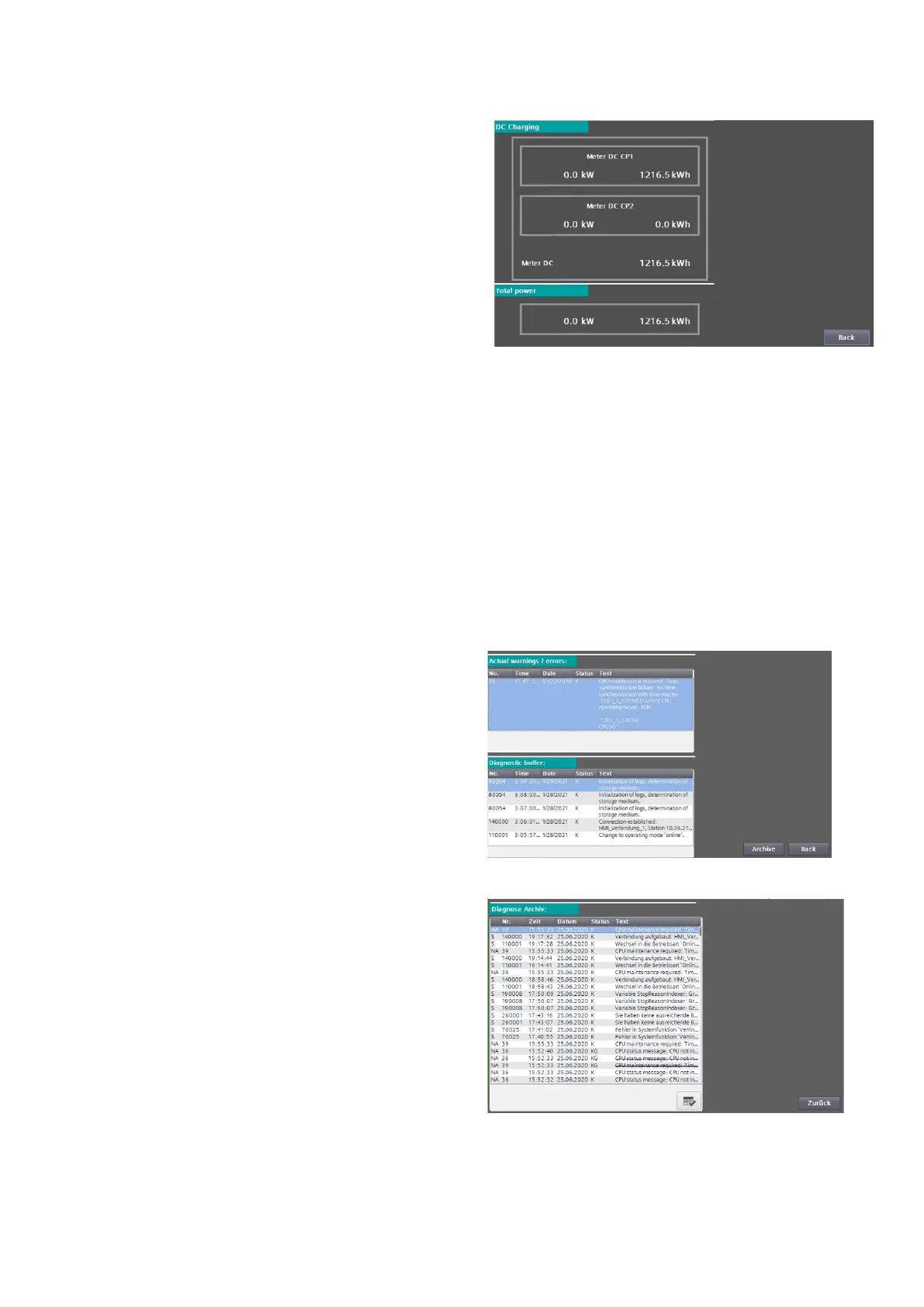
7.13 Energy metering
The "Energy measurement" menu shows you the
current power and the amount of energy
transferred per charging point and in total since the
charging station was commissioned.
7.14 Diagnosis
The service area Service area "Messages" shows
system and hardware-related messages. Pending
errors and warnings are listed in the upper area,
old messages from a buffer in the lower area.
If a customer SD card is inserted, you can open a
message archive on the SD card via the <Archive>
button. This archive is also available after a restart
or after a software update of the display. This is a
circulation archive that is saved in csv format.
The message archive is primarily intended for
support assistance by the manufacturer. Press the
<Back> button to return to the basic menu.
Fig 48: Display of the diagnostic data
Fig 47: Energy measurement menu
Fig 49: Display of the message archive data


 To Next Page