25
Operating Instructions 10/2020 2010045v10
7.1.1 Basic menu
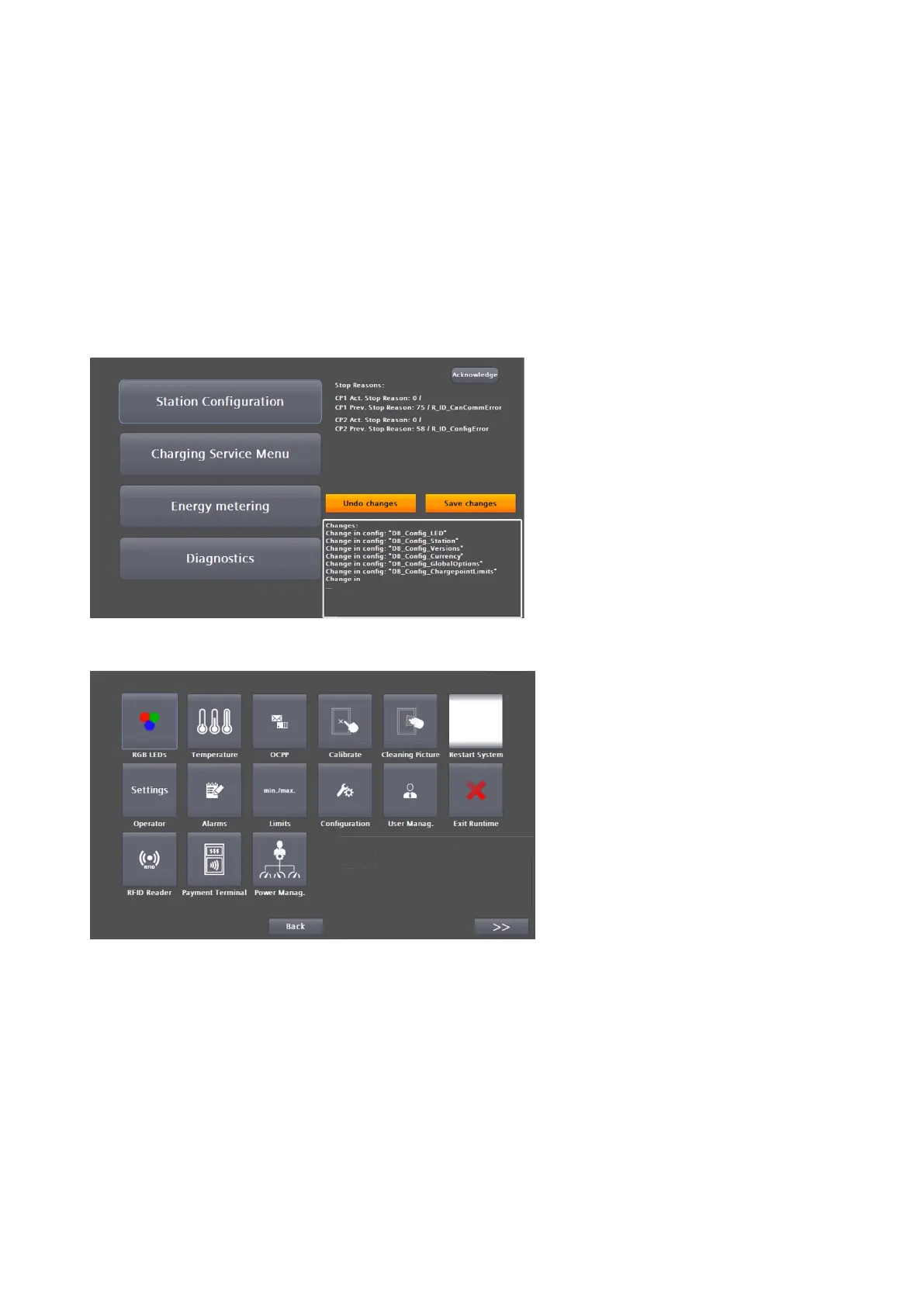
After successful login, the basic menu opens.
The upper 4 buttons lead to deeper menu structures, which are described further in the sub-chapters of the
same name.
The "Exit Service Menu" button takes you back to the main view and the current user is automatically logged
out. Re-entering the service area requires a new login.
In the service menu "Station configuration" you can make various settings. The possible settings and
parameters are described below. Press the Back button to return to the basic menu.
Fig 25: Station configuration


 To Next Page