23
Operating Instructions 10/2020 2010045v10
6.8.12 Help display for the user
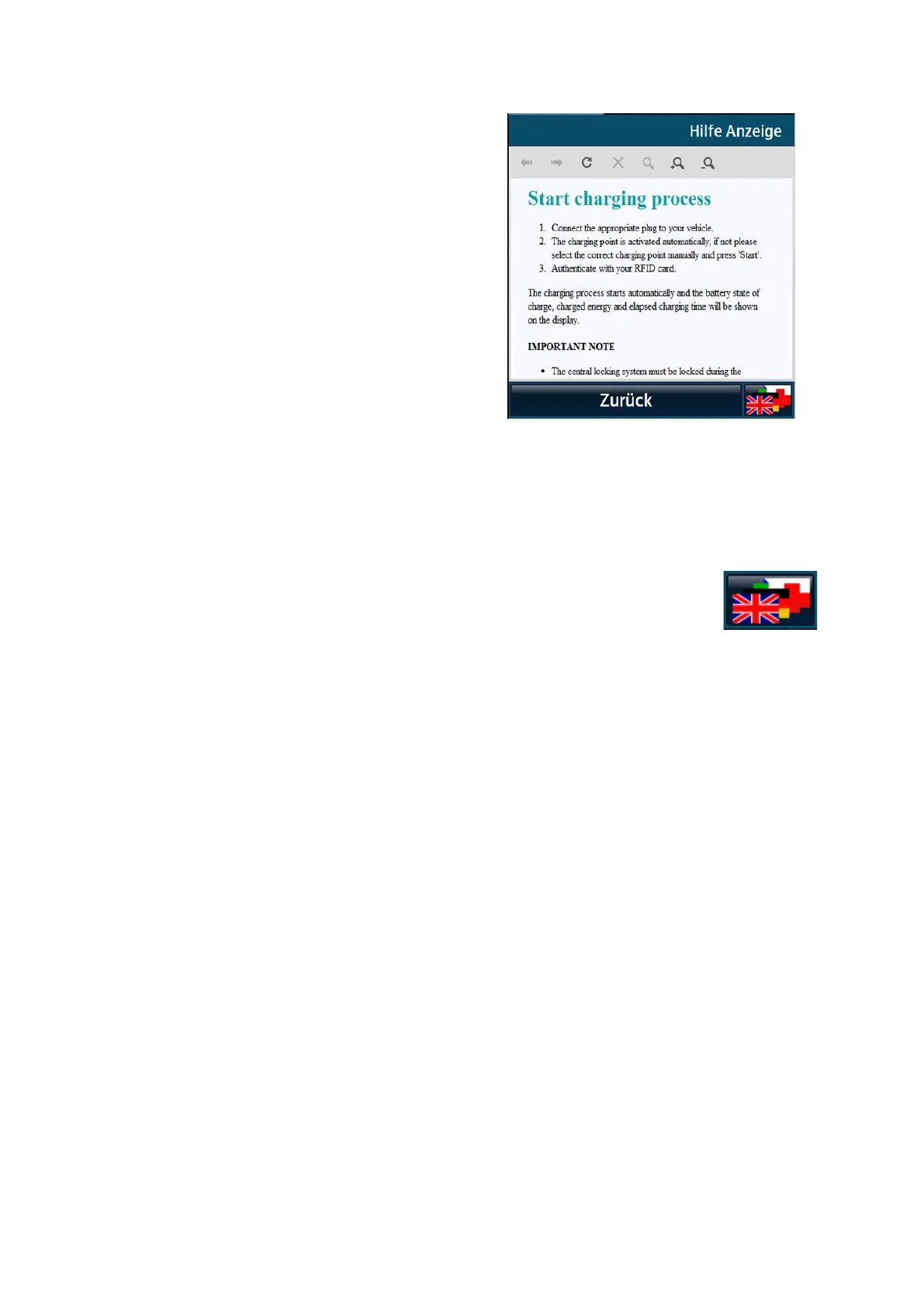
Short help texts are available in the main menu to
explain how to operate the unit. You can call up the
displays by pressing the "Help" button. Press the
"Back" button in the menu bar to close the displays.
You are returned to the previously opened page.
Navigation (scrolling) is made possible by the
touch functionality of the display.
6.8.13 Changing the display language
Pressing the button to change the display language opens a pop-up for display language
selection.
All available display languages are shown in the selection field with the respective language abbreviation, ISO
designation and with language abbreviations (endonyms) to distinguish the local designations endonym.
You can select the desired display language.
After selection, the back button takes you back to the previous display. The display language is changed to
the language now selected. The display language can be changed from any view.


 To Next Page