▪ Click the Fill color button to change the button color.
▪ Change the button Icon and select its Color.
▪ Click Show/Hide to show or hide the frame.
▪ Enter Border Width to change the button border width (or use up/down arrows).
▪ Click border Color button to select border color.
▪ Enter Border Radius to change the border edge radius (or use up/down arrows).
7. Click Save Changes.
This button is configured.
Modifying Text
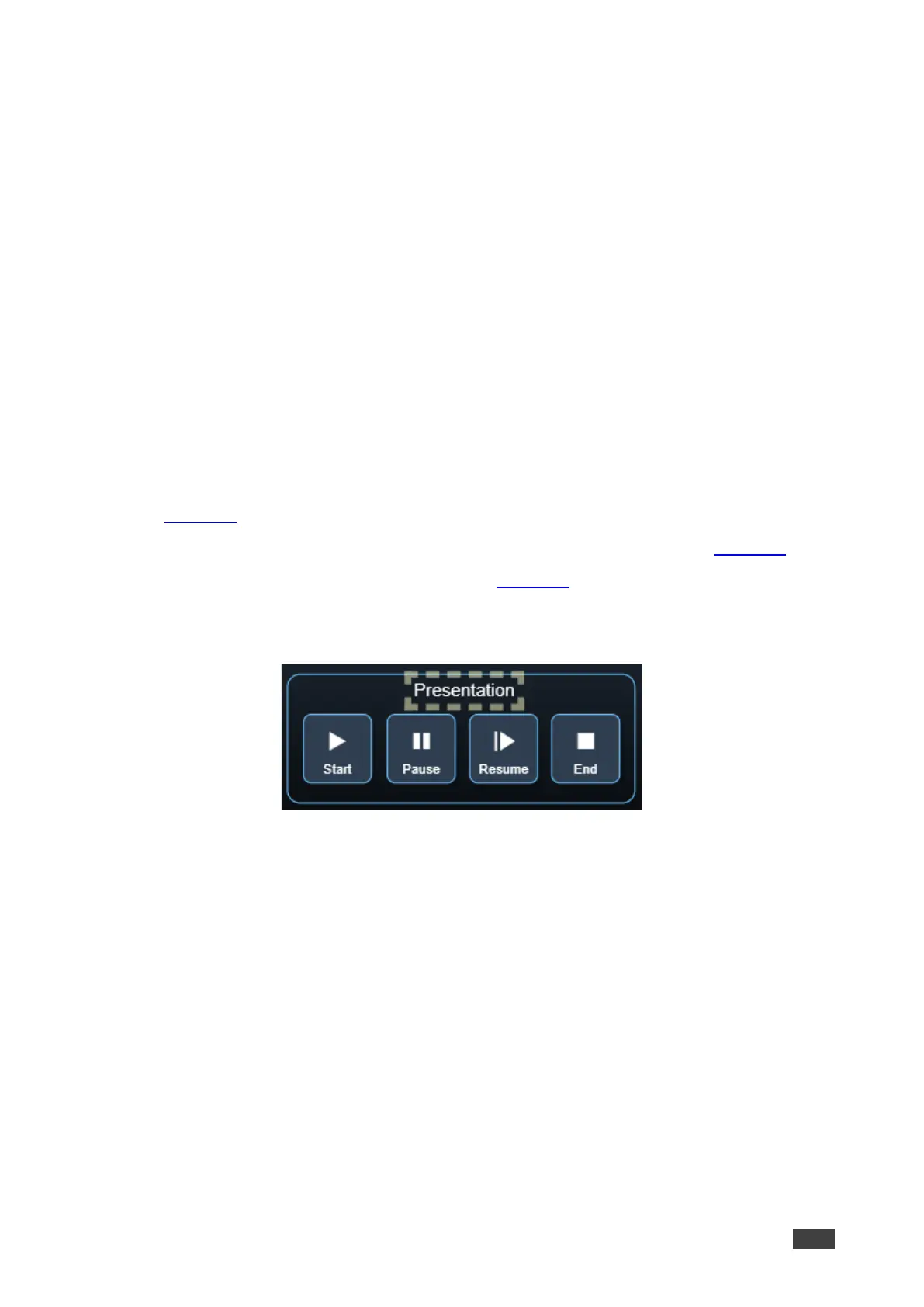
The Maestro Control panel includes Text (for example, Presentation). You can modify a
button, using the Panel Edit tab.
To modify the text:
1. In the Navigation pane, click Automation. The Automation page appears (see
Figure 39).
2. Click the Panel tab. The VS-411XS Maestro Control panel appears (see Figure 43).
3. Click Edit. Edit Panel window appears (see Figure 44).
4. Click the relevant Text Field, for example, Presentation (in this example, Presentation
appears in the Object List).
Figure 47: Edit Panel – Text Field Selected



 To Next Page